Guide
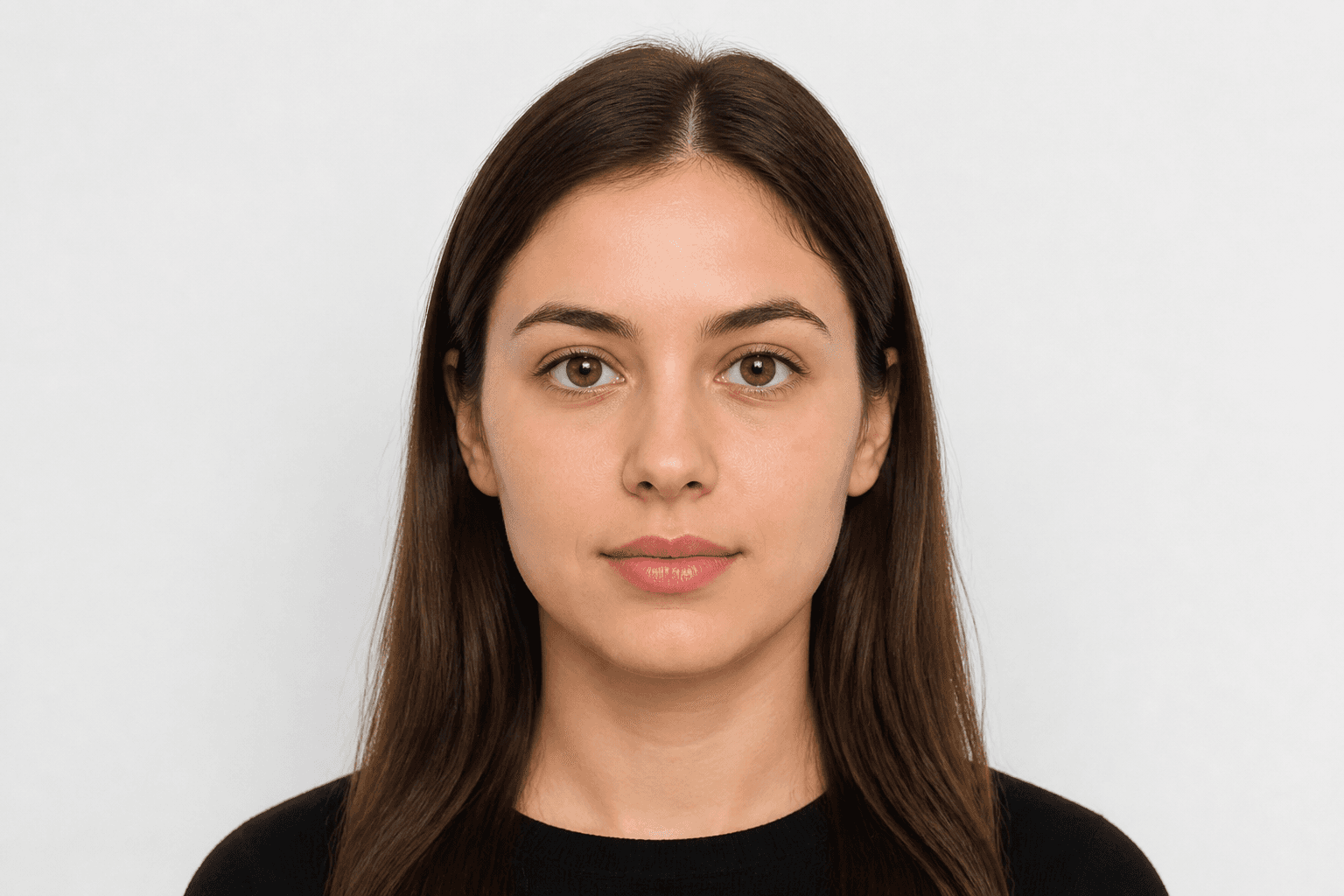
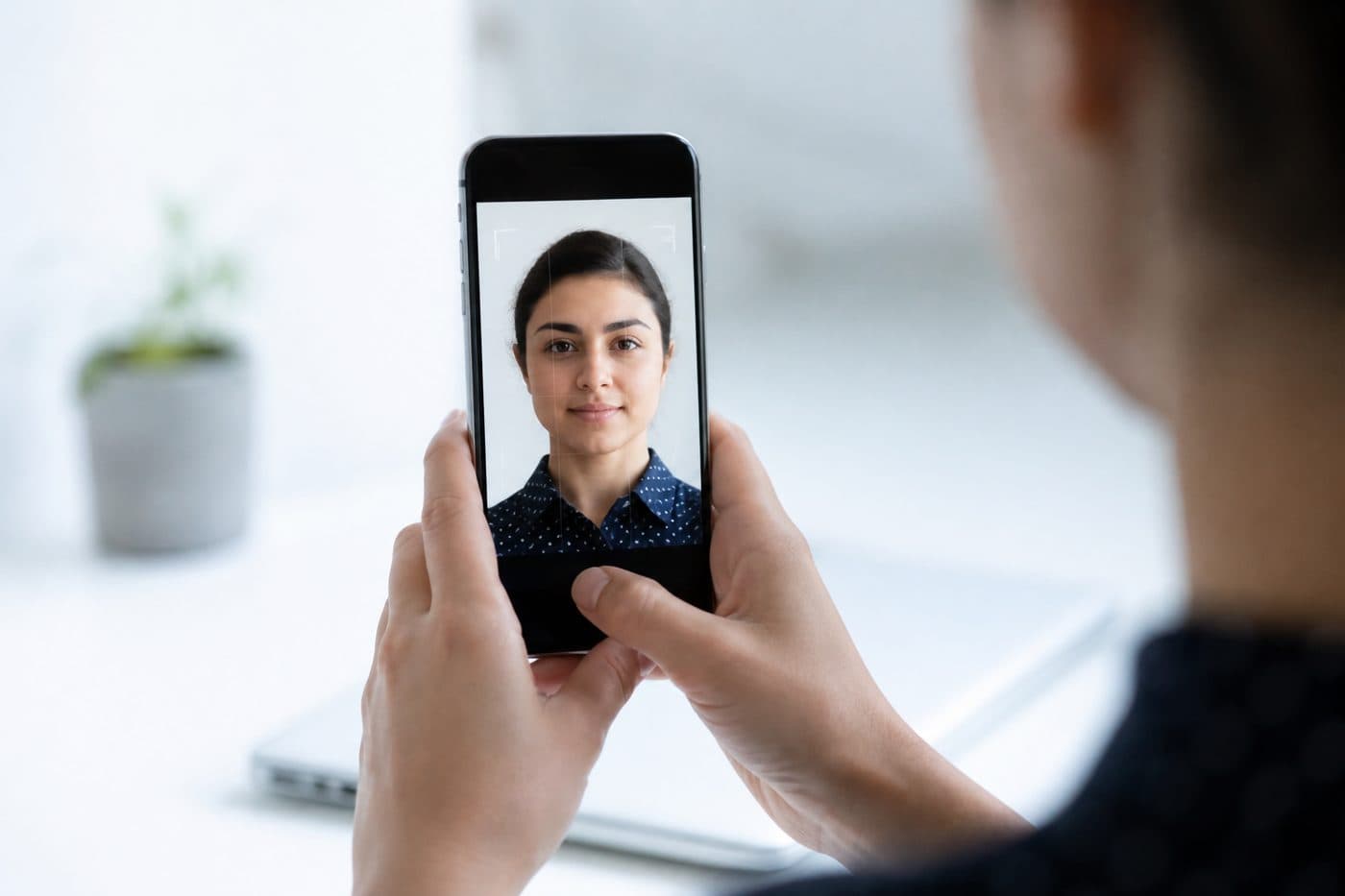
Foto per il passaporto con il telefono: guida completa
Impostazioni iPhone e Android, consigli di inquadratura ed errori comuni nello scatto di foto per documenti.
5 min di lettura
TelefonoiPhoneAndroid
Impostazioni della fotocamera
Disattiva l’HDR: una luminosità estrema distorce i toni della pelle. Evita il flash per non avere riflessi e occhi rossi.
Usa il nostro Svizzera Passaporto con IA per ritagliare l'immagine in 3 secondi.
Tieni alta la risoluzione. JPG o HEIC vanno bene; lo strumento esporta un file pronto per la stampa.
Requisiti ufficiali della foto
35 × 45 mm
- Formato documento applicato
- Allineamento del volto verificato
- Sfondo preparato
Dimensioni
35 × 45 mm
Sfondo
Grigio chiaro
Foto digitale
413 × 531 px


Errori comuni
Sfocatura, ombre o oggetti sullo sfondo e capelli che coprono il viso causano spesso un rifiuto.
Non cancellare lo sfondo a mano: usa la pulizia IA. La nostra IA corregge anche l’angolo della testa e l’inquadratura.