Guías
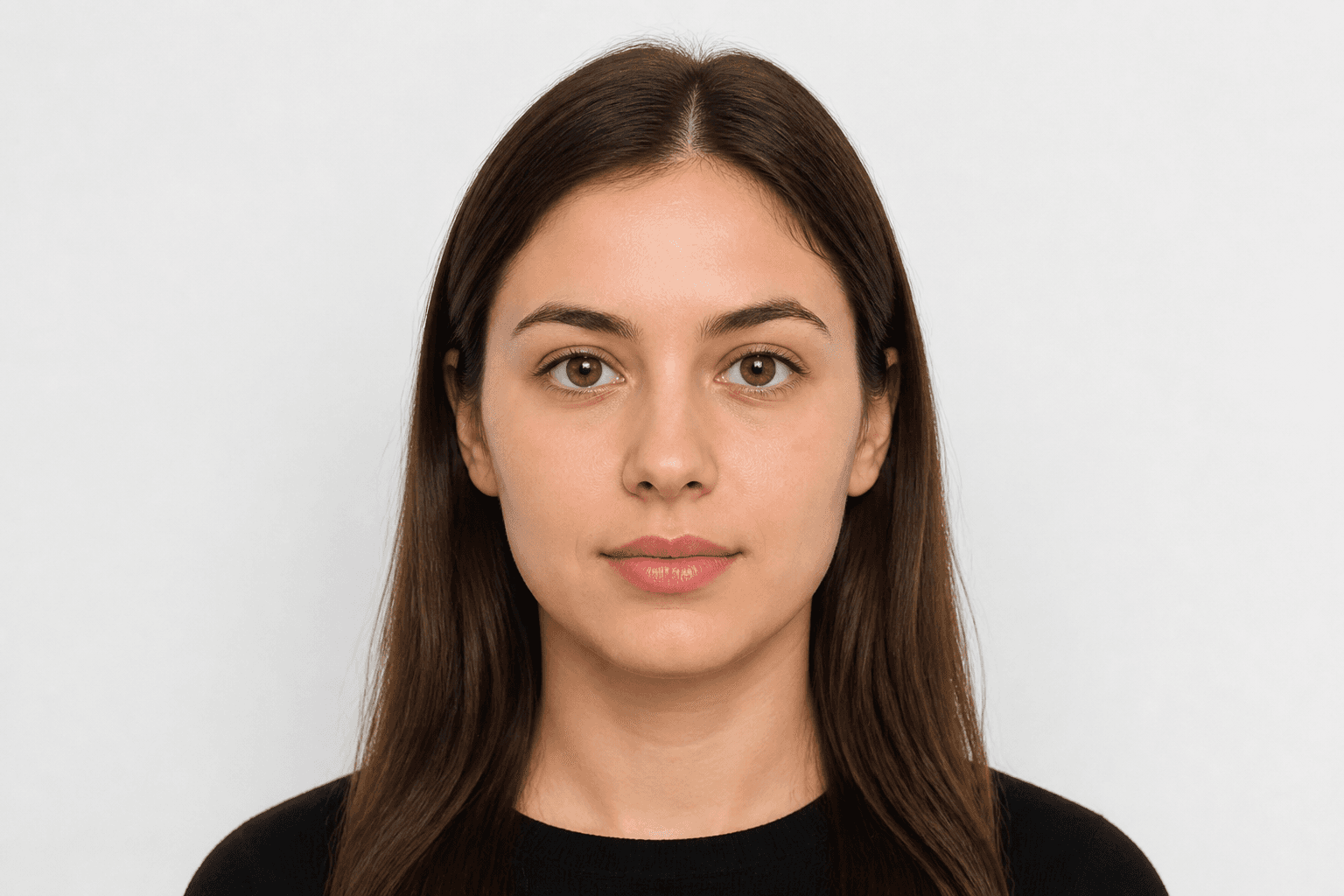
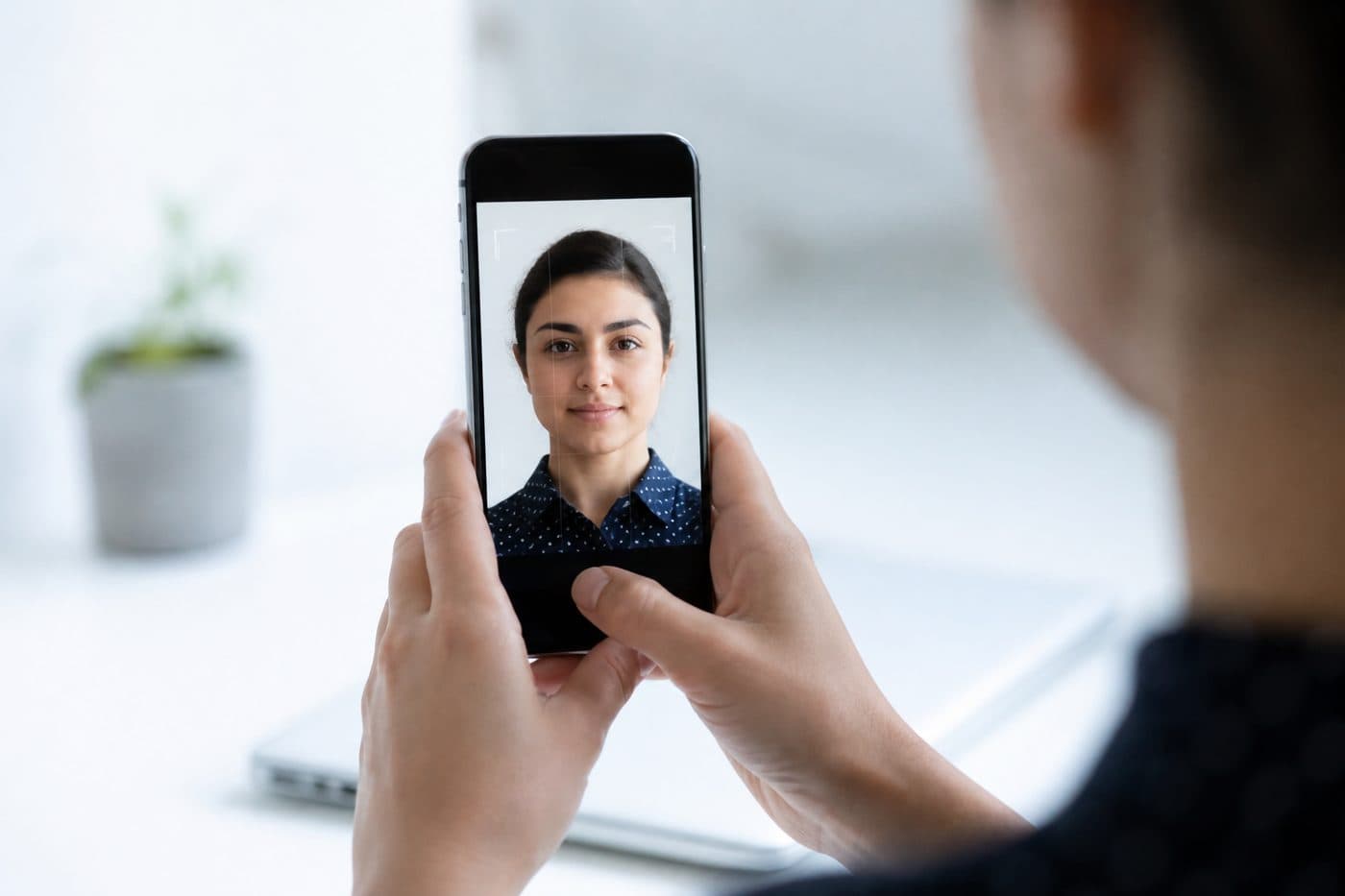
Foto de pasaporte con el móvil: guía completa
Ajustes de iPhone y Android, consejos de encuadre y errores habituales al fotografiar un documento de identidad.
5 min de lectura
MóviliPhoneAndroid
Ajustes de la cámara
Apaga el HDR: un brillo extremo distorsiona el tono de piel. Evita el flash para no generar reflejos ni ojos rojos.
Usa nuestra Colombia Pasaporte con IA para recortar tu imagen automáticamente en 3 segundos.
Mantén la resolución alta. JPG o HEIC valen; la herramienta exporta un archivo listo para imprimir.
Requisitos oficiales de la foto
30 × 40 mm
- Tamaño del documento aplicado
- Alineación facial comprobada
- Fondo preparado
Tamaño
30 × 40 mm
Fondo
Gris claro
Foto digital
354 × 472 px


Errores habituales
El desenfoque, las sombras u objetos de fondo y el pelo tapando la cara suelen provocar rechazo.
No borres el fondo a mano: usa la limpieza con IA. Nuestra IA también corrige el ángulo de la cabeza y el encuadre.