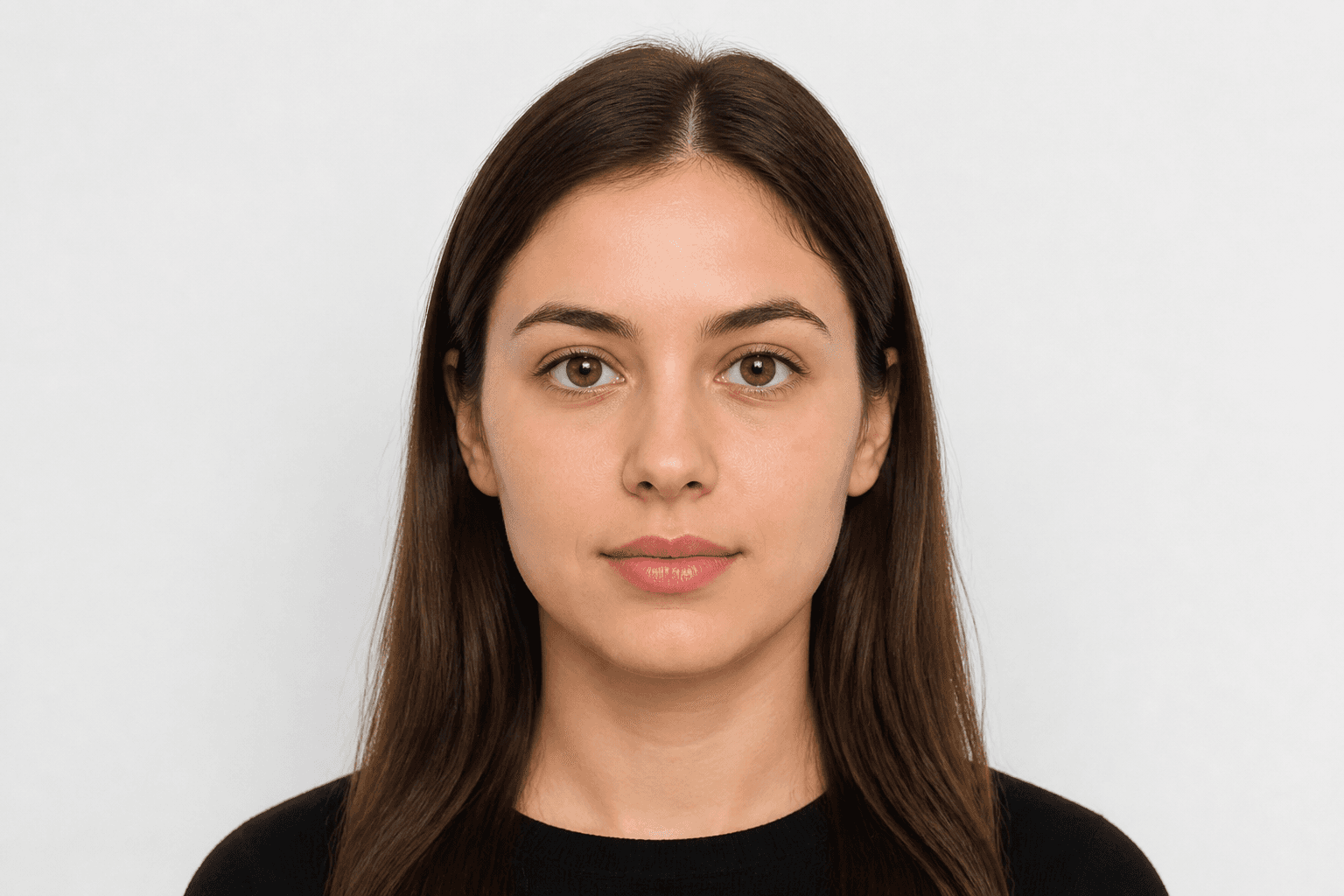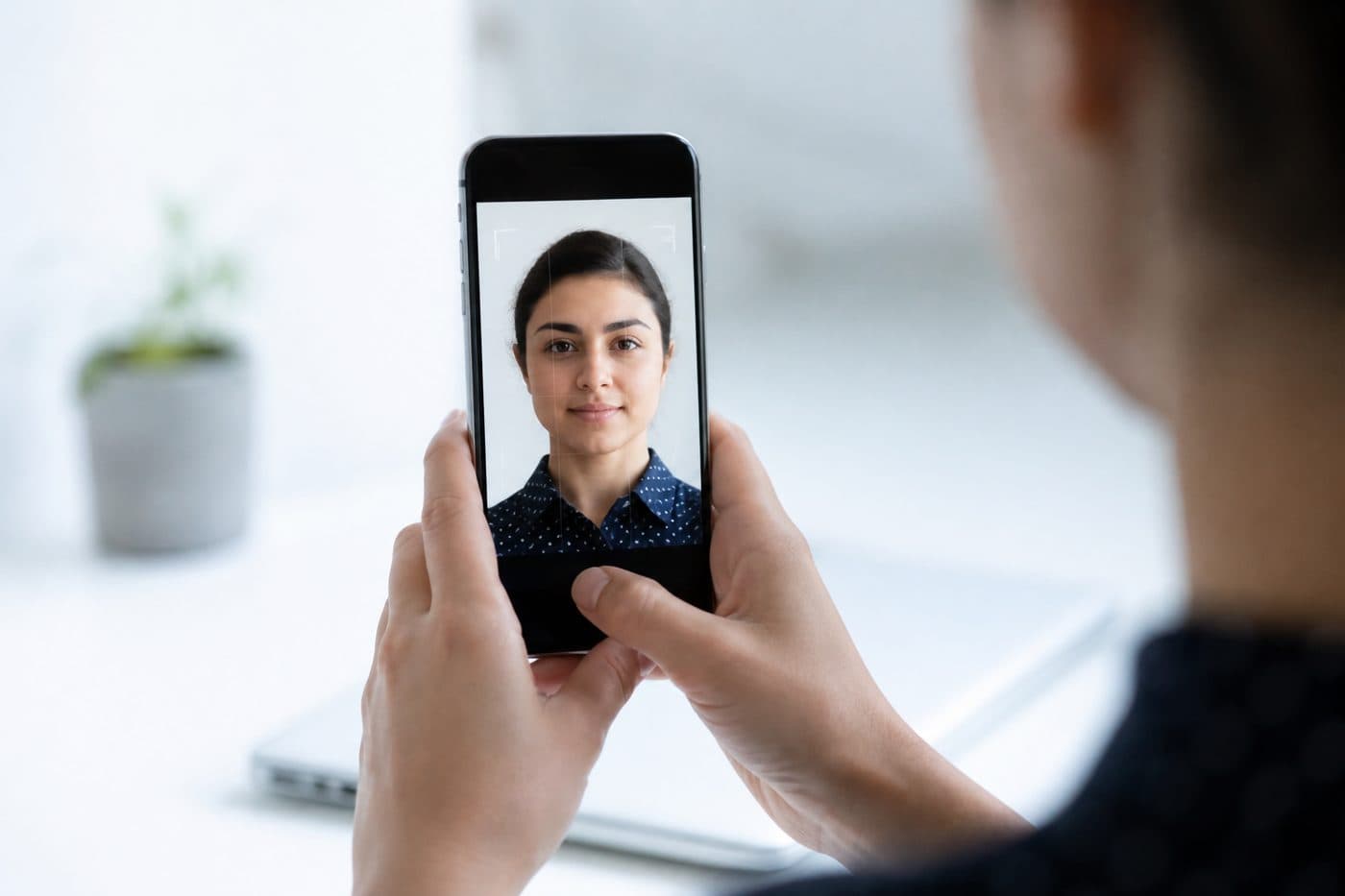
Sprievodcovia
Pasová fotografia telefónom: kompletný sprievodca
Nastavenia iPhonu a Androidu, tipy na výrez a časté chyby pri snímaní fotografií na preukaz.
5 min čítania
TelefóniPhoneAndroid
Nastavenia fotoaparátu
HDR vypnite — extrémny jas môže skresliť tóny pleti. Vyhnite sa blesku kvôli odlesku a červeným očiam.
Použite náš Slovensko Pas s AI na automatické orezanie snímky za 3 sekundy.
Rozlíšenie držte vysoké. JPG alebo HEIC sú v poriadku; nástroj exportuje súbor pripravený na tlač.
Oficiálne požiadavky na fotografiu
35 × 45 mm
- Veľkosť dokumentu použitá
- Zarovnanie tváre skontrolované
- Pozadie pripravené
Veľkosť
35 × 45 mm
Pozadie
Svetlosivá
Digitálna fotografia
413 × 531 px


Časté chyby
Rozmazanie, tiene alebo predmety v pozadí a vlasy zakrývajúce tvár často vedú k zamietnutiu.
Neodstraňujte pozadie ručne — použite čistenie umelou inteligenciou. Tá tiež opraví uhol hlavy a výrez.