Guides
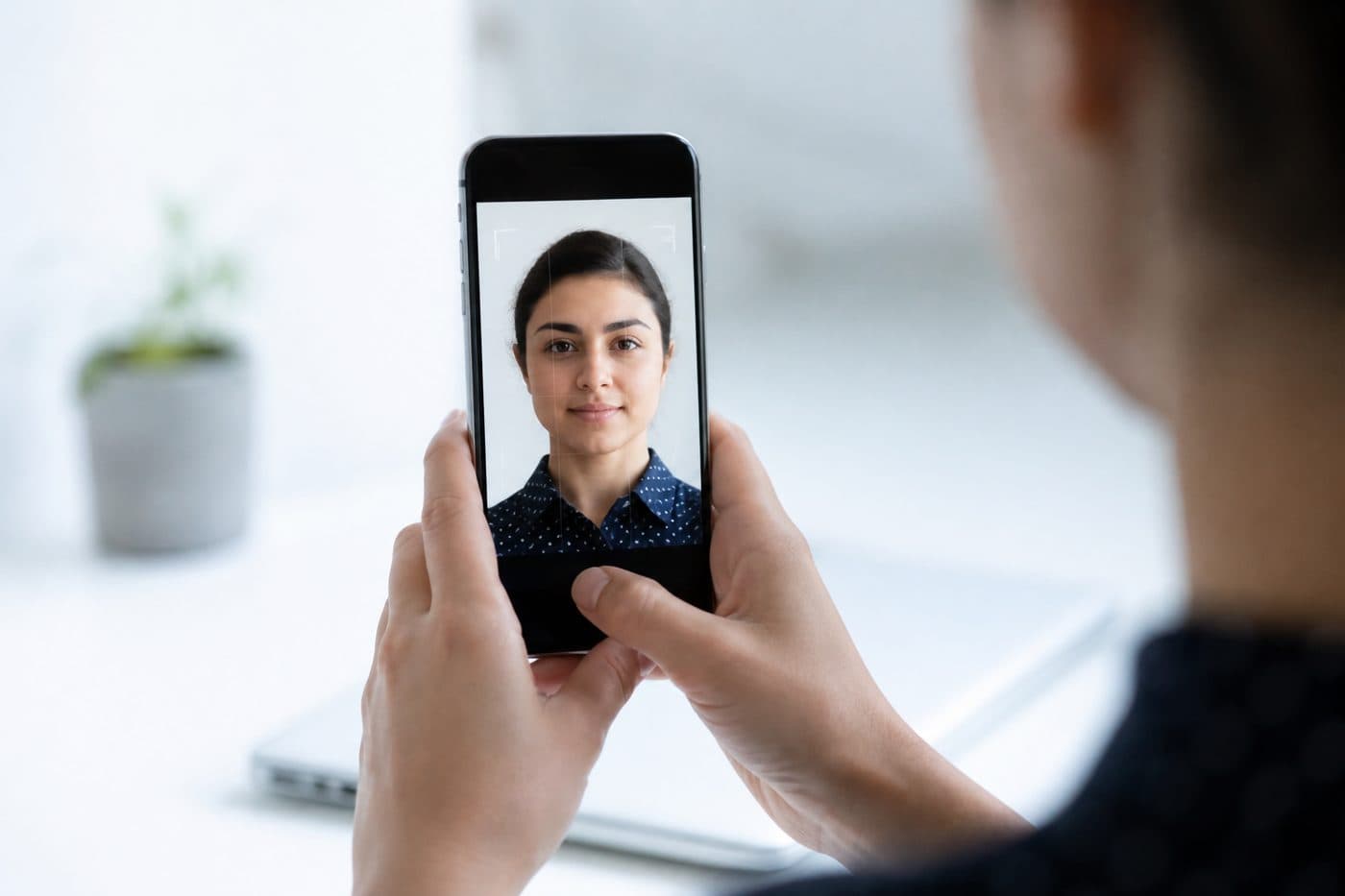
Photo passeport avec le téléphone : guide complet
Réglages iPhone et Android, conseils de cadrage et erreurs fréquentes pour une photo d’identité.
5 min de lecture
TéléphoneiPhoneAndroid
Réglages de l’appareil photo
Désactivez le HDR : une luminosité extrême fausse les tons de peau. Évitez le flash pour prévenir reflets et yeux rouges.
Utilisez notre Suisse Passeport IA pour recadrer votre image automatiquement en 3 secondes.
Gardez une haute résolution. JPG ou HEIC conviennent ; l’outil exporte un fichier prêt à imprimer.
Exigences officielles de la photo
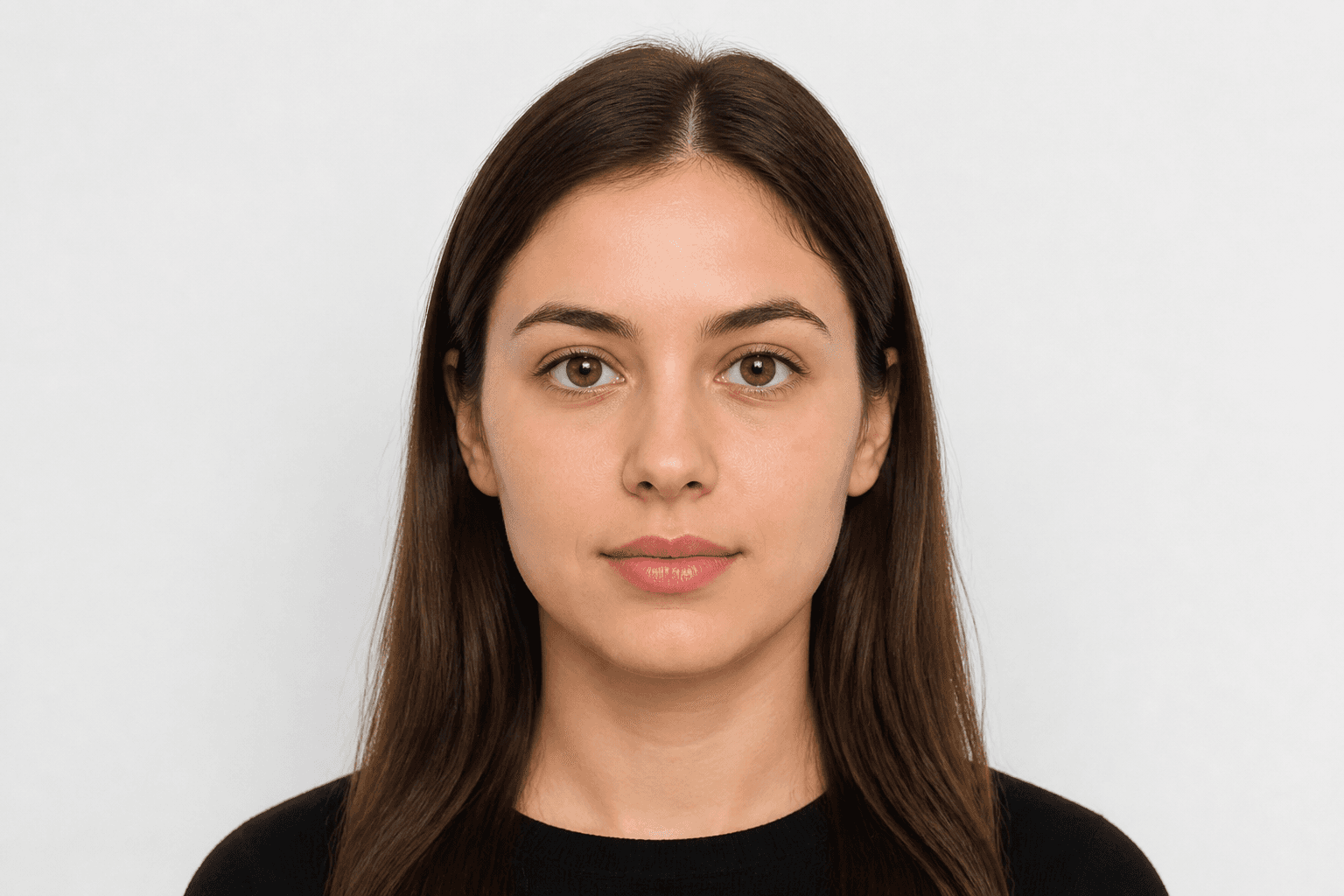
35 × 45 mm
- Format du document appliqué
- Alignement du visage vérifié
- Arrière-plan préparé
Taille
35 × 45 mm
Arrière-plan
Gris clair
Photo numérique
413 × 531 px


Erreurs fréquentes
Le flou, les ombres ou objets en fond, et les cheveux qui couvrent le visage entraînent souvent un refus.
N’effacez pas le fond à la main — utilisez le nettoyage IA. Notre IA corrige aussi l’angle de la tête et le cadrage.