Gidsen
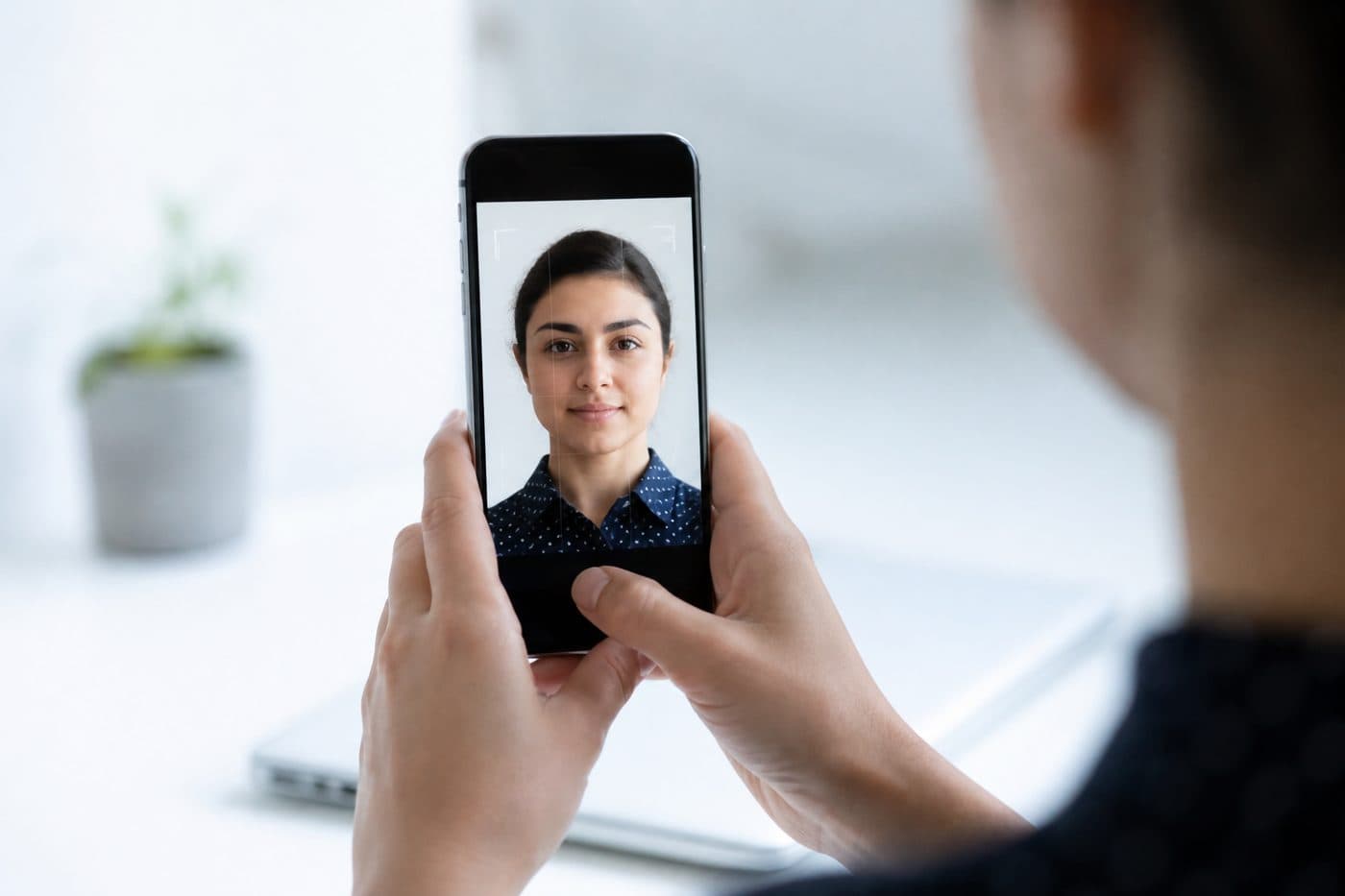
Paspoortfoto met je telefoon: complete gids
iPhone- en Android-instellingen, kaderadvies en veelgemaakte fouten bij ID-foto’s.
5 min lezen
TelefooniPhoneAndroid
Camera-instellingen
Zet HDR uit — extreme helderheid vervormt huidtinten. Vermijd flits om schittering en rode ogen te voorkomen.
Gebruik onze AI-gestuurde Nederland Paspoort om je foto in 3 seconden automatisch bij te snijden.
Houd de resolutie hoog. JPG of HEIC is prima; de tool exporteert een printklaar bestand.
Officiële foto-eisen
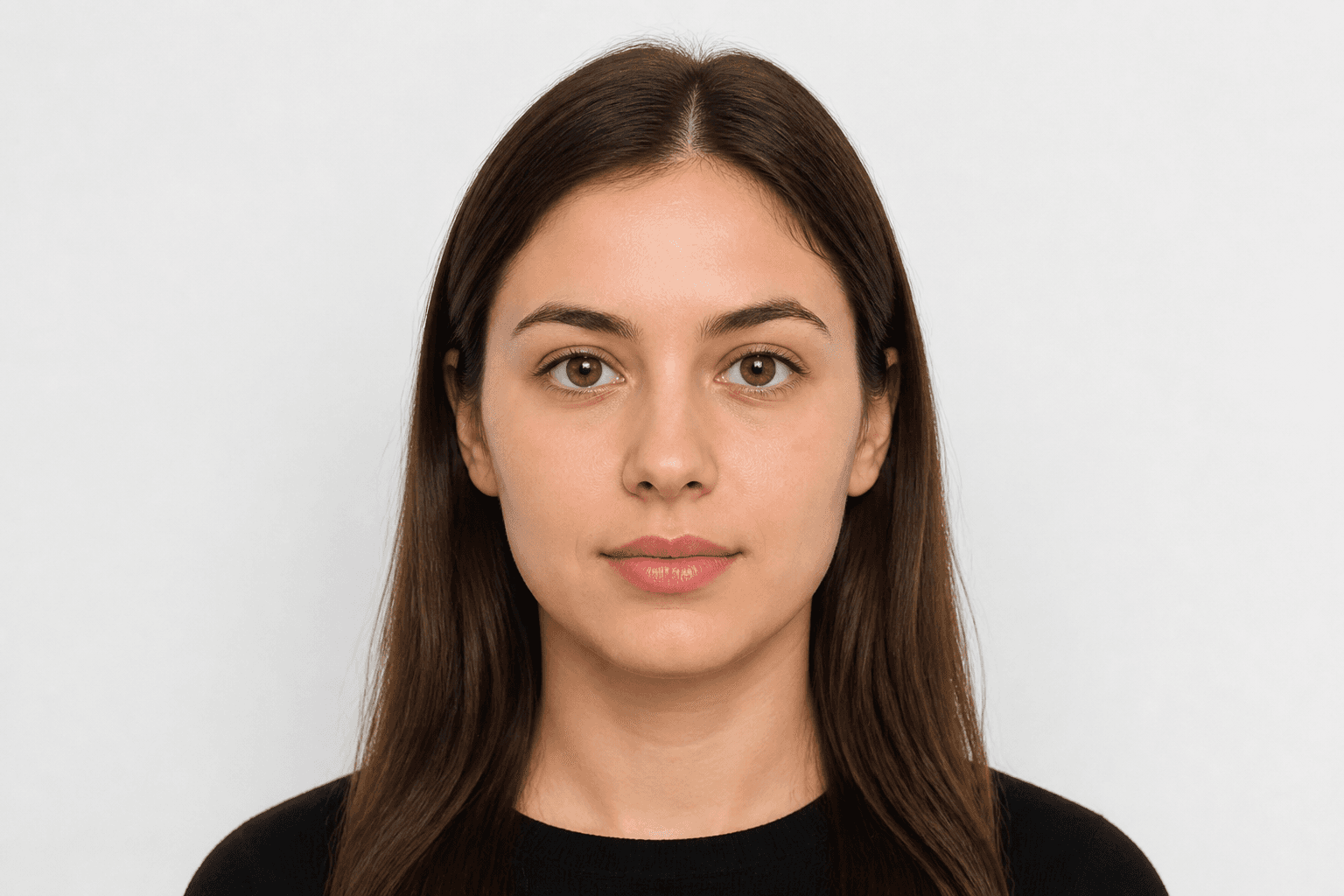
35 × 45 mm
- Documentformaat toegepast
- Gezichtsuitlijning gecontroleerd
- Achtergrond voorbereid
Formaat
35 × 45 mm
Achtergrond
Lichtgrijs
Digitale foto
413 × 531 px


Veelgemaakte fouten
Onscherpte, schaduwen of voorwerpen op de achtergrond, en haar over het gezicht, leiden vaak tot afwijzing.
Wis de achtergrond niet handmatig — gebruik AI-opschoning. Onze AI corrigeert ook de hoek van het hoofd en het kader.