Guides
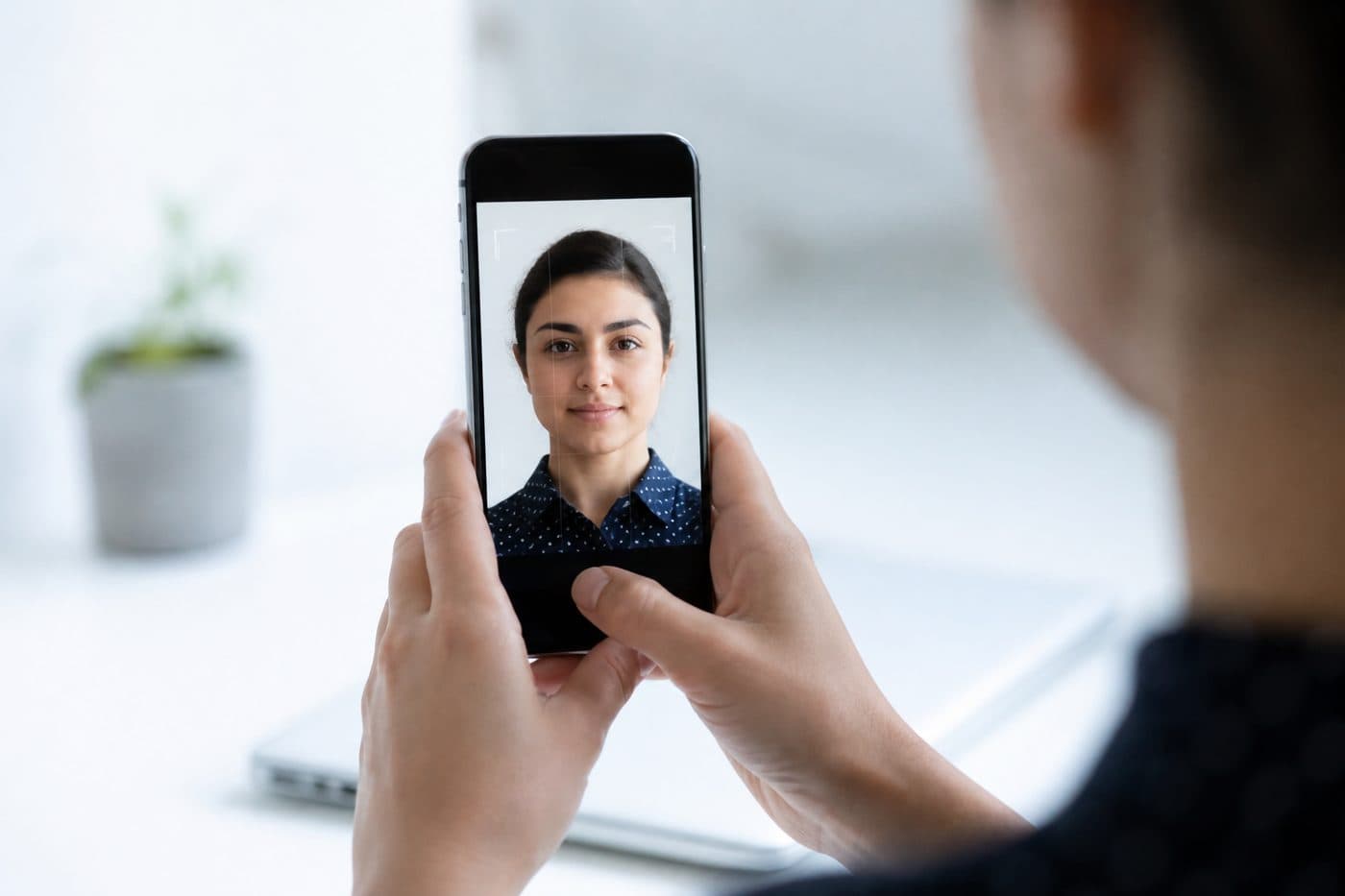
Passport photo with your phone: complete guide
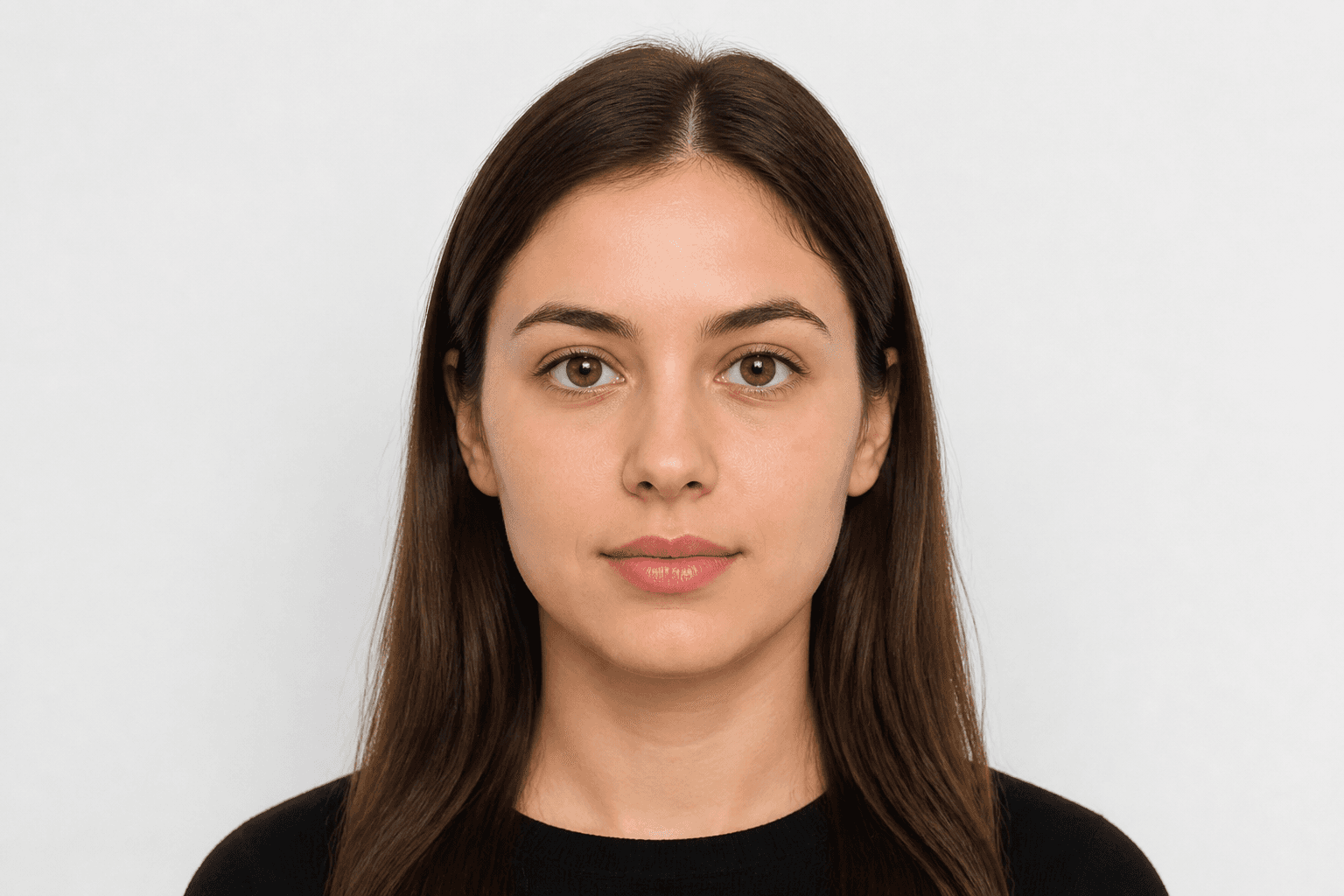
iPhone and Android settings, framing tips and common mistakes when shooting ID photos.
5 min read
PhoneiPhoneAndroid
Camera settings
Turn HDR off — extreme brightness can distort skin tones. Avoid flash to prevent glare and red-eye.
Use our AI-powered South Africa Passport Photo Tool to auto-crop your image in 3 seconds.
Keep resolution high. JPG or HEIC is fine; the tool exports a print-ready file.
Official photo requirements
35 × 45 mm
- Document size applied
- Face alignment checked
- Background prepared
Size
35 × 45 mm
Background
Light grey
Digital photo
413 × 531 px


Common mistakes
Blur, shadows or objects in the background, and hair covering the face often cause rejection.
Don't erase the background manually — use AI cleanup. Our AI also corrects head angle and framing.