Biometric photo in 3 minutes
Take your photo at home — no driving, no waiting in line
Take a biometric photo in the comfort of your home in 3 minutes using your smartphone!
Choose a document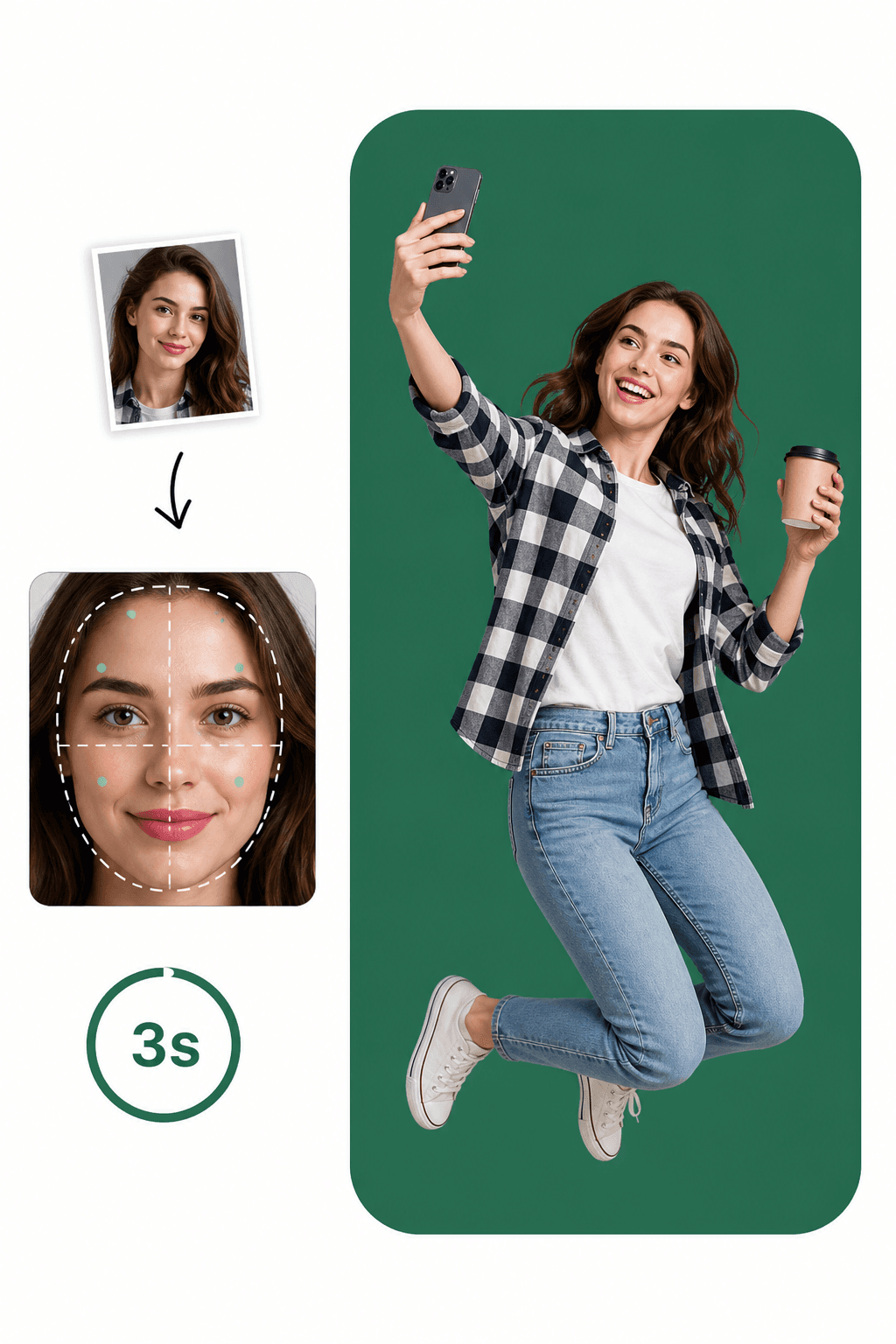
Take your photo at home — no driving, no waiting in line
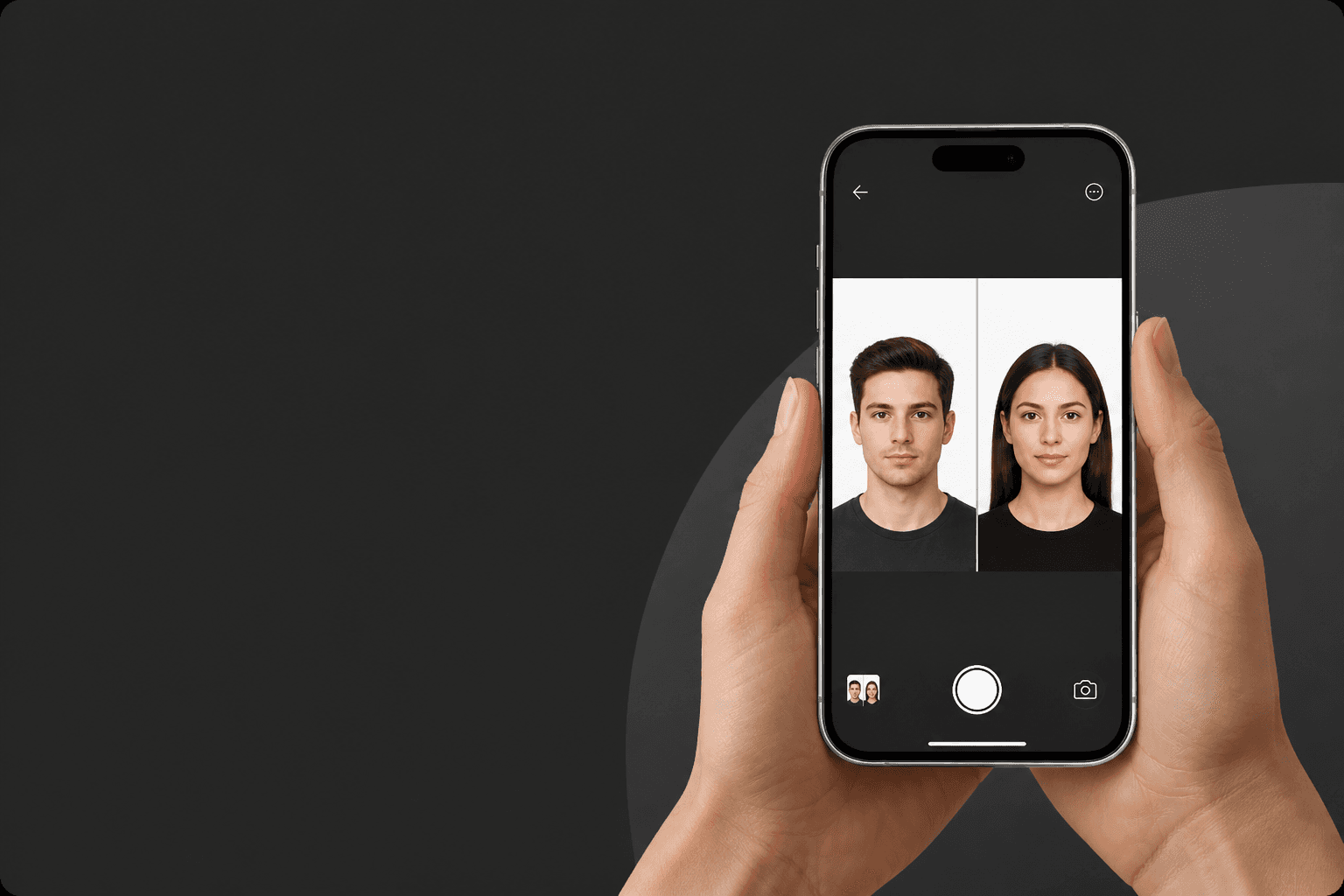
AI technology + passport photo experts = instant feedback
Biometric photos that meet official document standards
Take a perfect biometric photo in less than 3 minutes!
Discover how simple it can be!
Use an existing photo or take a new one. The app automatically checks compliance with your document’s official rules.
AI crops your face to the right ratio, resizes it and applies the official background — in seconds.
Get the digital file instantly or print a 10×15 cm sheet. Ready to use for your application.
Follow these guidelines to create the perfect passport picture
Choose a document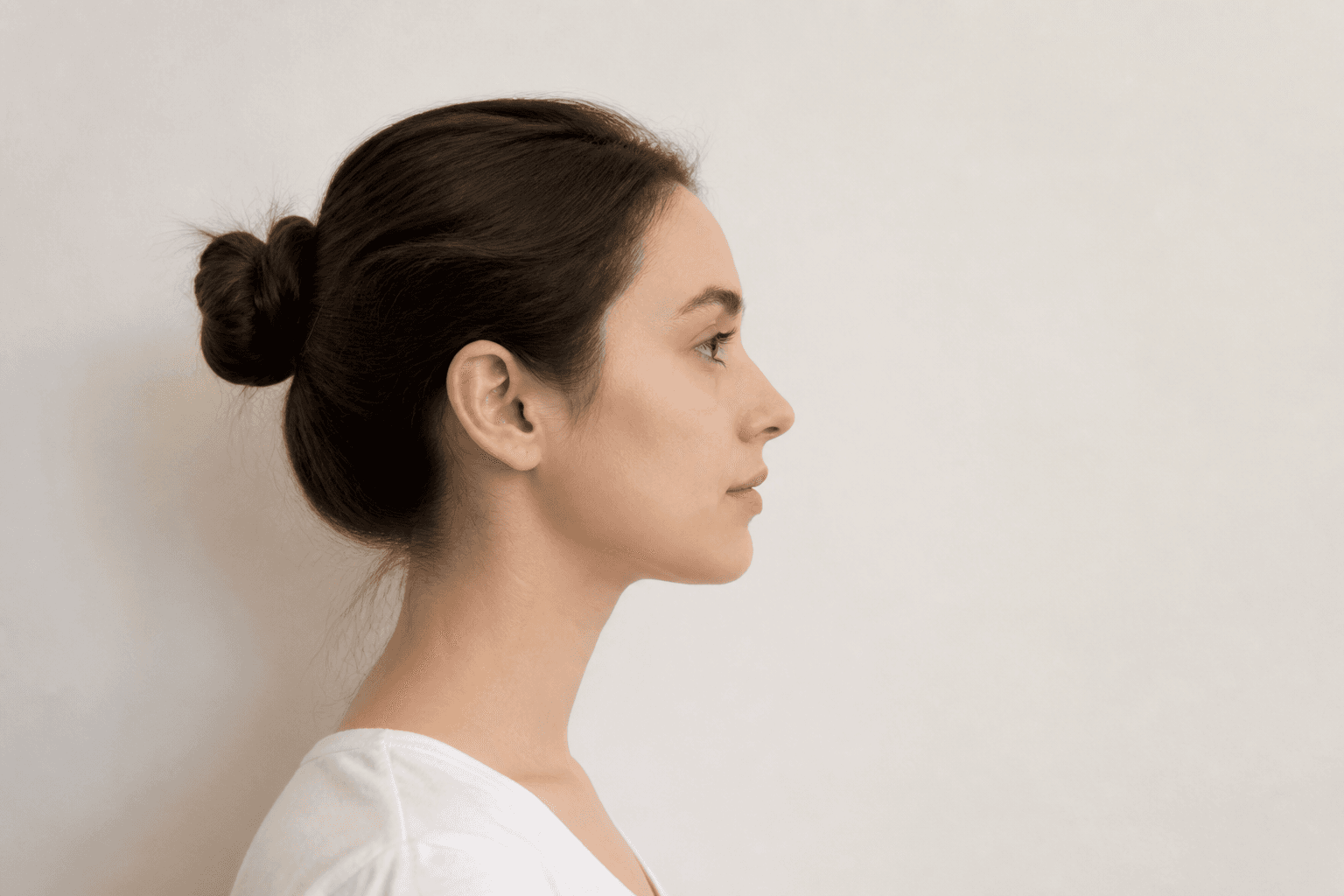
Keep your front-facing camera 16–20 inch (40–50 cm) away from the face. For rear cameras, keep a 4–6 foot (1–2 meter) distance.
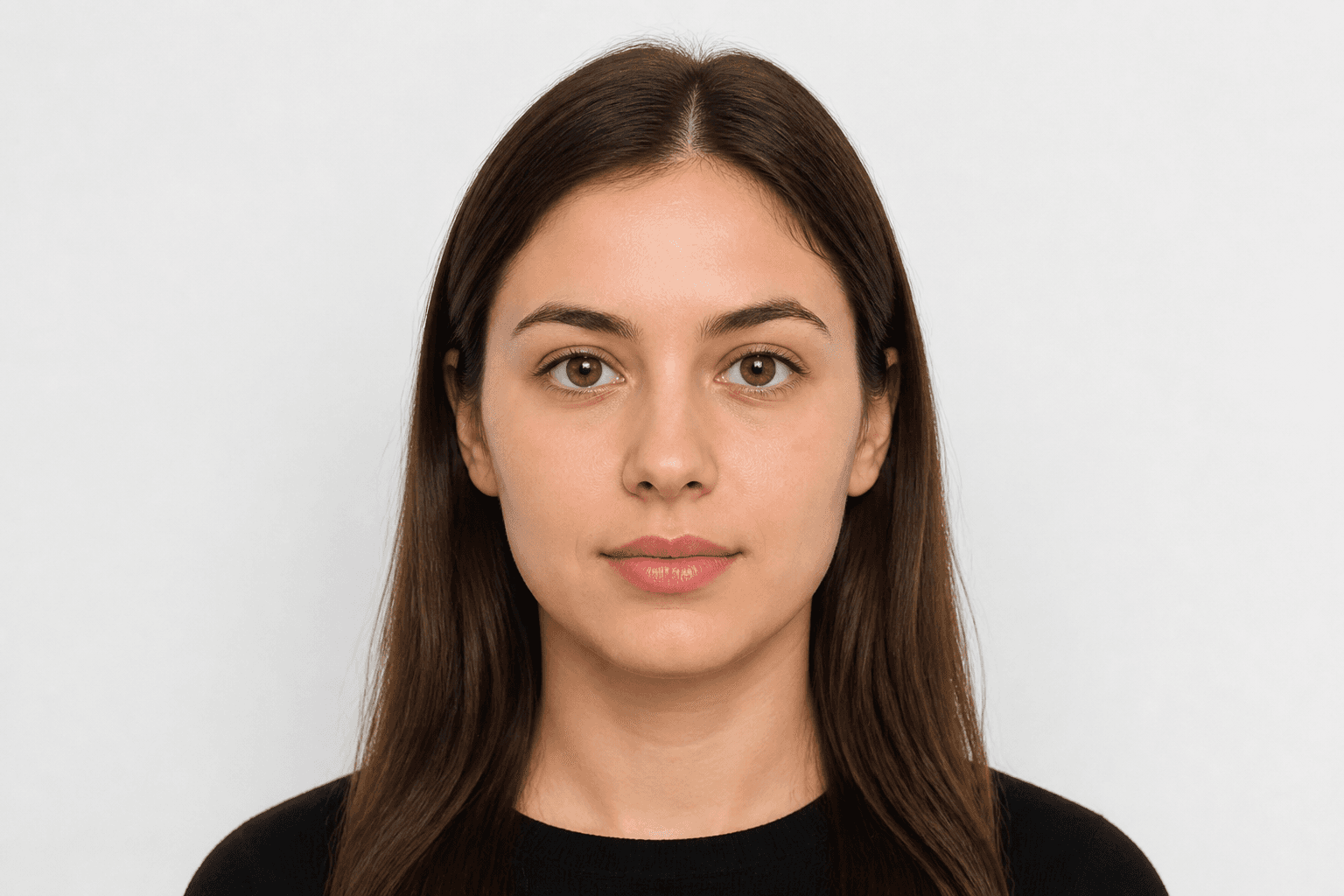
Look directly into the camera and avoid tilting your body. Remember, portrait mode is unacceptable for passport photos.
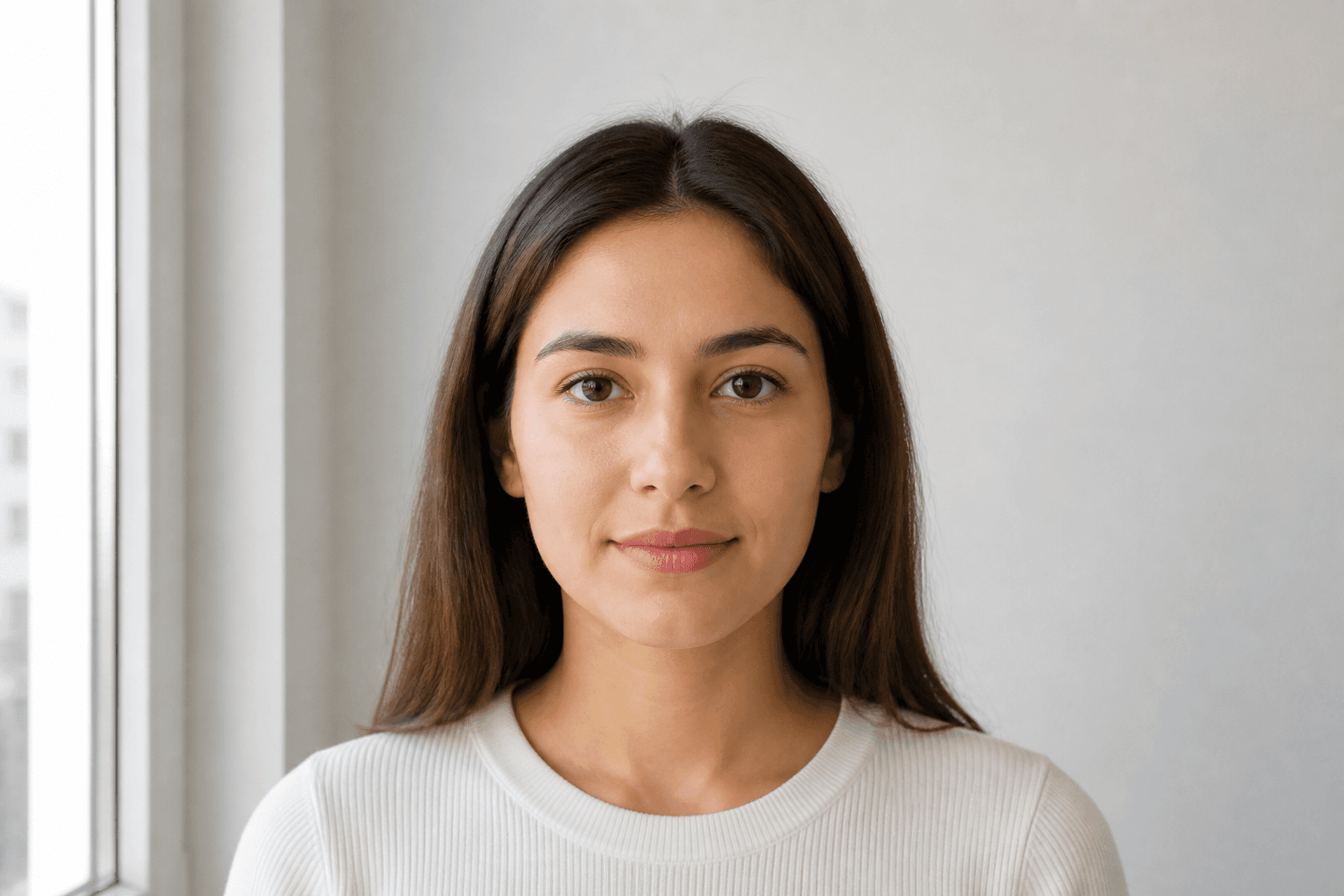
Take your passport photos in a daylight setting, like near a window on a sunny day. Shadows on your face or in the background are not permitted.
Passport, ID and licence sizes for the selected country.
Applying for an official document requires a compliant photo. Every application for a passport or national ID must meet official rules. Studio visits used to be the only option — now you can take a photo on your phone and finish it with an online passport photo maker.
Just pose correctly. Background removal, cropping and validation are handled for you. FotoPass prepares a print-ready file for passport, driving licence and residence permit photos used in the United Kingdom. Choose the document and upload a photo.
With FotoPass’s passport photo app you can prepare photos for almost any country’s passport. For the United Kingdom, the typical size is 35 × 45 mm with a cream / light grey background. Pick the right document and the tool applies the correct crop automatically.
Many UK licences also require a biometric headshot. Create a digital file or a printable sheet with the same compliant crop.
For national ID, student cards or CV photos, shoot at home, upload, and download a compliant biometric photo in minutes.
Yes, you can create a passport photo online at home. With a smartphone and our guide you’ll learn posing, clothing and the mistakes that cause rejection for UK documents.
Snap a photo however is easiest — selfie, with help, or from any angle. You don't need perfect distance or a straight head.
Use soft daylight. Don't worry about the background; the app removes it. Avoid shadows on the face.
Upload your clearest shot. FotoPass handles biometric crop, face alignment and the official background with AI.
Choose simple, neat clothing. Uniforms are usually not allowed.
Glasses rules vary — US documents often ban them; many European countries allow them if eyes are fully visible. Hats are only allowed for religious reasons.
Blur, objects in the background and hair covering the face are top rejection reasons.
Don’t upload a photo with a manually erased background — use AI cleanup instead. Our AI also corrects head angle and framing.
FotoPass combines cropping, background removal, resizing and AI compliance checks so your photo matches official requirements.
Centers the face and crops to the ratio required for UK documents.
Applies a compliant cream / light grey background.
Outputs the correct 35 × 45 mm format for print or digital submission.
Reviews shadows, gaze, expression and framing before you download.
Yes. We apply the official size and biometric rules for the document you choose, so your photo is prepared to application standards.