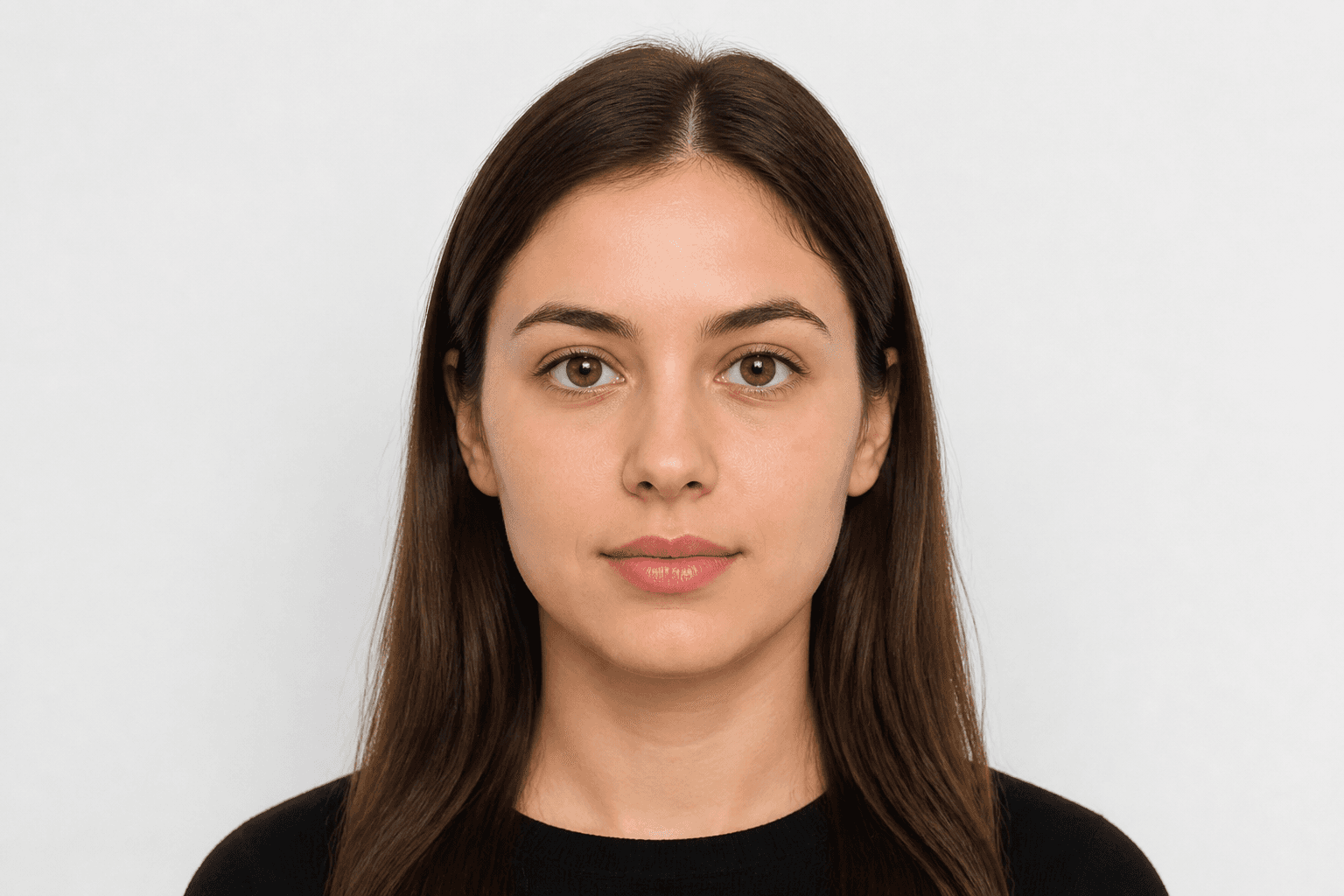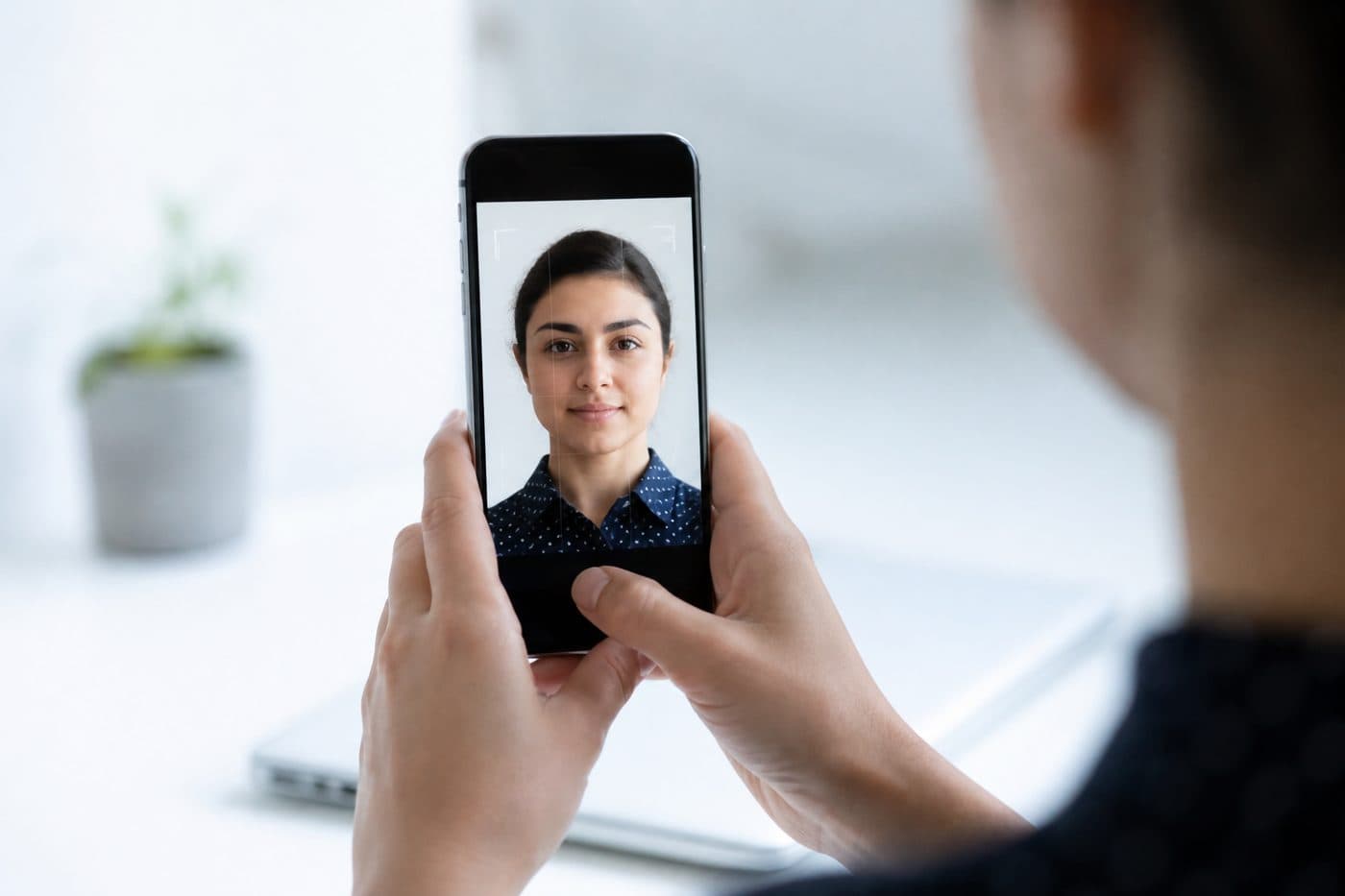
ガイド
スマホでパスポート写真を撮る完全ガイド
iPhoneとAndroidの設定、構図のコツ、証明写真でよくある失敗。
5 分で読める
スマホiPhoneAndroid
カメラ設定
HDRはオフ。極端な明るさは肌色を崩します。フラッシュは反射と赤目の原因なので使わない。
AI搭載の日本 パスポートで、画像を3秒で自動トリミングできます。
解像度は高く。JPGでもHEICでも可。ツールが印刷用ファイルを書き出します。
公式の写真要件
45 × 45 mm
- 書類サイズを適用済み
- 顔の位置を確認済み
- 背景を準備済み
サイズ
45 × 45 mm
背景
白
デジタル写真
531 × 531 px


よくある失敗
ピンボケ、背景の影や物、顔を隠す髪は却下の定番です。
背景を手作業で消さない — AIの背景処理を使う。頭の角度と構図もAIが直します。