Udhëzues
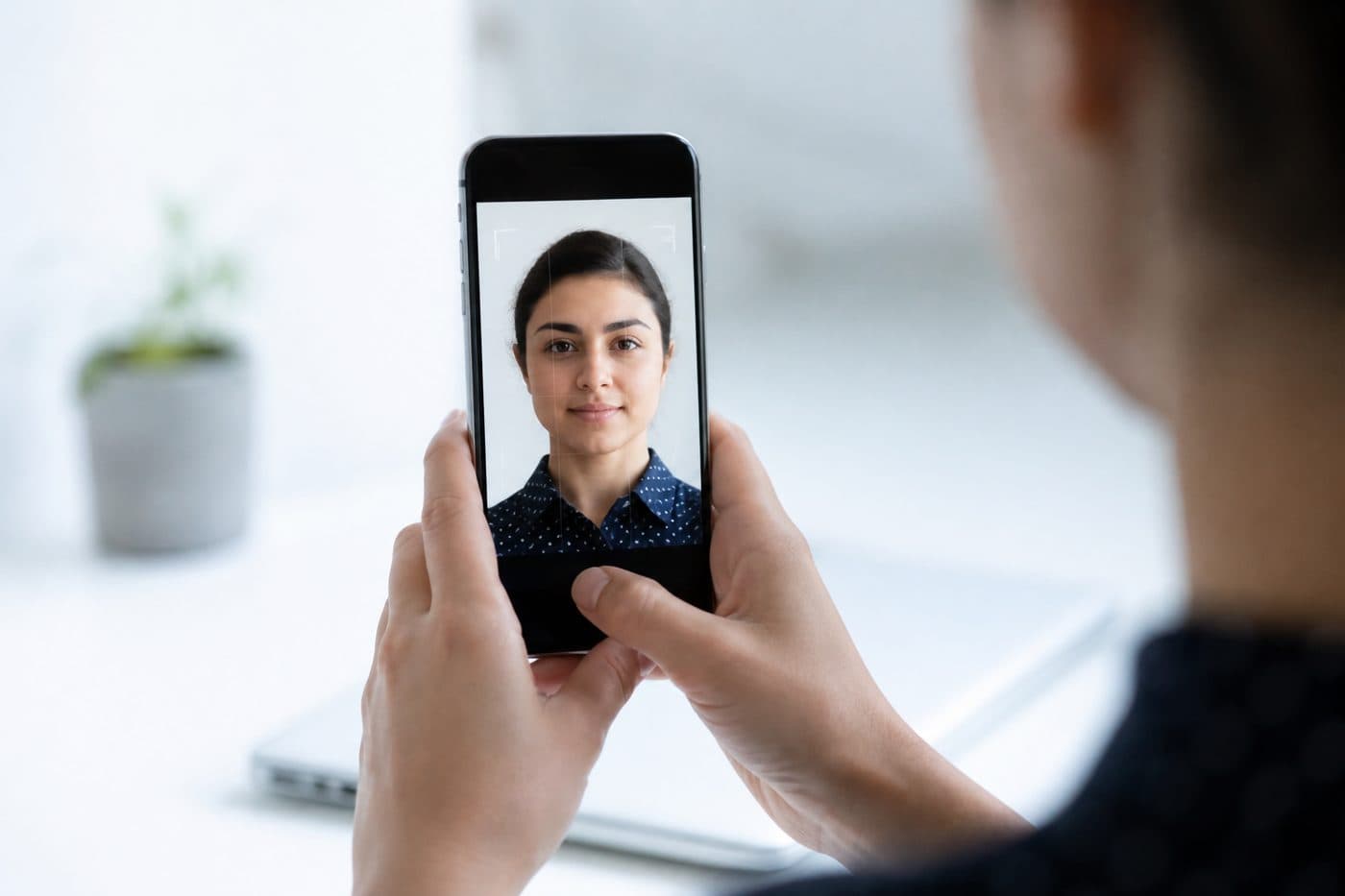
Foto pasaporte me telefonin: udhëzues i plotë
Cilësimet iPhone dhe Android, këshilla kornizimi dhe gabime të zakonshme kur xhironi foto identiteti.
5 min lexim
TelefoniPhoneAndroid
Cilësimet e kamerës
Fikni HDR — ndriçimi ekstrem mund të shtrembërojë tonet e lëkurës. Shmangni flash-in për të parandaluar refleksin dhe sytë e kuq.
Përdorni Shqipëri Pasaportë me AI për të prerë automatikisht imazhin në 3 sekonda.
Mbajeni rezolucionin të lartë. JPG ose HEIC janë në rregull; mjeti eksporton një skedar gati për printim.
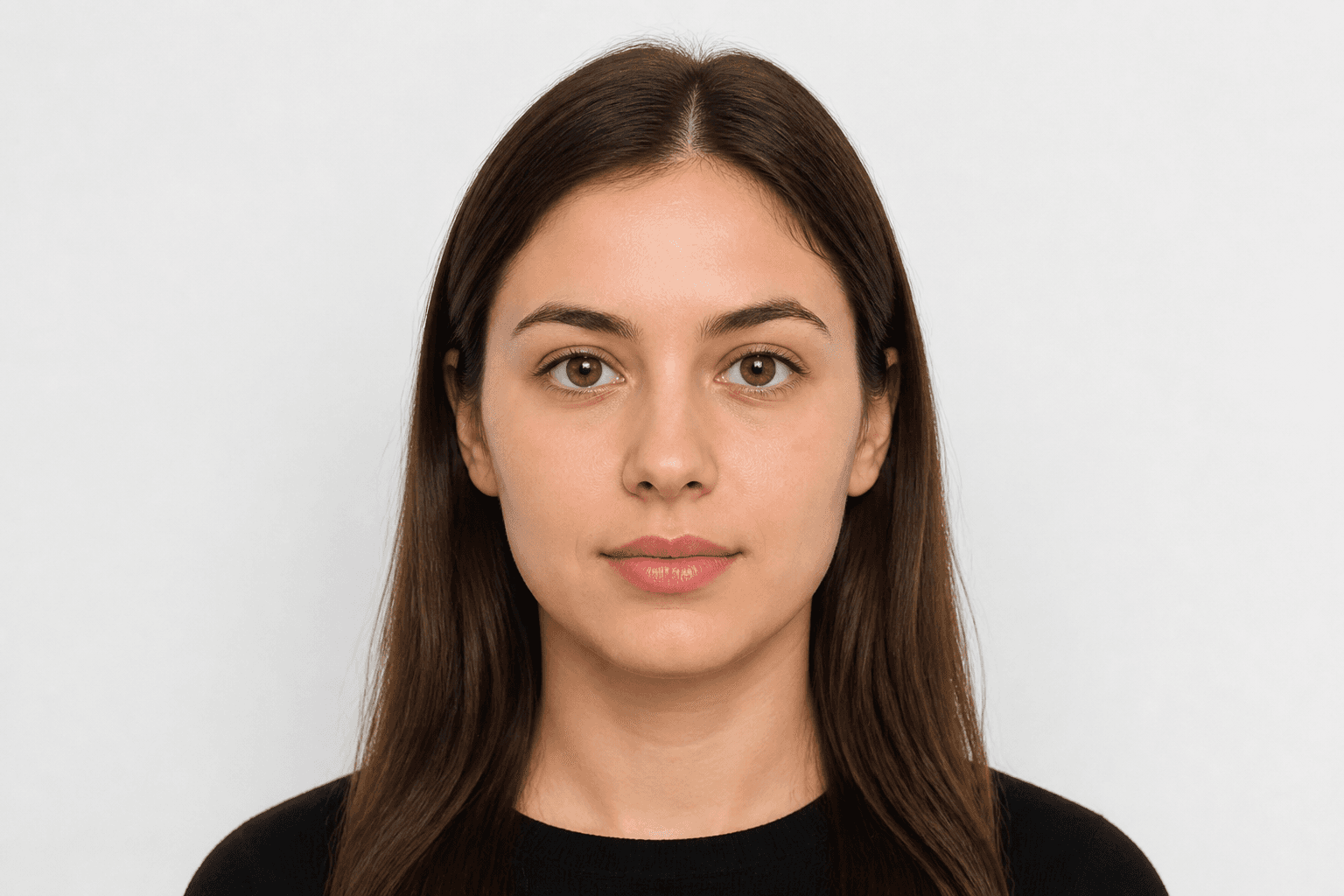
Kërkesat zyrtare të fotos
35 × 45 mm
- Madhësia e dokumentit u aplikua
- Rreshtimi i fytyrës u kontrollua
- Sfondi u përgatit
Madhësia
35 × 45 mm
Sfondi
Gri e hapur
Foto digjitale
413 × 531 px


Gabime të zakonshme
Mjegullimi, hijet ose objektet në sfond dhe flokët që mbulojnë fytyrën shpesh shkaktojnë refuzim.
Mos e fshini sfondin me dorë — përdorni pastrimin me inteligjencë artificiale. Ajo korrigjon edhe këndin e kokës dhe kornizimin.