Passport Seva Photo Upload Errors: How to Fix Them (2026)
`isMobileDeviceDetected`, background, posture / distortion — fix the most common Seva failures with a clean 630×810 JPEG on white.
Start with the right file
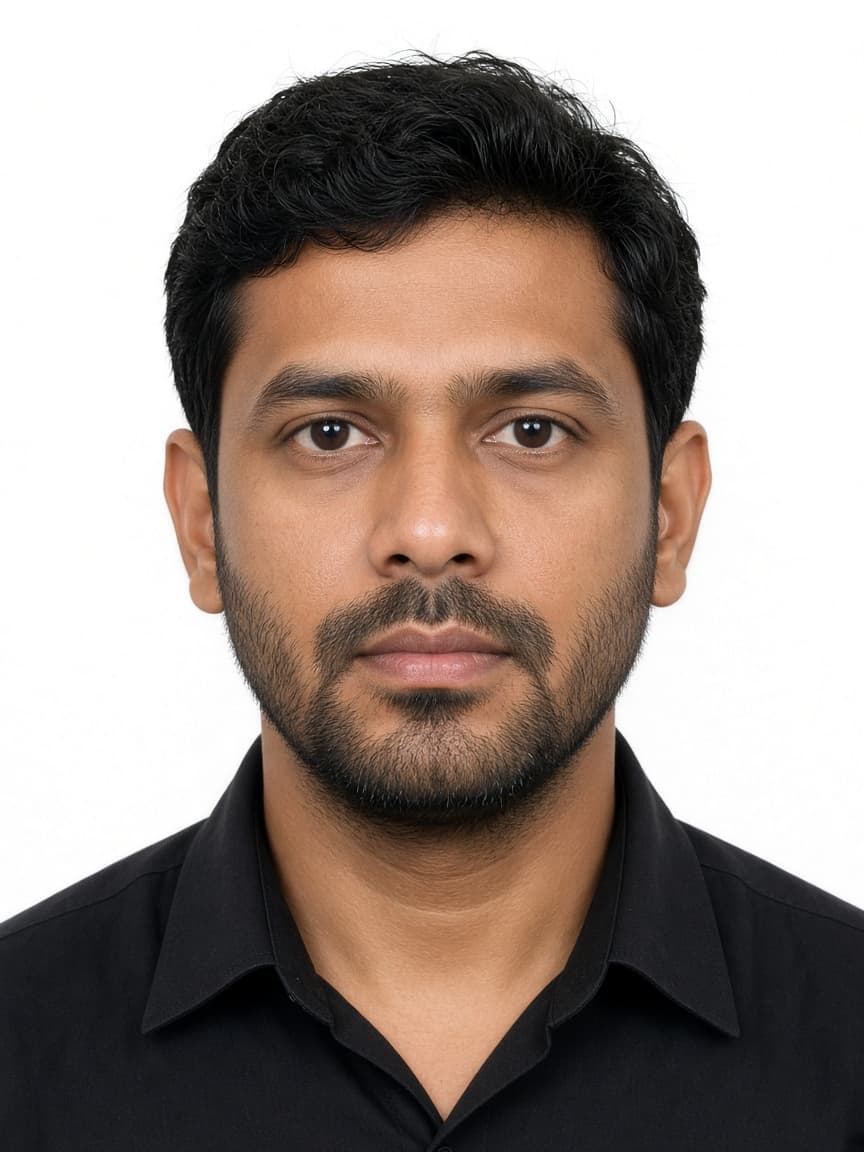
Passport Seva usually wants exactly 630 × 810 px, JPEG, and on most checklists about 10–250 KB. A square 2×2 (OCI / old format) or 600×600 fails instantly.
Use our AI-powered India Passport Photo Tool to auto-crop your image in 3 seconds.
Check width × height in file properties; do not upload a WhatsApp export or a screenshot.
Official photo requirements
- Document size applied
- Face alignment checked
- Background prepared
Size
35 × 35 mm
Background
White
Digital photo
413 × 413 px


Common error messages and fixes
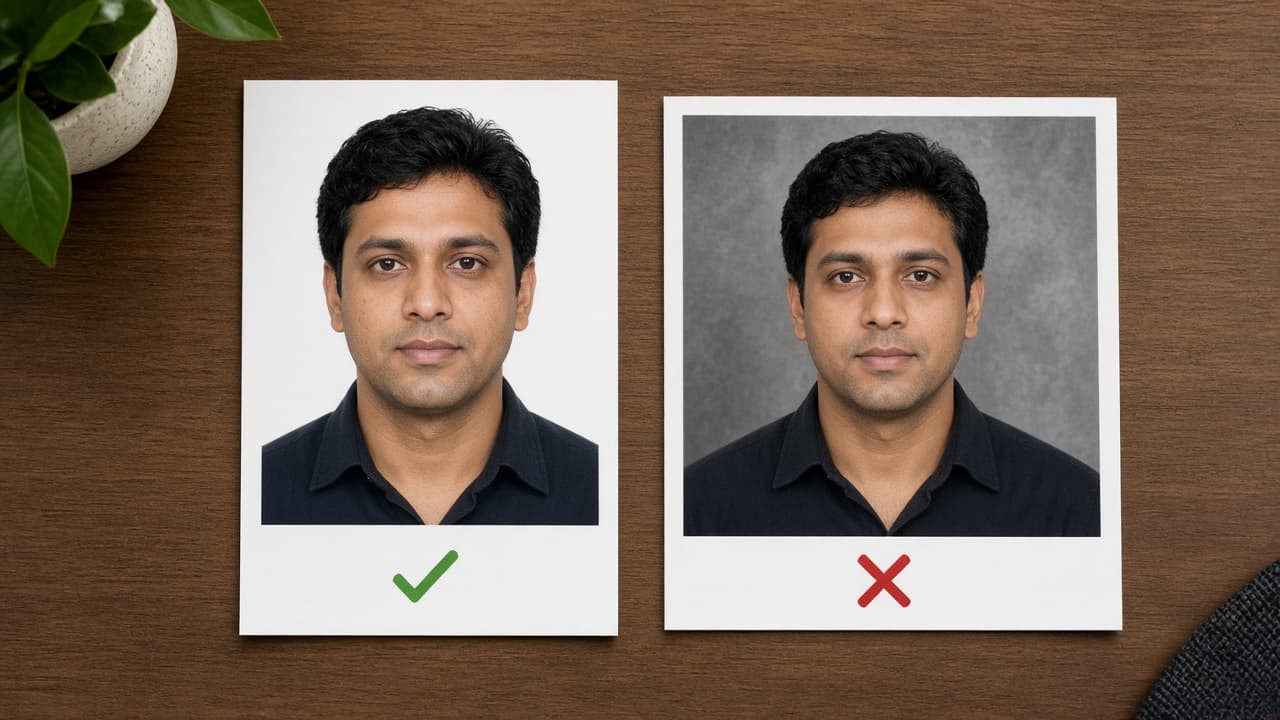
isMobileDeviceDetected / Nothing found: desktop Chrome, fresh session, clean 630×810 JPEG. Background not uniform: shadows, patterns, cream walls — plain white, even light. postureCheck / distortionCheck: tilted head, extreme crop, beauty blur — retake front-on with filters off.
Document could not upload / image quality: ASCII filename, .jpg extension, under 250 KB, 24-bit sRGB.
Pre-upload checklist
630×810 px · JPEG · plain white · neutral face · beauty / Portrait off · within KB range · not HEIC.
Print packets (BLS / VFS) may still want 35×45 mm — do not mix portal size with print size.
Get the upload through with FotoPass
- 1
Sharp front selfie.
- 2
Select India passport.
- 3
The FotoPass India passport tool applies 630×810 and a white background.
- 4
Upload to Seva; if it still fails, clear cache and retry from desktop.
For size rules see our Passport Seva size guide — this article focuses on error codes.