Biometrinen kuva 3 minuutissa
Ota kuva kotona — ei ajoa, ei jonottamista
Ota biometrinen kuva kotona 3 minuutissa älypuhelimellasi!
Valitse asiakirja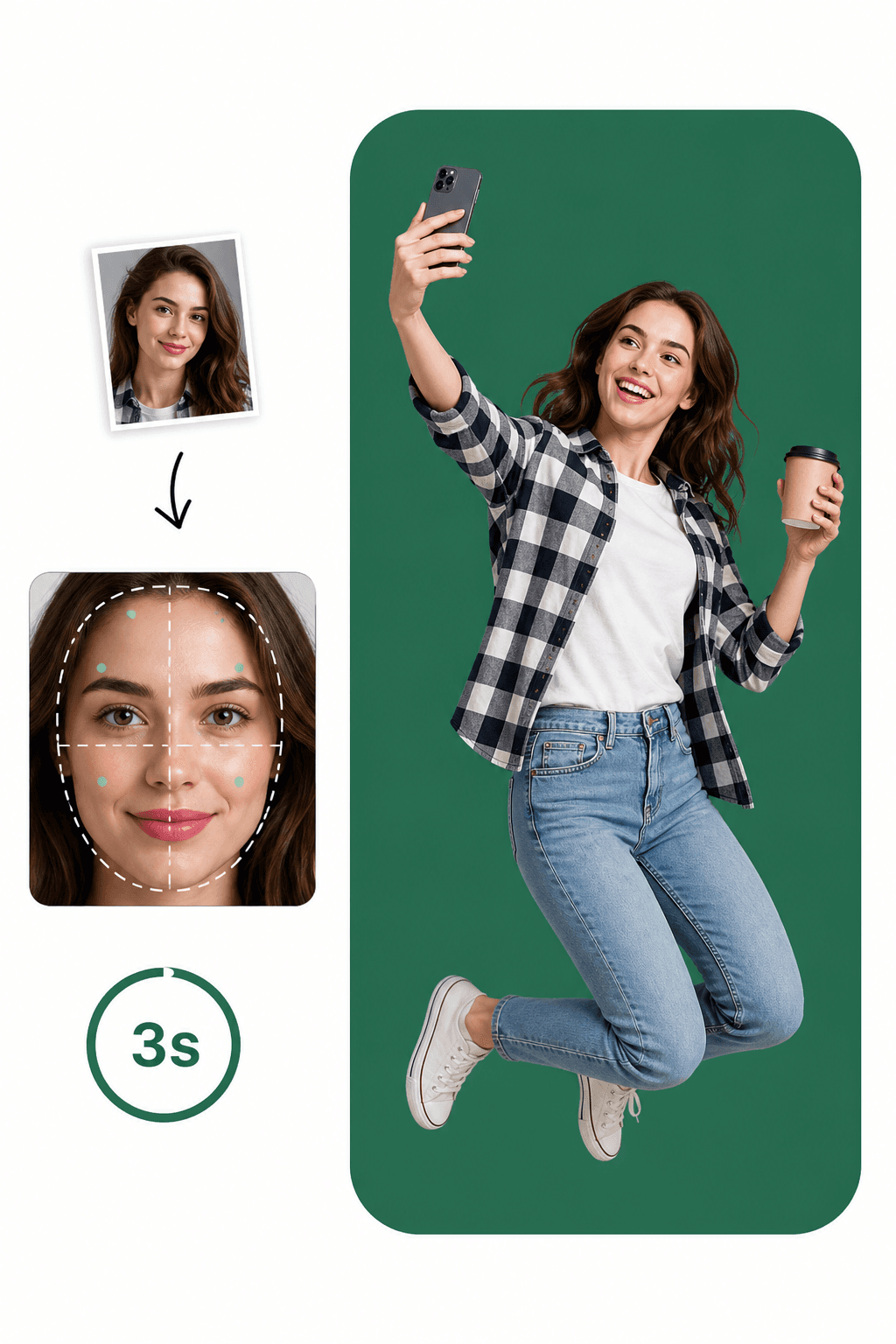
Ota kuva kotona — ei ajoa, ei jonottamista
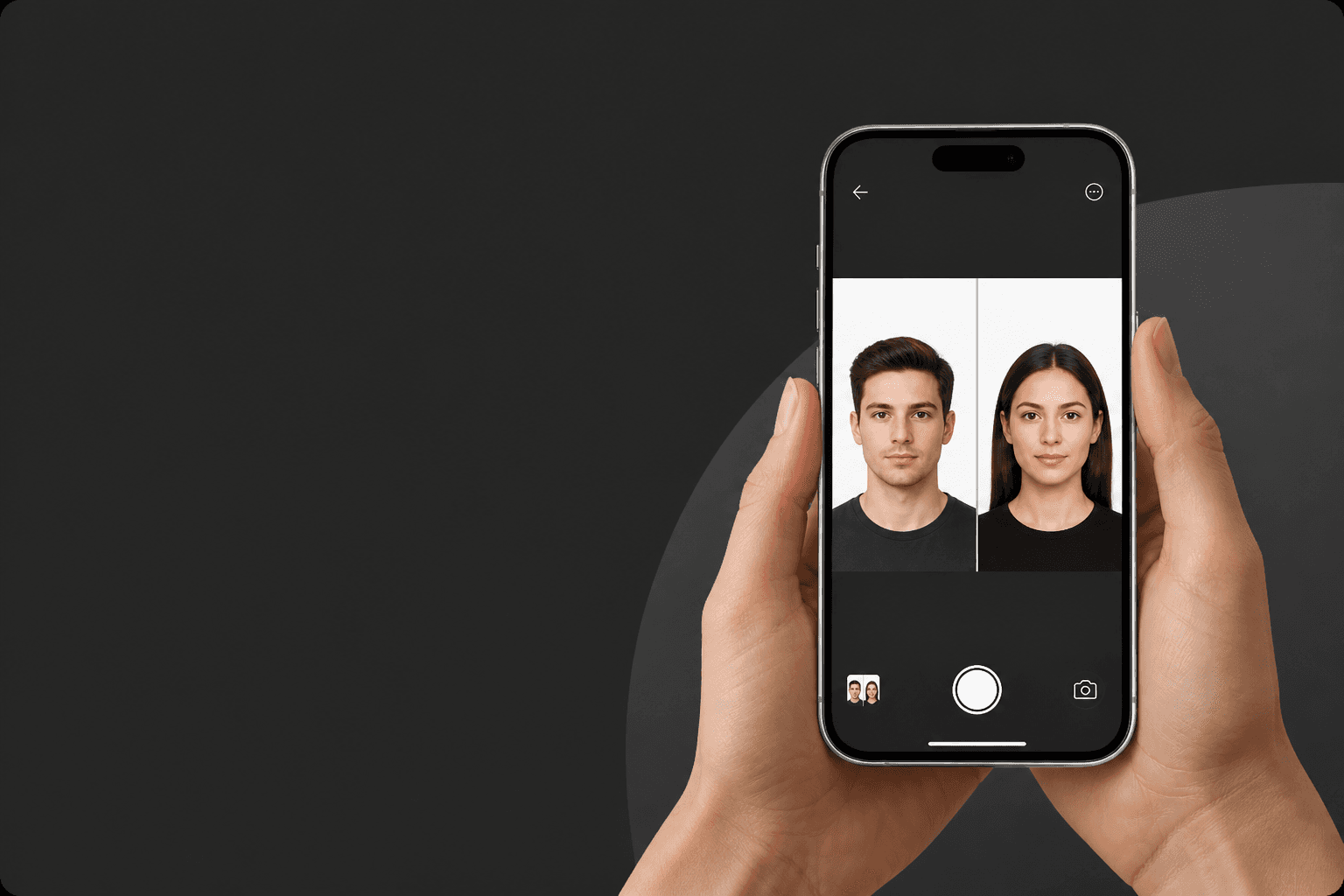
Tekoäly + passikuva-asiantuntijat = välitön palaute
Biometriset kuvat, jotka täyttävät viralliset asiakirjastandardit
Ota täydellinen biometrinen kuva alle 3 minuutissa!
Huomaa, miten helppoa se voi olla!
Käytä olemassa olevaa kuvaa tai ota uusi. Sovellus tarkistaa automaattisesti asiakirjasi virallisten sääntöjen noudattamisen.
Tekoäly rajaa kasvosi oikeaan suhteeseen, muuttaa koon ja lisää virallisen taustan — sekunneissa.
Saa digitaalinen tiedosto heti tai tulosta 10×15 cm -arkki. Valmis hakemukseen.
Noudata näitä ohjeita täydelliseen passikuvaan
Valitse asiakirja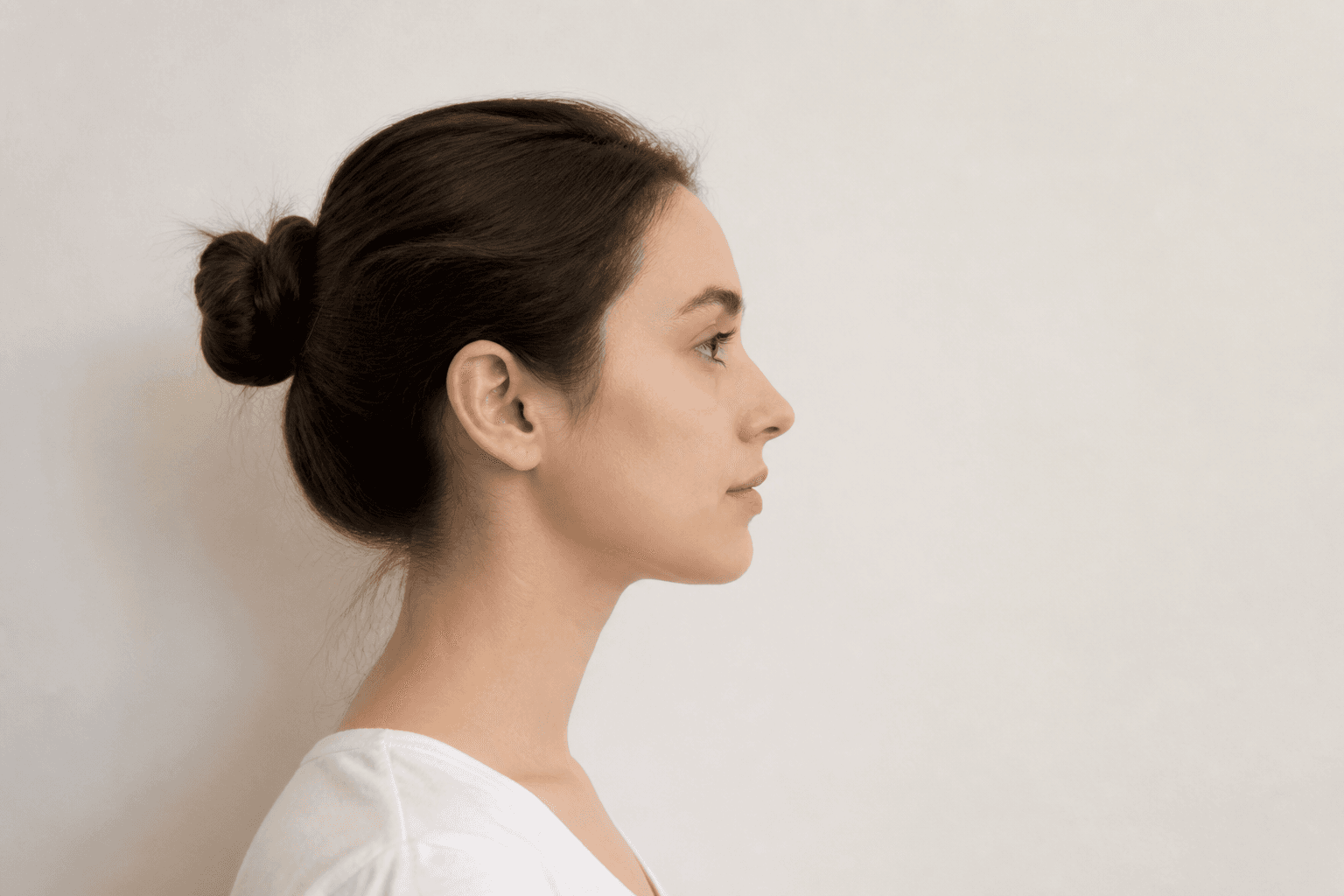
Pidä etukamera 16–20 tuuman (40–50 cm) etäisyydellä kasvoista. Takakameralla pidä 1–2 metrin (4–6 jalan) etäisyys.
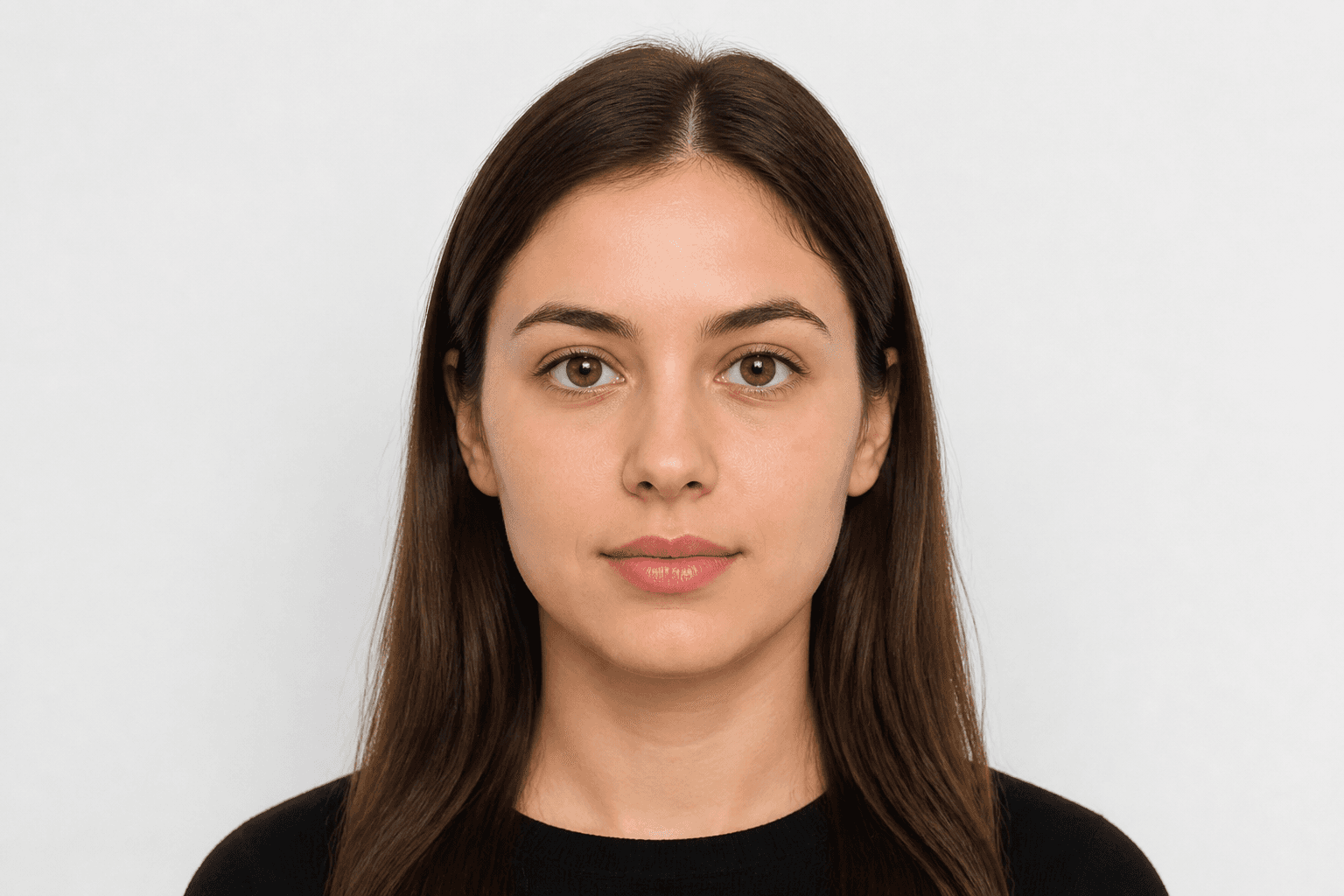
Katso suoraan kameraan ja vältä vartalon kallistamista. Muotokuvatila ei kelpaa passikuviin.
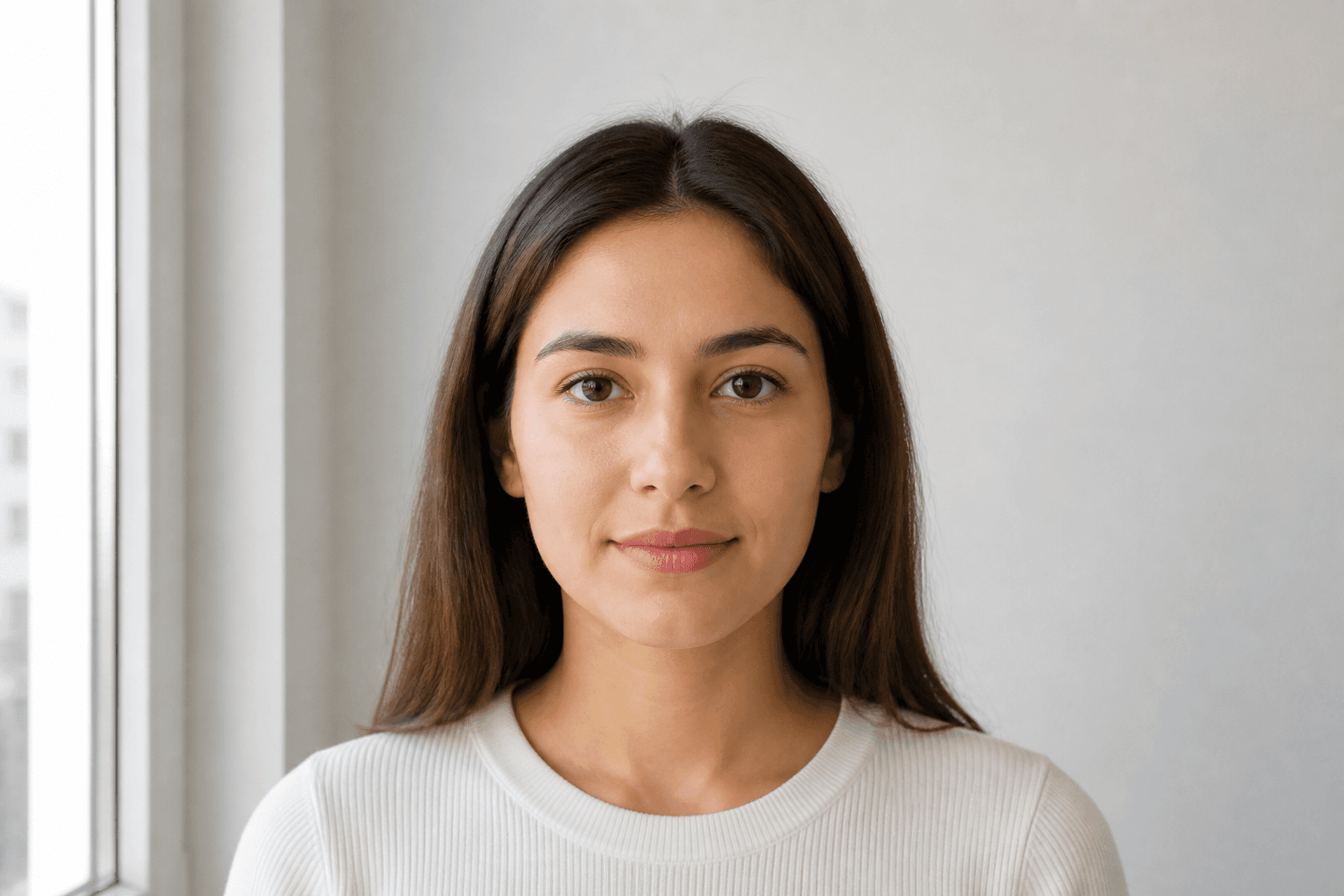
Ota passikuvat päivänvalossa, esimerkiksi ikkunan lähellä aurinkoisena päivänä. Varjot kasvoilla tai taustalla eivät ole sallittuja.
Passi-, viisumi-, henkilökortti- ja ajokorttikoot valitulle maalle.
Applying for an official document requires a compliant photo. Every application for a passport or national ID must meet official rules. Studio visits used to be the only option — now you can take a photo on your phone and finish it with an online passport photo maker.
Just pose correctly. Background removal, cropping and validation are handled for you. FotoPass prepares a print-ready file for passikuvat, henkilökortti ja ajokortti used in Suomi. Choose the document and upload a photo.
With FotoPass’s passport photo app you can prepare photos for almost any country’s passport. For Suomi, the typical size is 36 × 47 mm with a vaalea background. Pick the right document and the tool applies the correct crop automatically.
Many suomalaiset licences also require a biometric headshot. Create a digital file or a printable sheet with the same compliant crop.
For national ID, student cards or CV photos, shoot at home, upload, and download a compliant biometric photo in minutes.
Yes, you can create a passport photo online at home. With a smartphone and our guide you’ll learn posing, clothing and the mistakes that cause rejection for suomalaiset documents.
Snap a photo however is easiest — selfie, with help, or from any angle. You don't need perfect distance or a straight head.
Use soft daylight. Don't worry about the background; the app removes it. Avoid shadows on the face.
Upload your clearest shot. FotoPass handles biometric crop, face alignment and the official background with AI.
Choose simple, neat clothing. Uniforms are usually not allowed.
Glasses rules vary — US documents often ban them; many European countries allow them if eyes are fully visible. Hats are only allowed for religious reasons.
Blur, objects in the background and hair covering the face are top rejection reasons.
Don’t upload a photo with a manually erased background — use AI cleanup instead. Our AI also corrects head angle and framing.
FotoPass combines cropping, background removal, resizing and AI compliance checks so your photo matches official requirements.
Centers the face and crops to the ratio required for suomalaiset documents.
Applies a compliant vaalea background.
Outputs the correct 36 × 47 mm format for print or digital submission.
Reviews shadows, gaze, expression and framing before you download.
Kyllä. Käytämme valitsemasi asiakirjan virallista kokoa ja biometrisiä sääntöjä, joten kuva on valmisteltu hakemusstandardeihin.