Biometriskt foto på 3 minuter
Ta fotot hemma — ingen bilresa, ingen kö
Ta ett biometriskt foto hemma på 3 minuter med din smartphone!
Välj ett dokument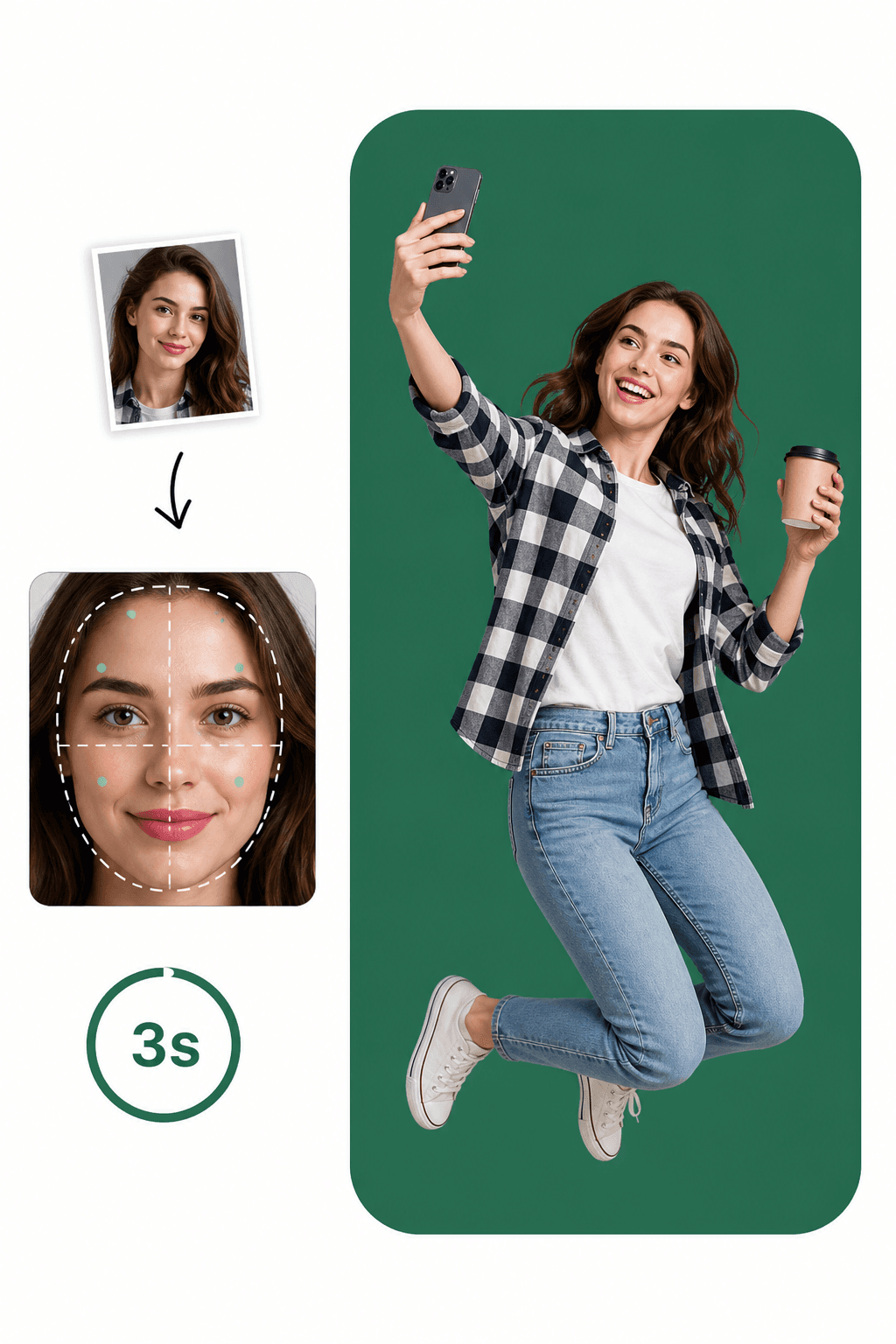
Ta fotot hemma — ingen bilresa, ingen kö
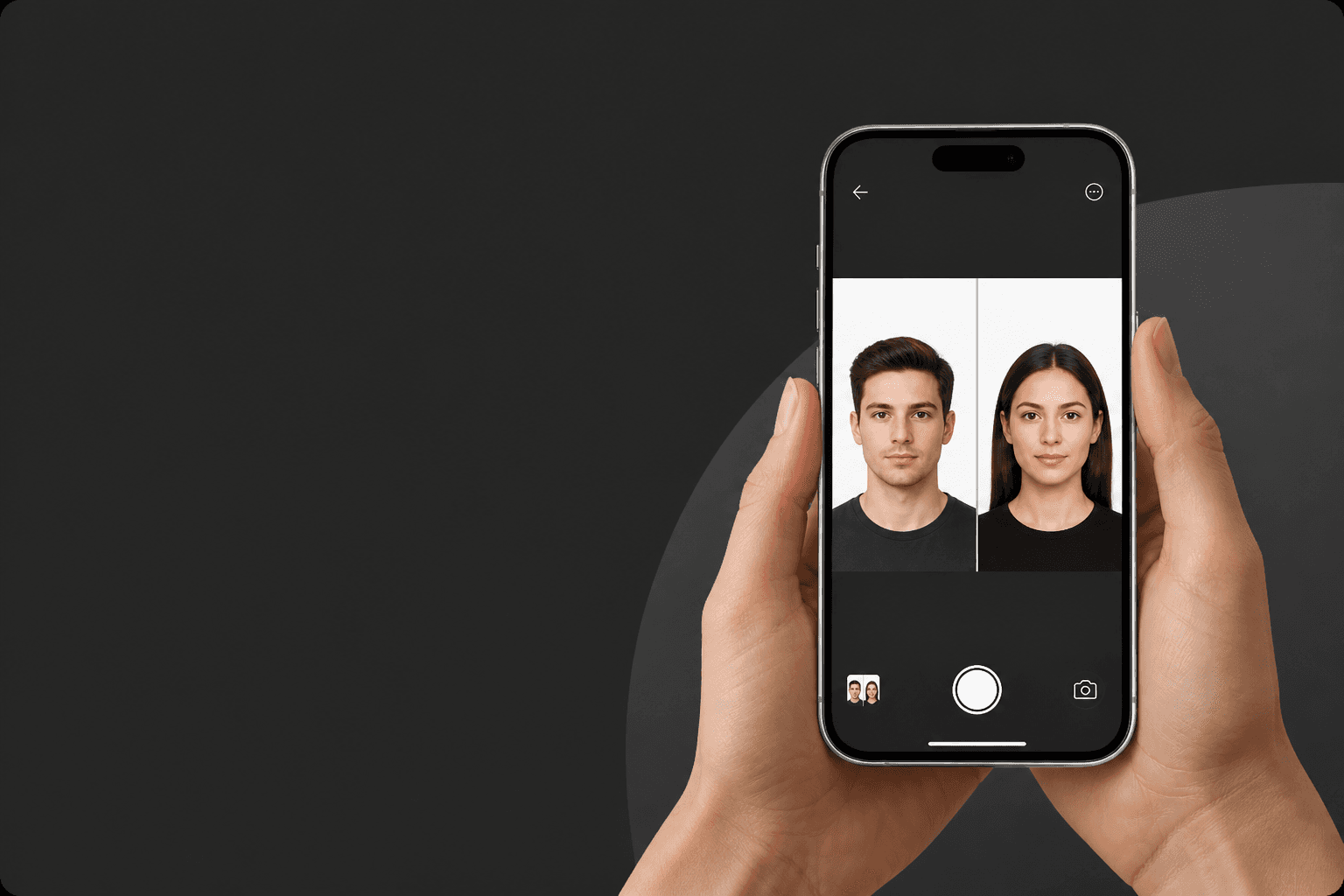
AI-teknik + passfotoexperter = omedelbar feedback
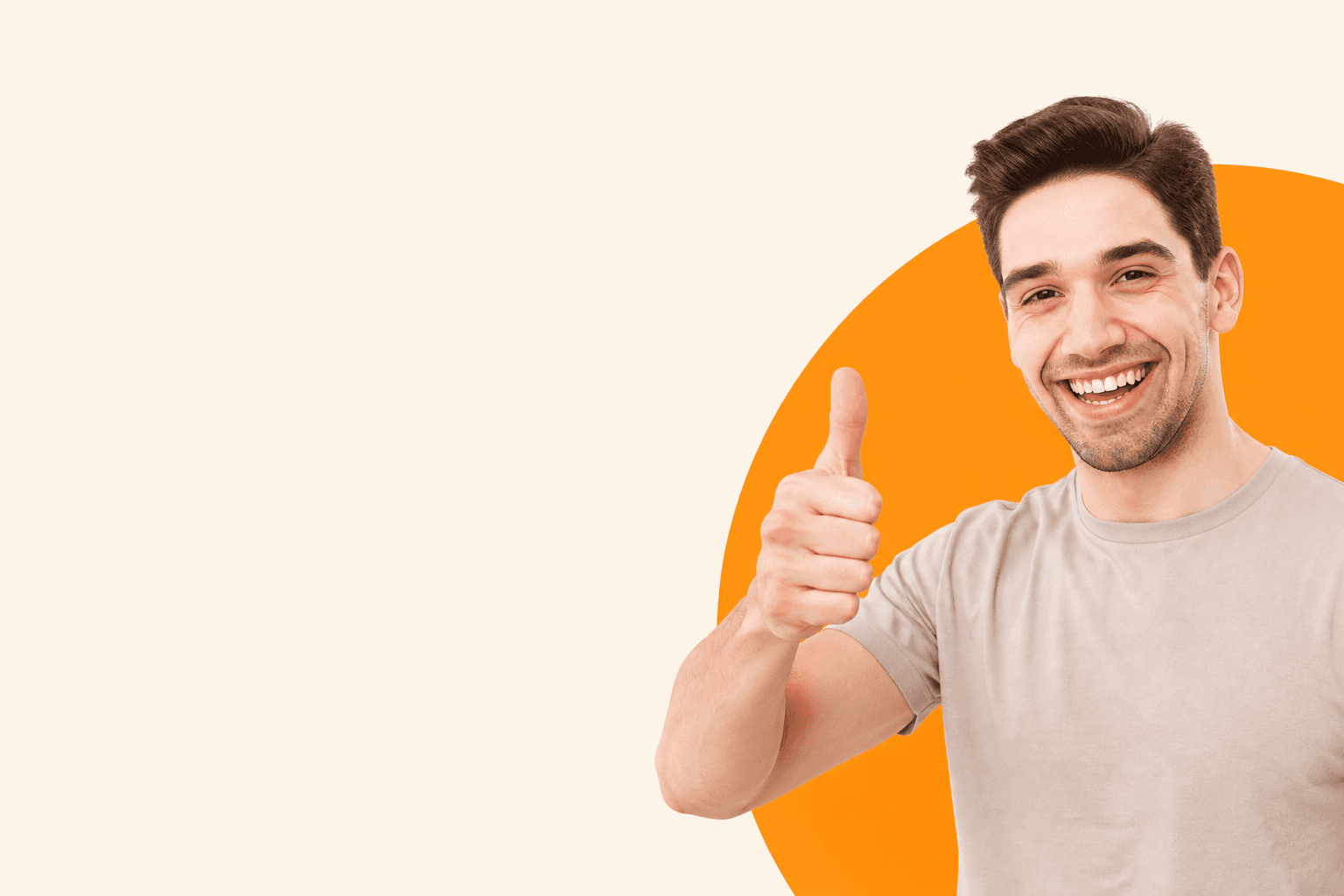
Biometriska foton som uppfyller officiella dokumentstandarder
Ta ett perfekt biometriskt foto på mindre än 3 minuter!
Upptäck hur enkelt det kan vara!
Använd ett befintligt foto eller ta ett nytt. Appen kontrollerar automatiskt efterlevnad mot dokumentets officiella regler.
AI beskär ansiktet till rätt proportion, ändrar storlek och lägger på den officiella bakgrunden — på sekunder.
Få den digitala filen direkt eller skriv ut ett ark 10×15 cm. Redo för din ansökan.
Följ dessa riktlinjer för det perfekta passfotot
Välj ett dokument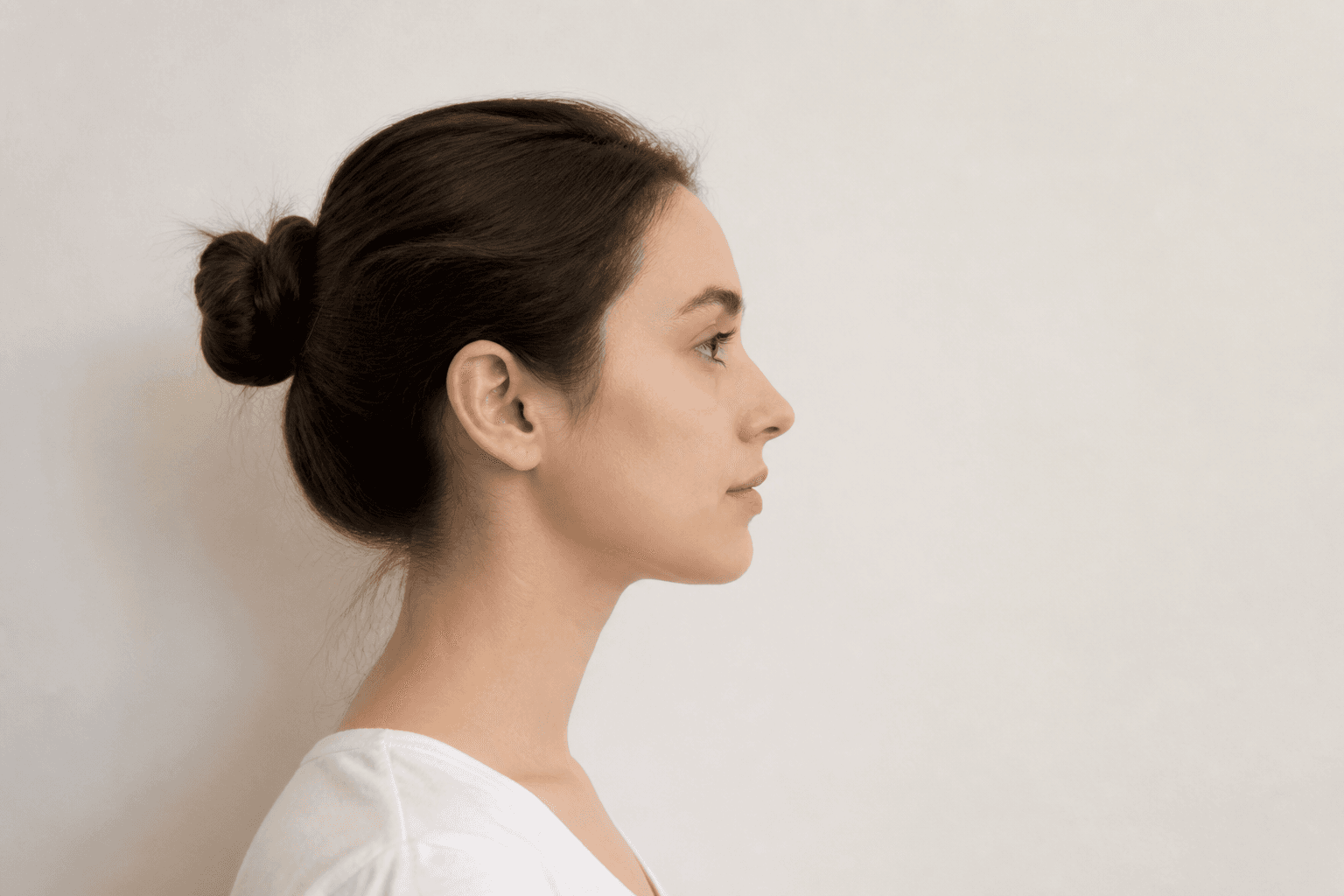
Håll den främre kameran 16–20 tum (40–50 cm) från ansiktet. Med bakkameran: 1–2 meter (4–6 fot) avstånd.
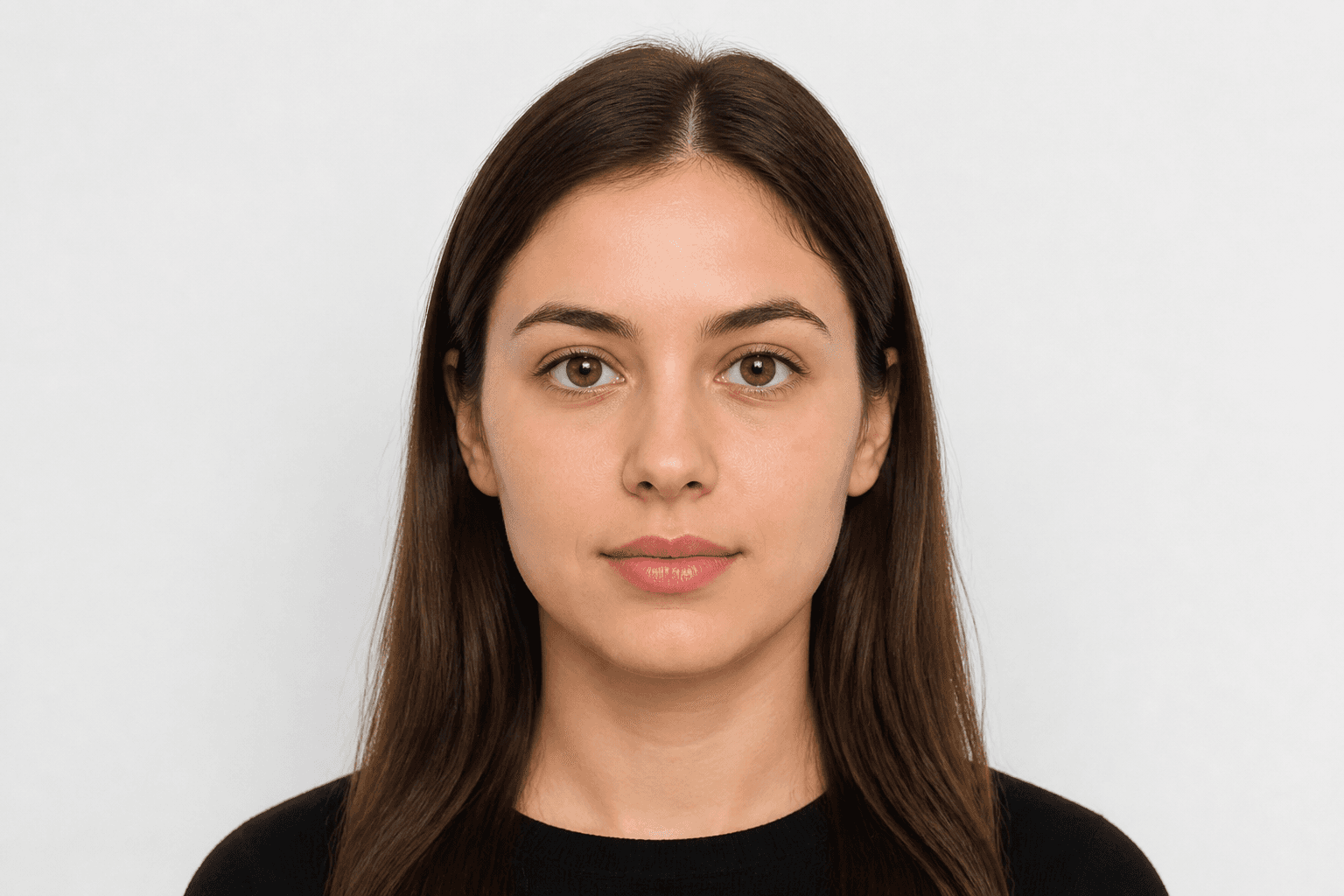
Titta rakt in i kameran och undvik att luta kroppen. Porträttläge är inte tillåtet för passfoton.
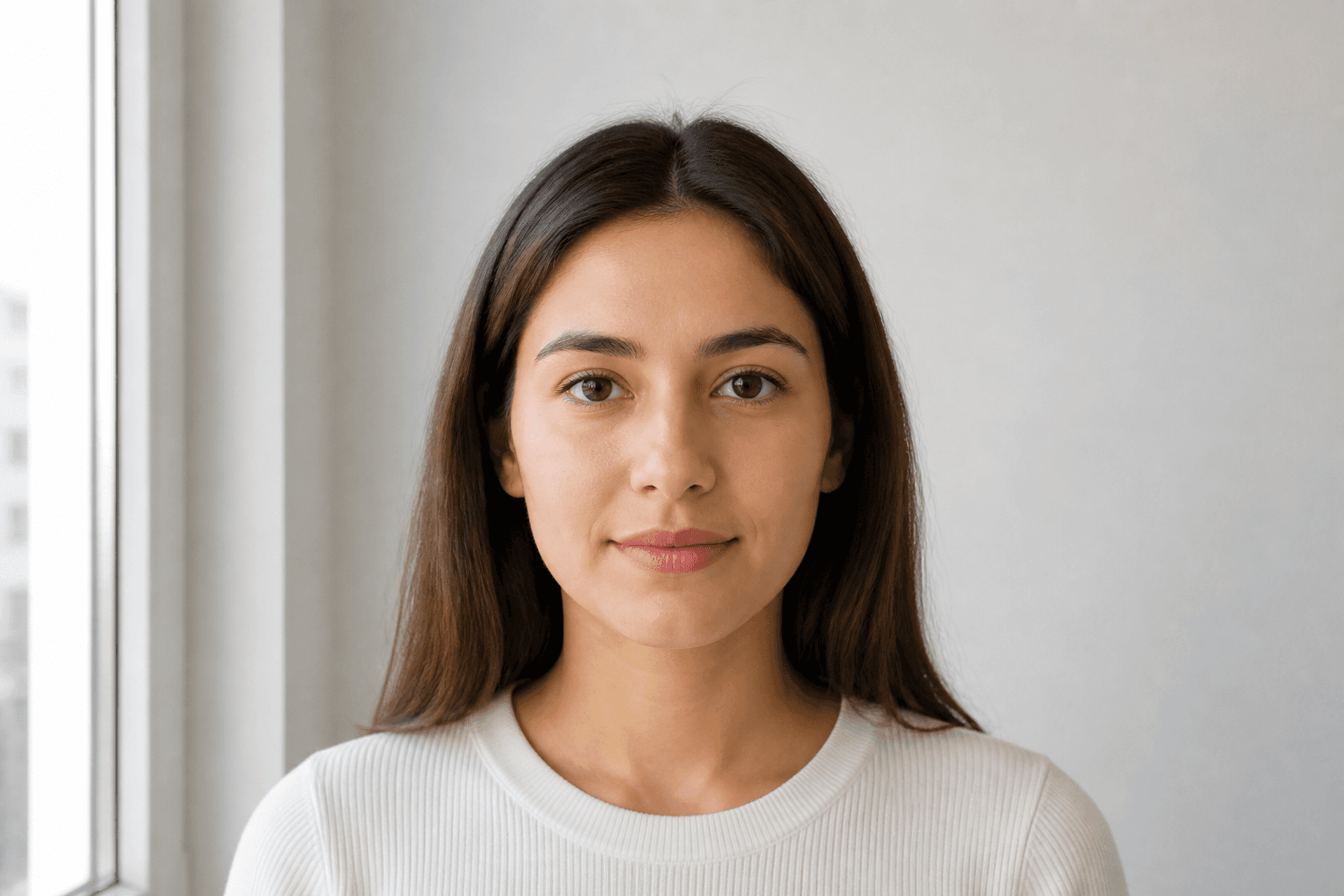
Ta passfoton i dagsljus, till exempel nära ett fönster en solig dag. Skuggor i ansiktet eller bakgrunden är inte tillåtna.
Pass-, ID- och körkortsformat för det valda landet.
Applying for an official document requires a compliant photo. Every application for a passport or national ID must meet official rules. Studio visits used to be the only option — now you can take a photo on your phone and finish it with an online passport photo maker.
Just pose correctly. Background removal, cropping and validation are handled for you. FotoPass prepares a print-ready file for passfoton, ID-kort och körkort used in Sverige. Choose the document and upload a photo.
With FotoPass’s passport photo app you can prepare photos for almost any country’s passport. For Sverige, the typical size is 35 × 45 mm with a ljus background. Pick the right document and the tool applies the correct crop automatically.
Many svenska licences also require a biometric headshot. Create a digital file or a printable sheet with the same compliant crop.
For national ID, student cards or CV photos, shoot at home, upload, and download a compliant biometric photo in minutes.
Yes, you can create a passport photo online at home. With a smartphone and our guide you’ll learn posing, clothing and the mistakes that cause rejection for svenska documents.
Snap a photo however is easiest — selfie, with help, or from any angle. You don't need perfect distance or a straight head.
Use soft daylight. Don't worry about the background; the app removes it. Avoid shadows on the face.
Upload your clearest shot. FotoPass handles biometric crop, face alignment and the official background with AI.
Choose simple, neat clothing. Uniforms are usually not allowed.
Glasses rules vary — US documents often ban them; many European countries allow them if eyes are fully visible. Hats are only allowed for religious reasons.
Blur, objects in the background and hair covering the face are top rejection reasons.
Don’t upload a photo with a manually erased background — use AI cleanup instead. Our AI also corrects head angle and framing.
FotoPass combines cropping, background removal, resizing and AI compliance checks so your photo matches official requirements.
Centers the face and crops to the ratio required for svenska documents.
Applies a compliant ljus background.
Outputs the correct 35 × 45 mm format for print or digital submission.
Reviews shadows, gaze, expression and framing before you download.
Ja. Vi tillämpar officiell storlek och biometriska regler för dokumentet du väljer, så fotot följer ansökningsstandarderna.