
Ảnh sinh trắc học trong 3 phút
Chụp tại nhà — không cần đi lại, không xếp hàng
Chụp ảnh sinh trắc học tại nhà chỉ trong 3 phút bằng điện thoại thông minh!
Chọn giấy tờ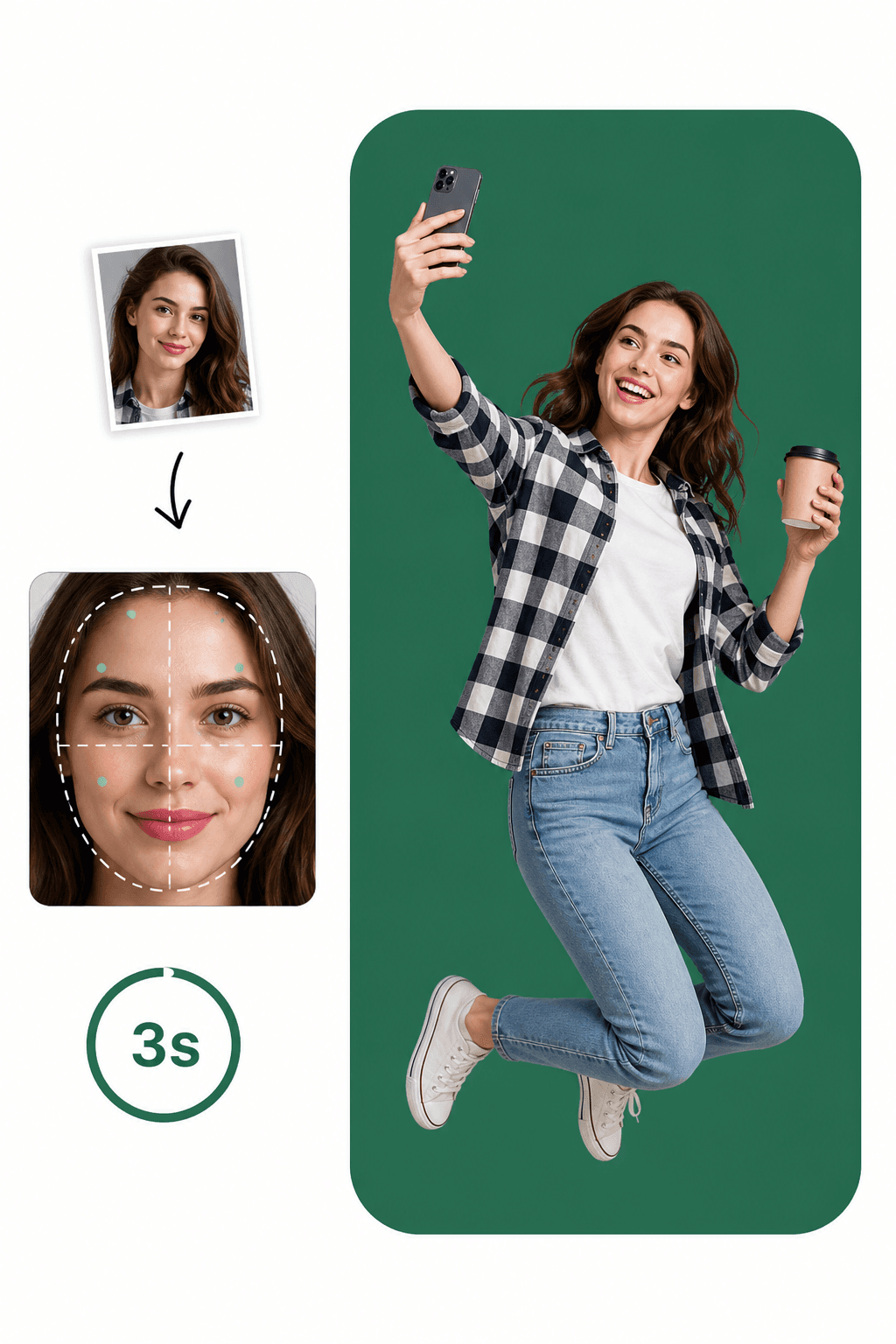
Chụp tại nhà — không cần đi lại, không xếp hàng
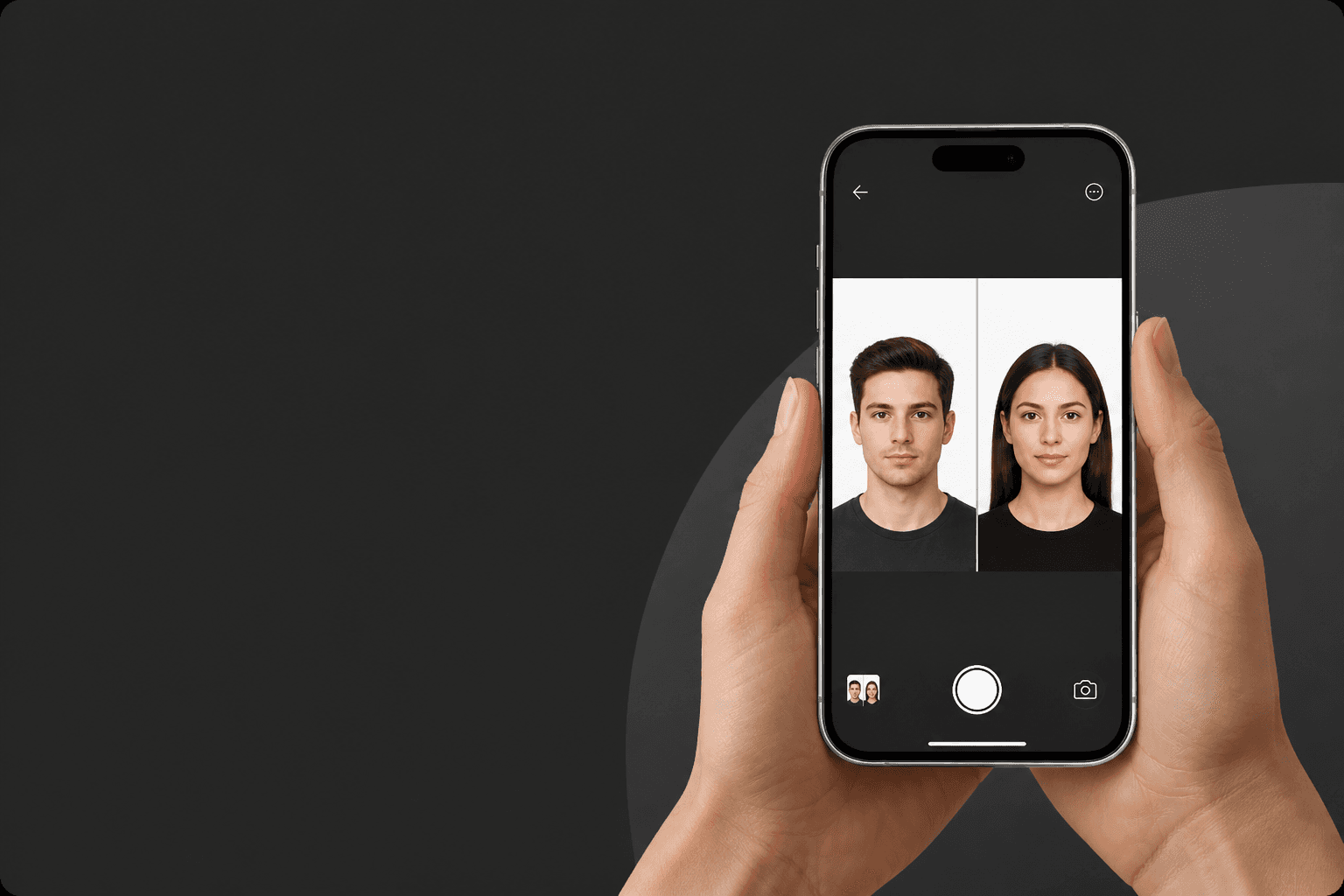
Công nghệ AI + chuyên gia ảnh hộ chiếu = phản hồi tức thì

Ảnh sinh trắc học đáp ứng tiêu chuẩn giấy tờ chính thức
Chụp ảnh sinh trắc học hoàn hảo trong chưa đầy 3 phút!
Khám phá xem việc này đơn giản đến mức nào!
Dùng ảnh có sẵn hoặc chụp ảnh mới. Ứng dụng tự động kiểm tra sự tuân thủ quy tắc chính thức của giấy tờ bạn chọn.
AI cắt khuôn mặt đúng tỷ lệ, đổi kích thước và áp dụng nền chính thức — trong vài giây.
Nhận tệp kỹ thuật số ngay hoặc in tờ 10×15 cm. Sẵn sàng dùng cho hồ sơ của bạn.
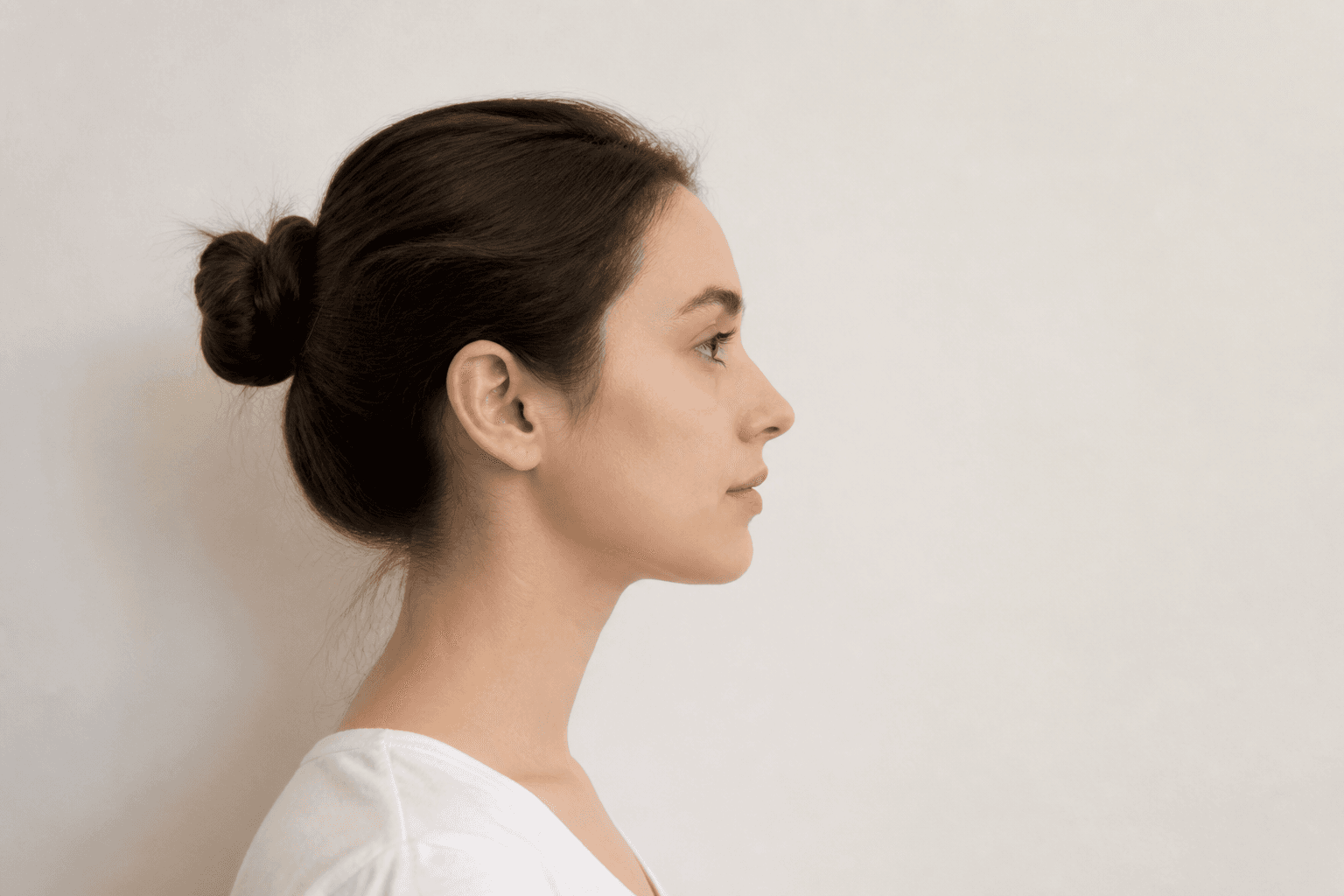
Giữ camera trước cách mặt 16–20 inch (40–50 cm). Với camera sau, giữ khoảng cách 1–2 mét (4–6 feet).
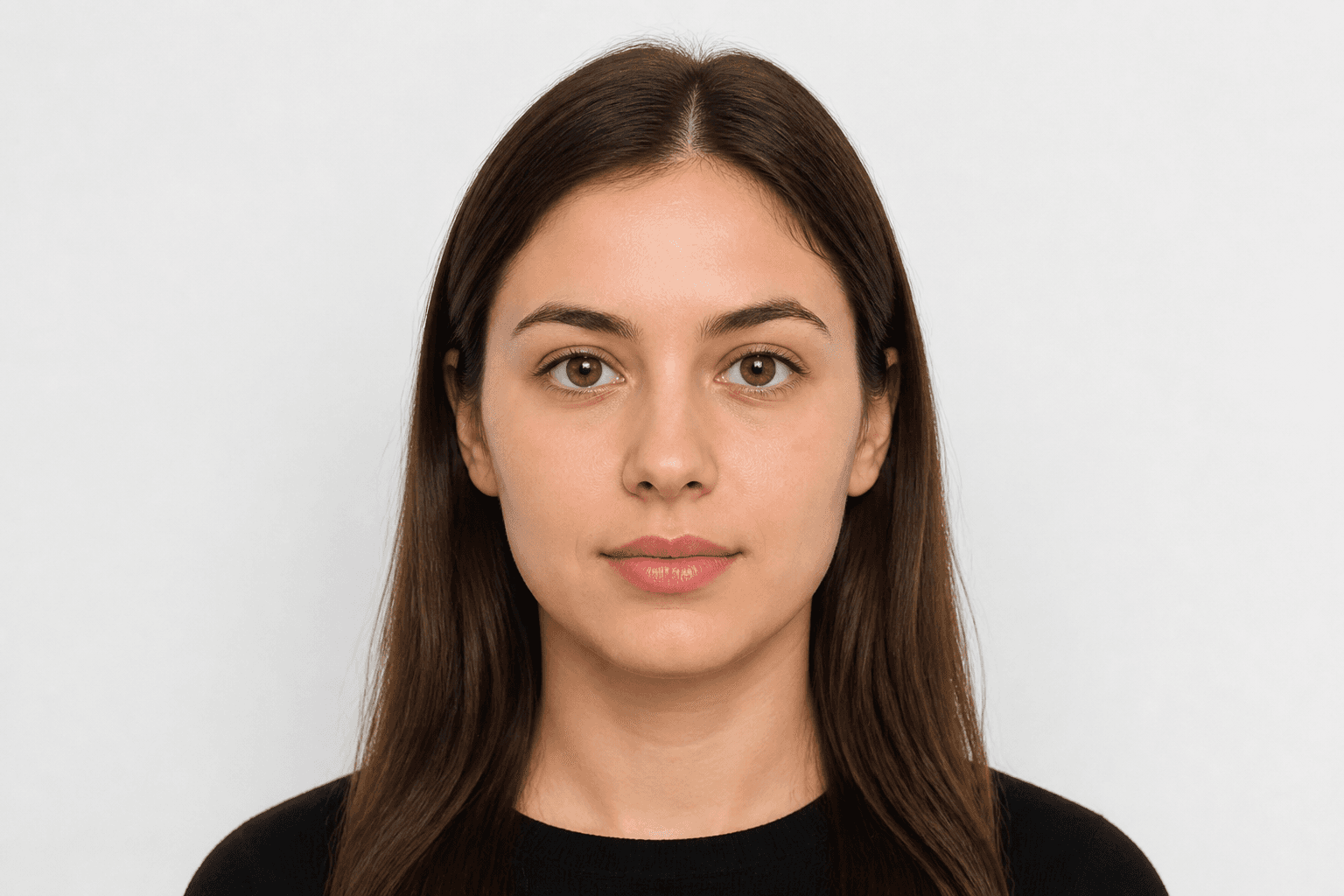
Nhìn thẳng vào camera và tránh nghiêng người. Chế độ chân dung không được chấp nhận cho ảnh hộ chiếu.
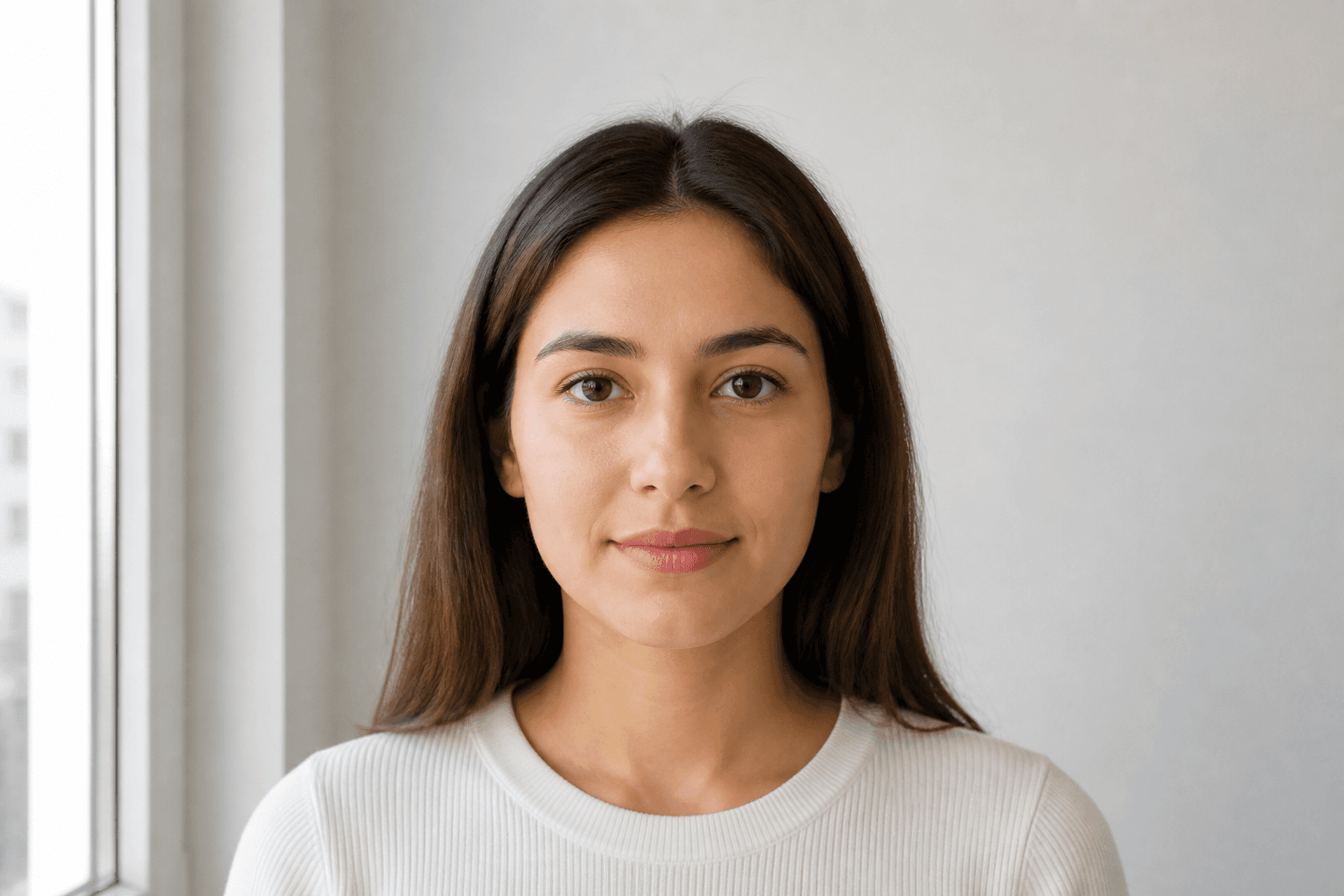
Chụp ảnh hộ chiếu trong điều kiện ánh sáng ban ngày, ví dụ gần cửa sổ vào ngày nắng. Không được có bóng trên mặt hoặc nền.
Kích thước hộ chiếu, thị thực, CMND/CCCD và bằng lái cho quốc gia đã chọn.
Applying for an official document requires a compliant photo. Every application for a passport or national ID must meet official rules. Studio visits used to be the only option — now you can take a photo on your phone and finish it with an online passport photo maker.
Just pose correctly. Background removal, cropping and validation are handled for you. FotoPass prepares a print-ready file for ảnh hộ chiếu và giấy tờ used in Việt Nam. Choose the document and upload a photo.
With FotoPass’s passport photo app you can prepare photos for almost any country’s passport. For Việt Nam, the typical size is 40 × 60 mm with a trắng background. Pick the right document and the tool applies the correct crop automatically.
Many Việt Nam licences also require a biometric headshot. Create a digital file or a printable sheet with the same compliant crop.
For national ID, student cards or CV photos, shoot at home, upload, and download a compliant biometric photo in minutes.
Yes, you can create a passport photo online at home. With a smartphone and our guide you’ll learn posing, clothing and the mistakes that cause rejection for Việt Nam documents.
Snap a photo however is easiest — selfie, with help, or from any angle. You don't need perfect distance or a straight head.
Use soft daylight. Don't worry about the background; the app removes it. Avoid shadows on the face.
Upload your clearest shot. FotoPass handles biometric crop, face alignment and the official background with AI.
Choose simple, neat clothing. Uniforms are usually not allowed.
Glasses rules vary — US documents often ban them; many European countries allow them if eyes are fully visible. Hats are only allowed for religious reasons.
Blur, objects in the background and hair covering the face are top rejection reasons.
Don’t upload a photo with a manually erased background — use AI cleanup instead. Our AI also corrects head angle and framing.
FotoPass combines cropping, background removal, resizing and AI compliance checks so your photo matches official requirements.
Centers the face and crops to the ratio required for Việt Nam documents.
Applies a compliant trắng background.
Outputs the correct 40 × 60 mm format for print or digital submission.
Reviews shadows, gaze, expression and framing before you download.
Có. Chúng tôi áp dụng kích thước và quy tắc sinh trắc học chính thức của giấy tờ bạn chọn, nên ảnh được chuẩn bị theo tiêu chuẩn hồ sơ.