Cum să faceți o fotografie de pașaport acasă
Pas cu pas: o fotografie biometrică de pașaport conformă, cu smartphone-ul — fără vizită la studio.
De ce funcționează fotografiile de acasă
Majoritatea cererilor de pașaport acceptă fotografii digitale. Cu lumină bună, telefonul se apropie de calitatea de studio.
Folosiți România Pașaport cu inteligență artificială pentru a decupa imaginea automat în 3 secunde.
FotoPass decupează fața, curăță fundalul și aplică dimensiunea documentului — nu trebuie să vă faceți griji pentru distanță sau poză, inteligența artificială corectează.
Cerințe oficiale pentru fotografie
- Dimensiunea documentului aplicată
- Alinierea feței verificată
- Fundal pregătit
Dimensiune
35 × 45 mm
Fundal
Gri deschis
Fotografie digitală
413 × 531 px


Listă de pregătire
Folosiți un perete simplu, deschis (alb sau gri deschis). Evitați perdelele cu model sau rafturile în spate.
Lumina zilei lângă o fereastră este ideală. Lumina moale, fără umbre dure pe față, funcționează cel mai bine.
Săriți ochelarii, pălăriile și machiajul greu; regulile oficiale cer o expresie neutră.
Pași de fotografiere
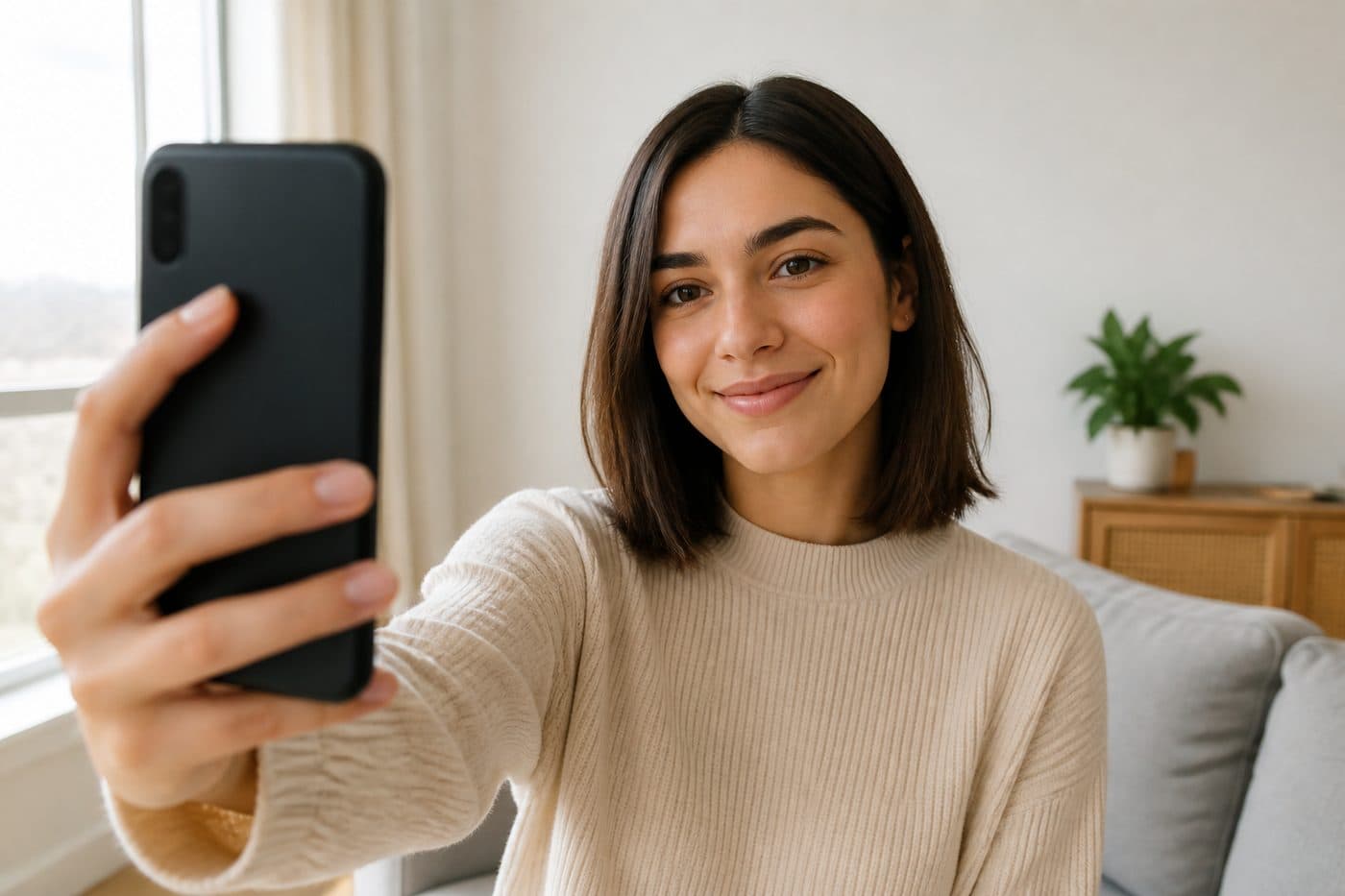
Fotografiați din poziția care vi se pare confortabilă — selfie-ul este în regulă. Nu e nevoie de o distanță anume sau de cap drept.
O expresie naturală este suficientă. Opriți modurile portret/frumusețe — inteligența artificială se ocupă de rest.
Faceți câteva cadre și încărcați-l pe cel mai clar. Instrumentul finalizează decupajul biometric, alinierea și fundalul.