How to take a passport photo at home
A step-by-step way to create a compliant biometric passport photo with your smartphone — no studio visit.
Why home photos work
Most passport applications accept digital photos. With good light, your phone is close to studio quality.
Use our AI-powered Singapore Passport Photo Tool to auto-crop your image in 3 seconds.
FotoPass crops the face, cleans the background and applies your document's size — no need to worry about distance or pose, AI fixes it.
Official photo requirements
- Document size applied
- Face alignment checked
- Background prepared
Size
35 × 45 mm
Background
Light grey
Digital photo
413 × 531 px


Preparation checklist
Use a plain light wall (white or light grey). Avoid patterned curtains or shelves behind you.
Daylight near a window is ideal. Soft light without hard shadows on the face works best.
Skip glasses, hats and heavy makeup; official rules require a neutral expression.
Shooting steps
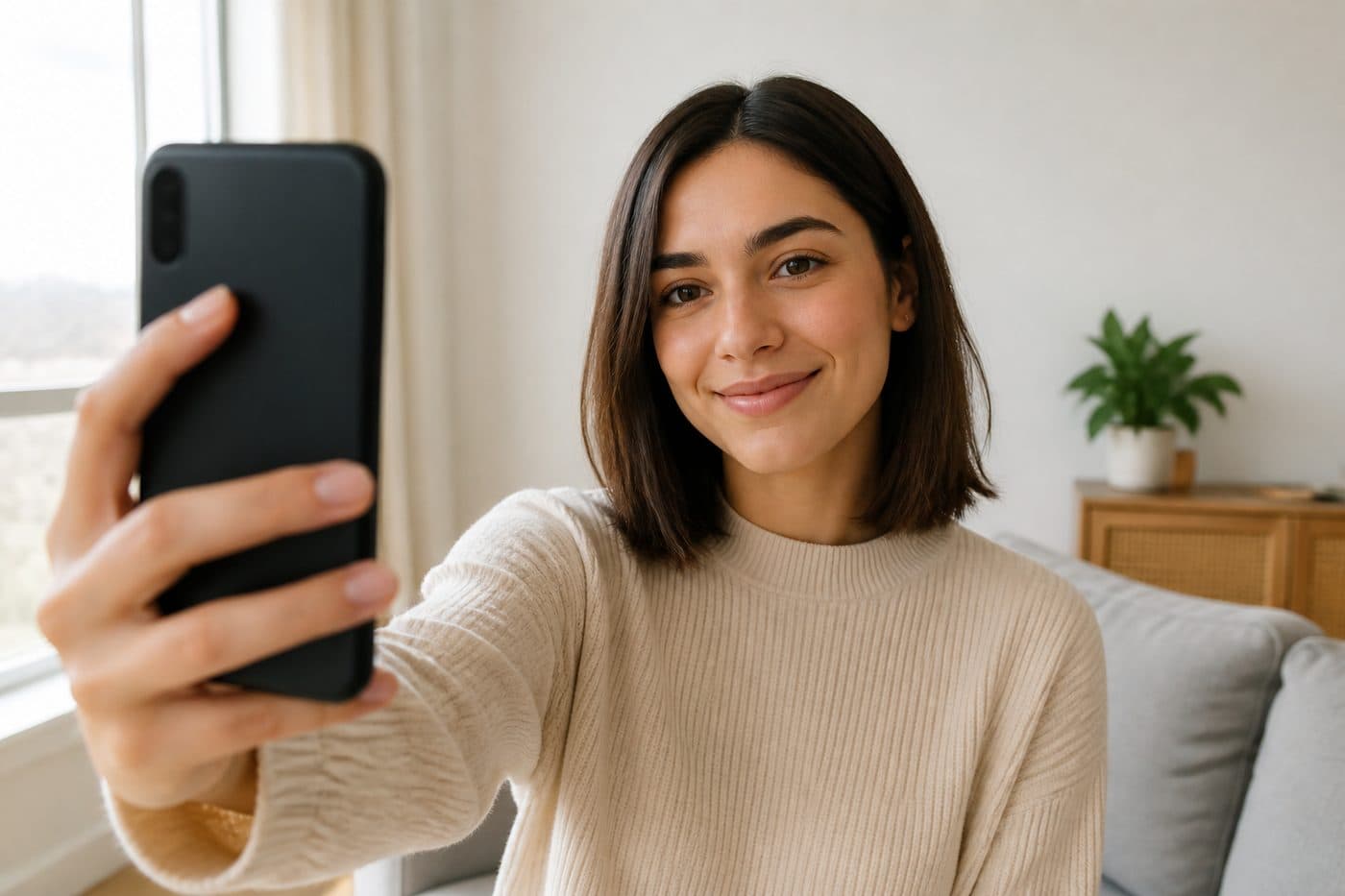
Shoot from whatever feels comfortable — selfie is fine. No specific distance or straight head needed.
A natural expression is enough. Turn off portrait/beauty modes — AI handles the rest.
Take a few frames and upload the sharpest one. The tool finishes biometric crop, alignment and background.