Hogyan készítsen útlevélfotót otthon
Lépésről lépésre: szabályos biometrikus útlevélfotó okostelefonnal — stúdiólátogatás nélkül.
Miért működik az otthoni fotó
A legtöbb útlevélkérelem elfogadja a digitális fotót. Jó fénnyel a telefon közelít a stúdióminőséghez.
Az AI-alapú Magyarország Útlevél 3 másodperc alatt automatikusan kivágja a képet.
A FotoPass kivágja az arcot, tisztítja a hátteret, és alkalmazza az okmány méretét — a távolság és a póz miatt nem kell aggódni, a mesterséges intelligencia javítja.
Hivatalos fotókövetelmények
- Dokumentumméret alkalmazva
- Arcegyenesítés ellenőrizve
- Háttér előkészítve
Méret
35 × 45 mm
Háttér
Világosszürke
Digitális fotó
413 × 531 px


Előkészítési lista
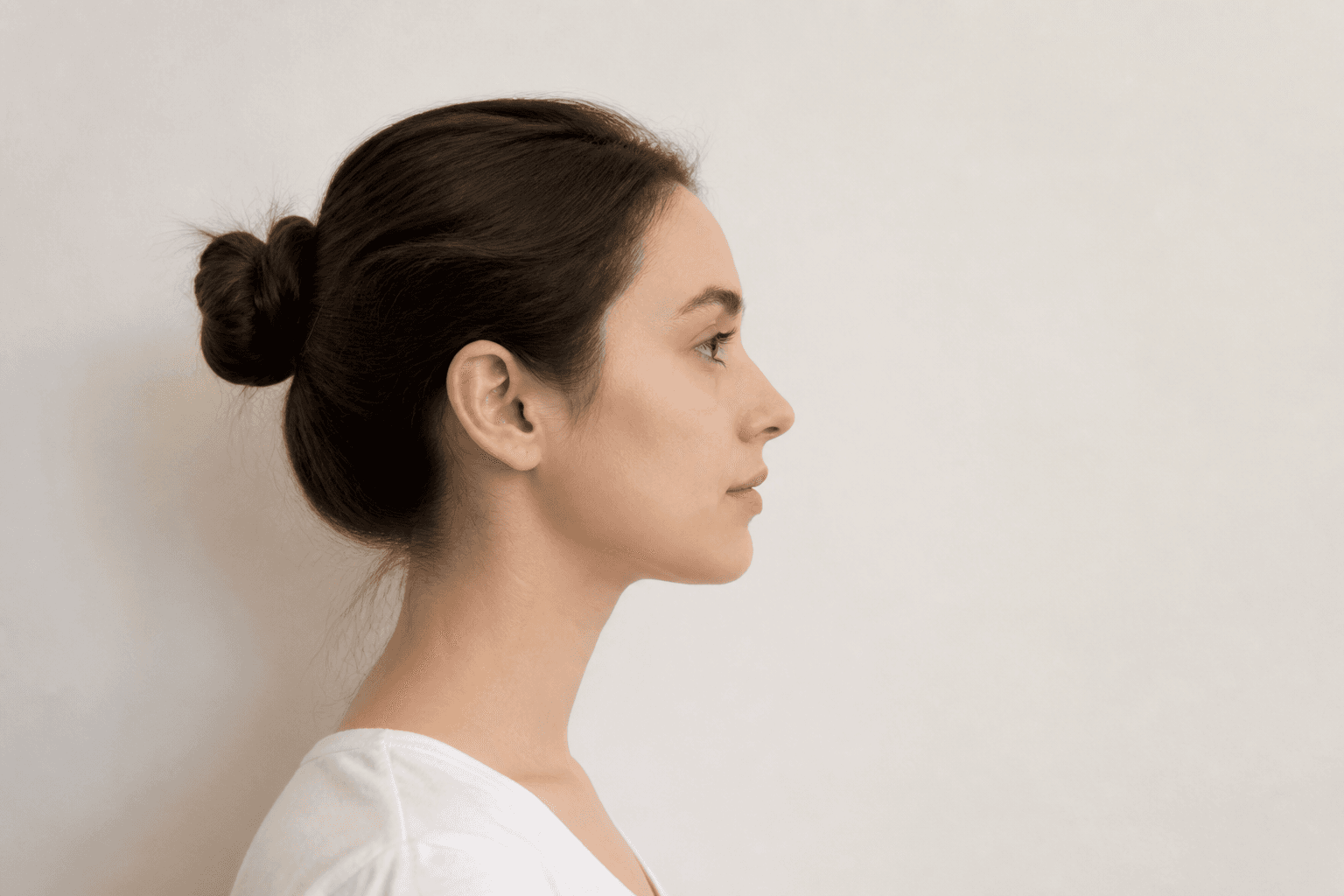
Használjon sima, világos falat (fehér vagy világosszürke). Mintás függöny vagy polc ne legyen a háttérben.
Az ablak melletti nappali fény ideális. A puha fény kemény árnyék nélkül az arcon a legjobb.
Kerülje a szemüveget, a sapkát és a vastag sminket; a hivatalos szabályok semleges arckifejezést követelnek.
Fotózási lépések
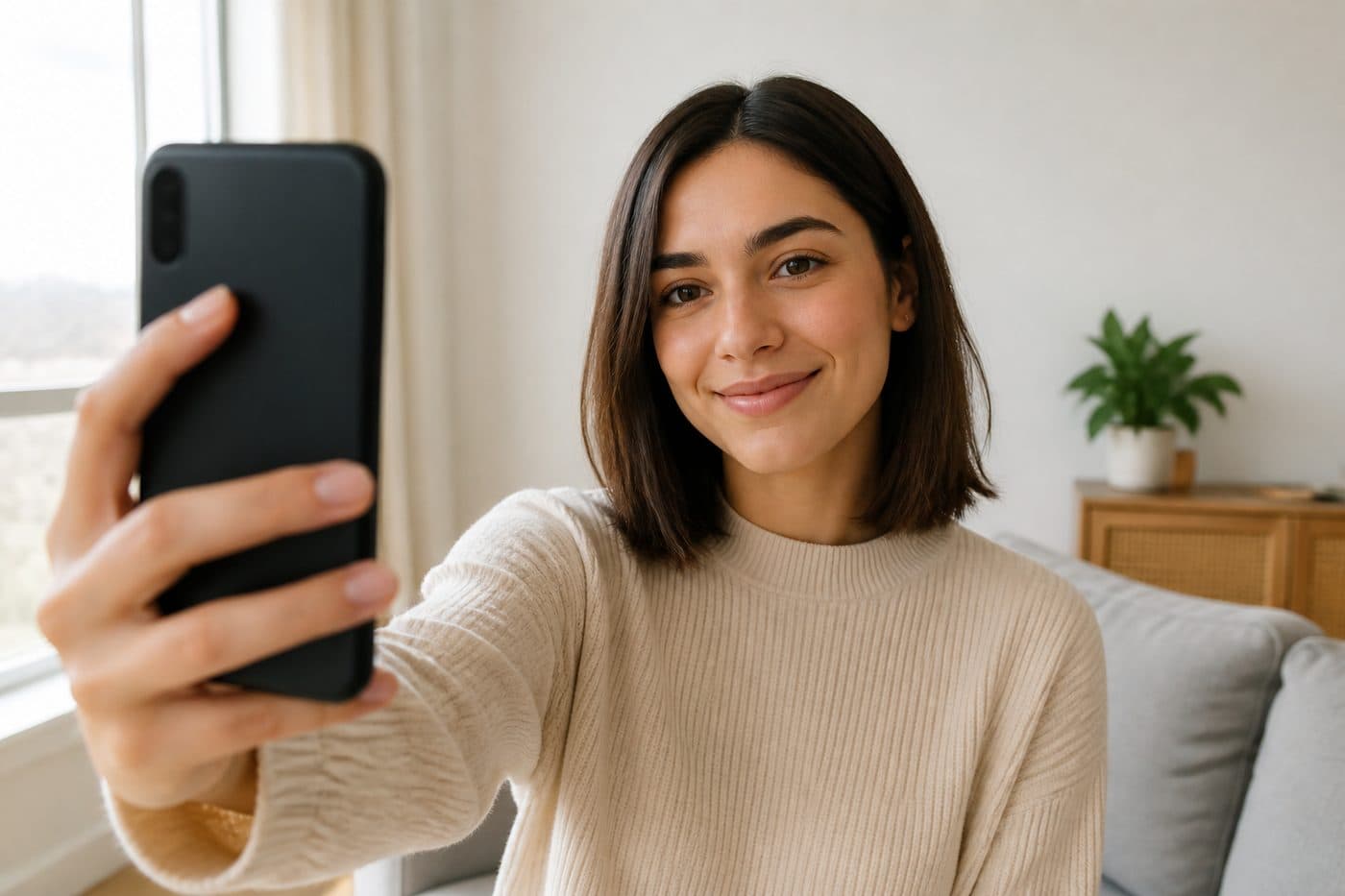
Kényelmes pozícióból fotózzon — a szelfi elég. Nincs kötelező távolság vagy egyenes fej.
A természetes arckifejezés elég. Portré-/szépségmód ki — a többit a mesterséges intelligencia intézi.
Készítsen néhány képet, és töltse fel a legélesebbet. Az eszköz befejezi a biometrikus vágást, az igazítást és a hátteret.