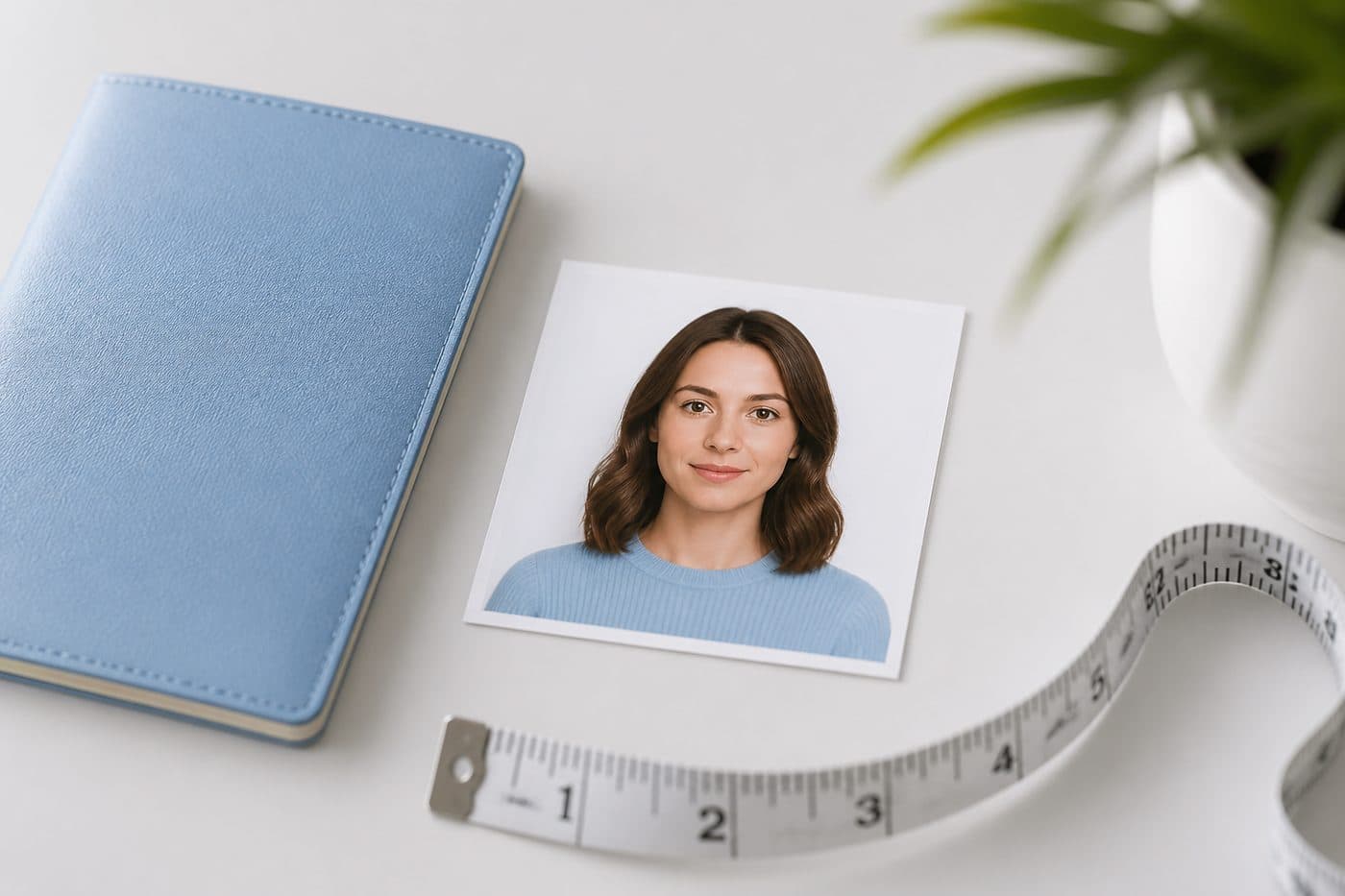
Green Card / USCIS photo requirements: 2×2 inch guide
Most USCIS / Green Card photos match the US passport **2×2 inch** square on white / off-white. Confirm the same square for I-485 and renewals.
The 2×2 inch standard
Green Card (permanent residence) and many USCIS forms use the same 2 × 2 inch (51 × 51 mm) square as a US passport. Background plain white or off-white, head height about 1–1⅜ inches, neutral expression.
Use our AI-powered United States Passport Photo Tool to auto-crop your image in 3 seconds.
Digital uploads often sit in the 600×600–1200×1200 px JPEG range; read the KB cap on your form. Do not confuse the process with DS-160 visa upload — different workflow, same size family.
Official photo requirements
- Document size applied
- Face alignment checked
- Background prepared
Size
2 × 2 in
Background
White
Digital photo
602 × 602 px


Passport renewal vs I-485
Passport renewal, Green Card filing (e.g. I-485) and some work permits may share the same 2×2 square — still open each form’s “photo specifications” PDF.
Scanning an old printed Green Card photo to reuse it is risky — you need a last-6-months look and a current facial appearance.
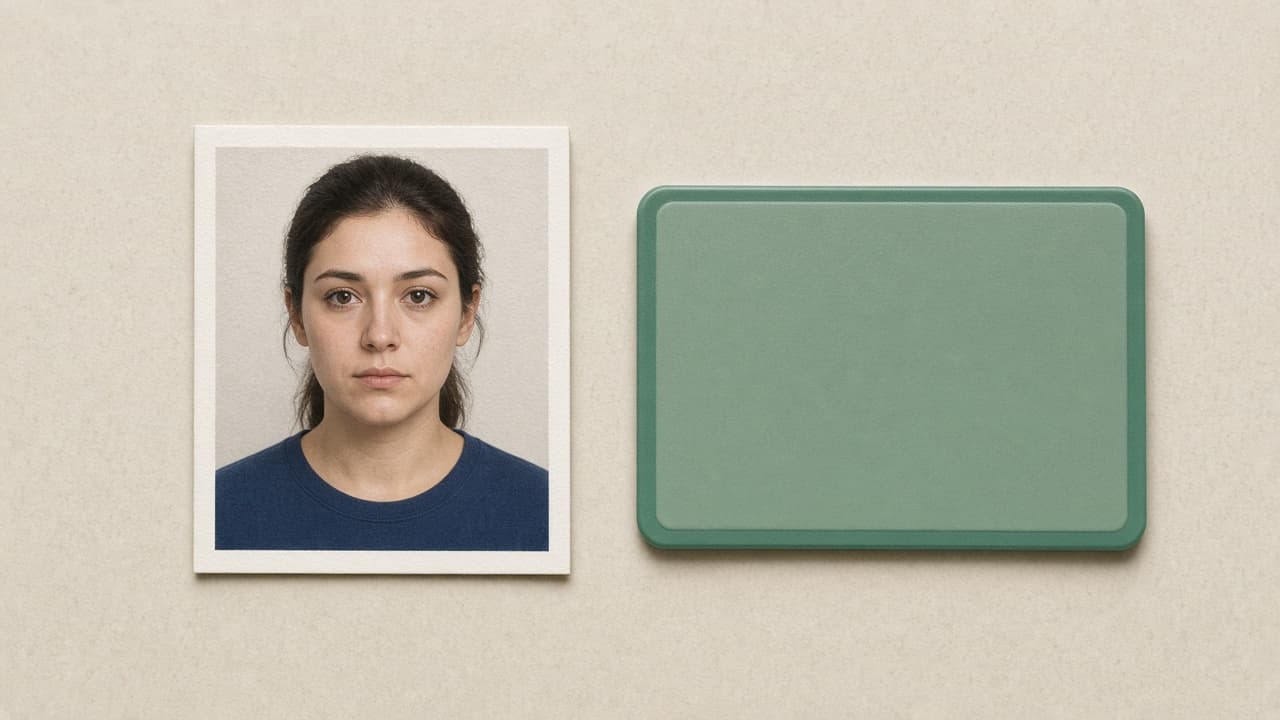
Refusal reasons
Glasses (US rules since 2016), smiling, shadows, cream / grey background, low resolution and filter-altered skin.
Uniforms or camouflage can fail some USCIS scenarios — prefer civilian clothes that cover the shoulders in a dark/medium tone.
2×2 USCIS file with FotoPass
- 1
Sharp selfie without glasses.
- 2
Select US passport (2×2).
- 3
The FotoPass US passport tool applies the square crop and white background.
- 4
Download JPEG to the form’s px / KB rules; cut a matte 2×2 if prints are required.
DV Lottery entry has separate rules (see the DV article) — do not mix E-DV upload specs with Green Card interview prints.