Canadian Passport Photo Rules: Why Guaranteed Stamping and Dimensions Matter
50 × 70 mm, 31–36 mm head height, and studio/date on the reverse: Canada’s strict rules and the FotoPass 50 × 70 mm print template.
Why Canada is this strict
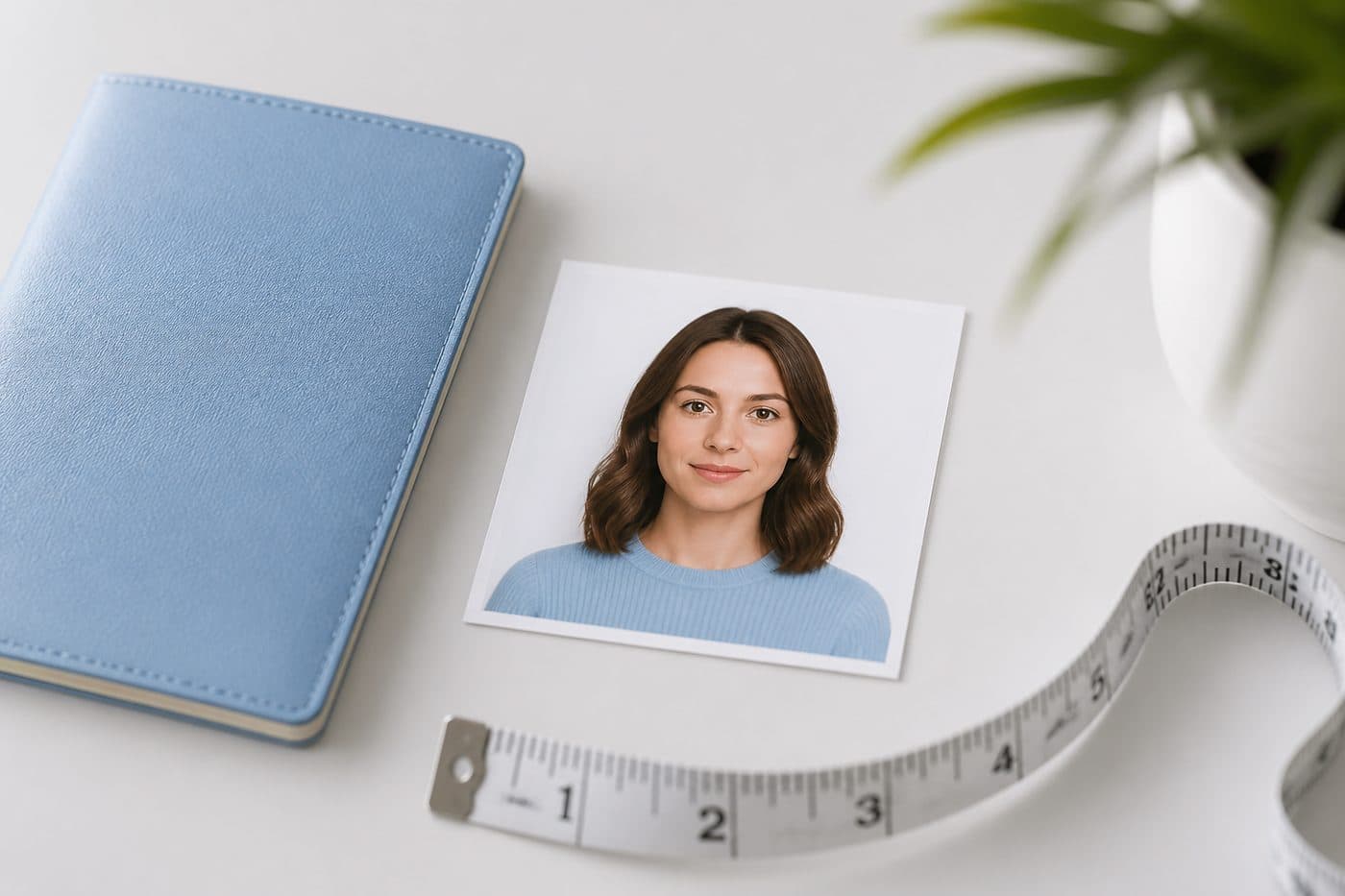
IRCC passport photos are among the strictest in the world: outer size 50 × 70 mm (2 × 2¾ in), head from chin to crown 31–36 mm (1¼–1⅞ in), and — on paper applications — the back of one print must show the photographer’s name, full address and the date taken. A millimetre off or a missing reverse note is a counter refusal — start with our Canada Passport Photo Tool.
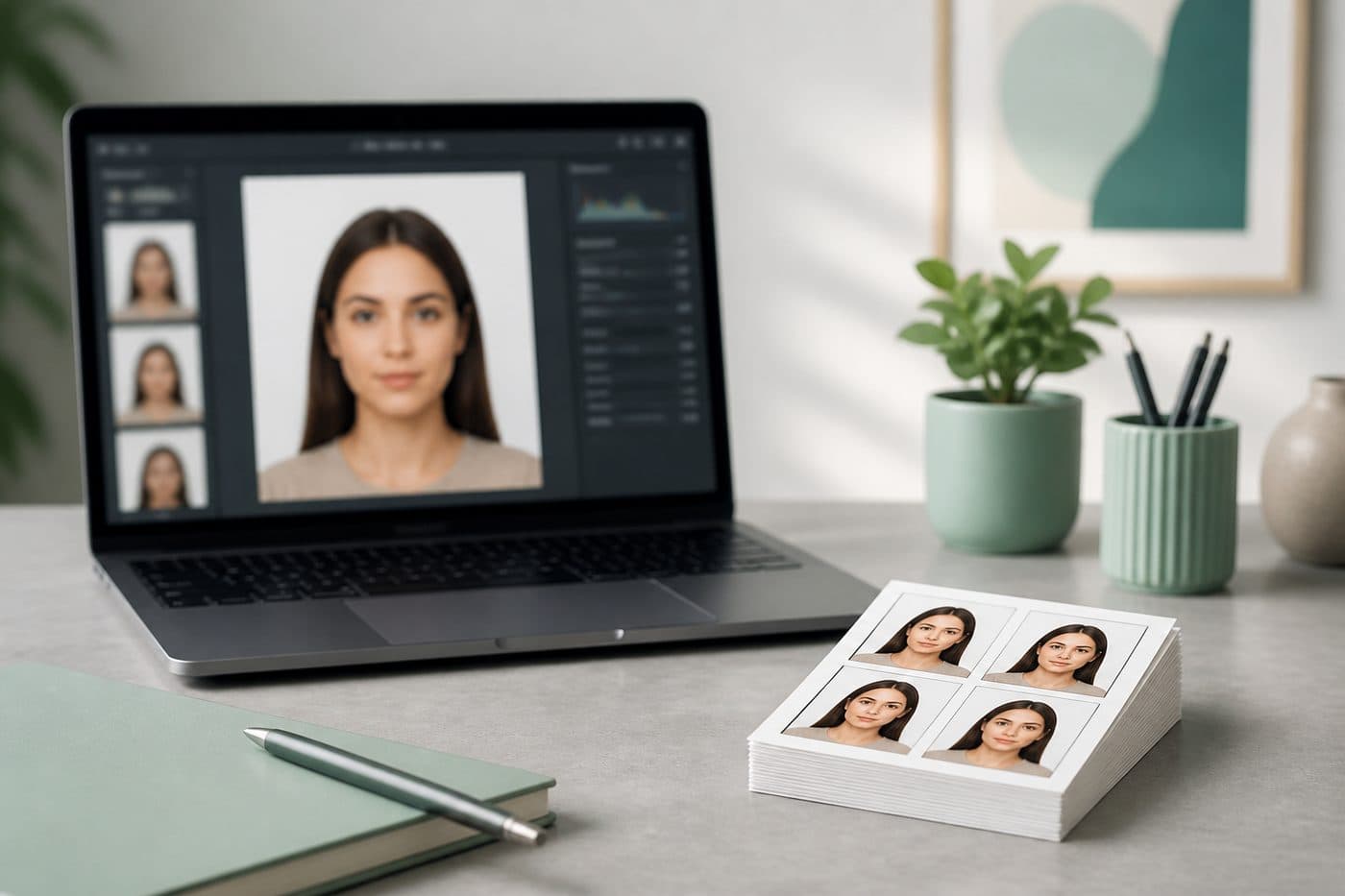
Use our AI-powered Canada Passport Photo Tool to auto-crop your image in 3 seconds and download a 50 × 70 mm print template. Below is how to fill the reverse.
Official photo requirements
- Document size applied
- Face alignment checked
- Background prepared
Size
50 × 70 mm
Background
White
Digital photo
591 × 827 px


50 × 70 mm — not a square
A Canadian passport photo is 50 mm wide × 70 mm tall (official 2 × 2¾ in). The US 2 × 2 in square and the Schengen 35 × 45 mm rectangle do not fit; squashing the wrong ratio into 50 × 70 distorts the face.
Print on quality, non-glossy photo paper. Home laser or office paper is refused. The FotoPass sheet lays 50 × 70 mm frames on a 4×6 sheet; tell the lab “matte photo paper, cut 50 × 70 mm”.
Head height 31–36 mm
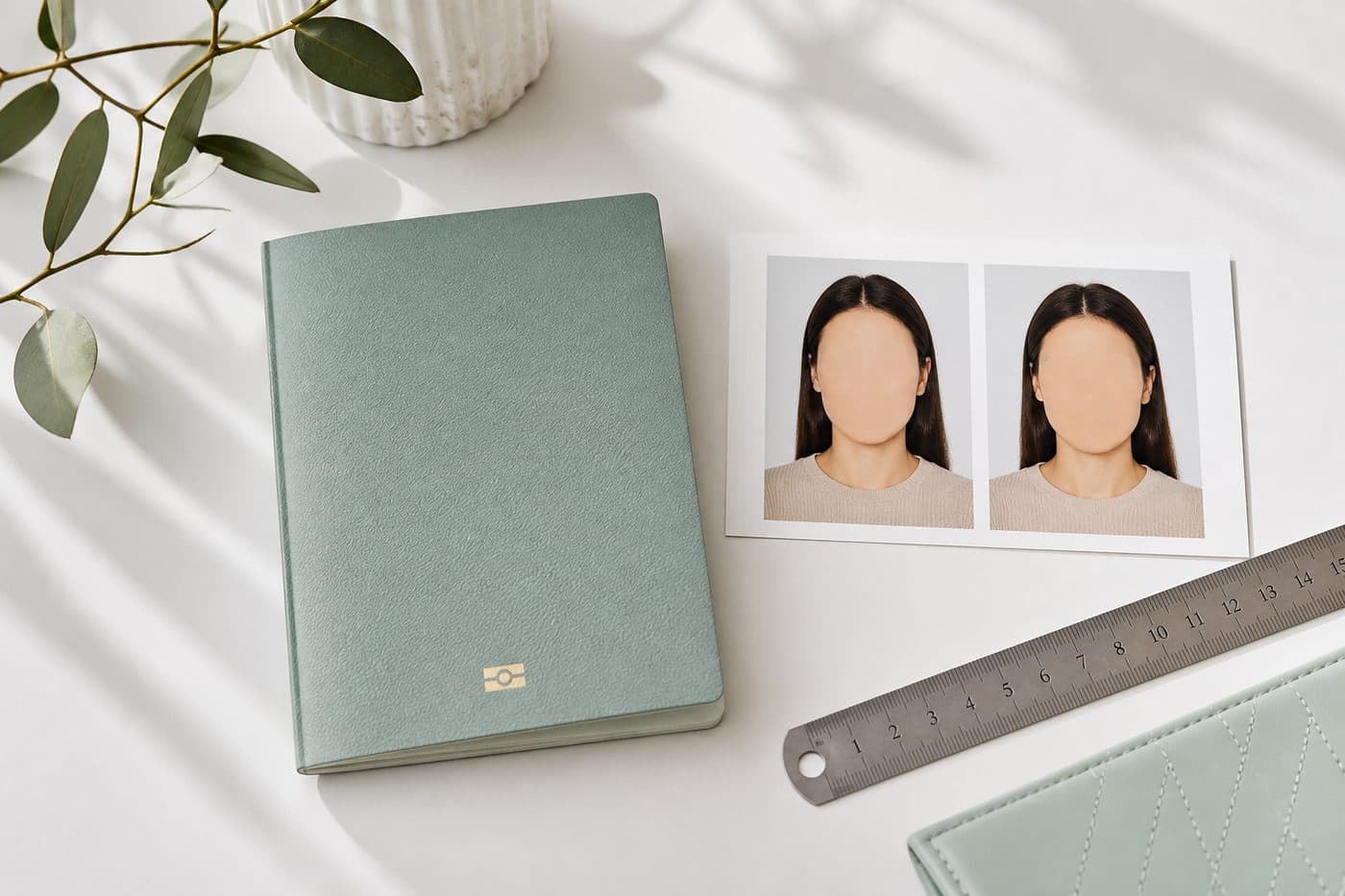
From chin to crown (skull, not hair volume) the head must measure 31–36 mm (about 1¼–1⅞ in). Too small reads as “shot from too far”; too large clips ears or hair — both fail.
Eyes open and level, gaze on camera, head straight. Glasses are generally banned. Last 6 months, neutral expression, plain white background, no shadows. FotoPass sets the head ratio for the document — you do not need tape on the wall.
The reverse: stamp, date, guarantor
On a paper application, the back of one print must show the commercial photographer’s name, full address and the date taken. A stamp or handwriting is fine; stick-on labels are not. IRCC still wants the photo taken by a commercial photographer.
On that same reverse the guarantor (or eligible person) writes “I certify this to be a true likeness of [your name]” and signs. Nothing is written on the front. FotoPass does not fill the reverse for you — it gives the correctly sized face; the stamp and sentence are yours and the studio’s.

FotoPass 50 × 70 mm print template
Pick Canada passport, upload a selfie, and AI applies a white background, the 50 × 70 mm ratio and the 31–36 mm head band. The download is a print sheet with several 50 × 70 mm frames for the lab to cut.
Take the sheet to a photographer and ask them to print that crop on matte 50 × 70 mm paper and stamp the reverse with the studio details. You get FotoPass sizing plus the commercial stamp IRCC wants. A home printer and a blank reverse are not enough for a paper application.
How to fill the back
- 1
Cut two (or the number IRCC asks) 50 × 70 mm copies.
- 2
On the back of one only, have the photographer write or stamp their name, street address (not a P.O. box — a full business address) and the date taken.
- 3
The guarantor writes the likeness sentence on that same reverse and signs.
Keep ink off the front; use a fine pen or a studio stamp. Stickers, taped business cards or a printer-added “studio name” on copy paper are refusal risks at IRCC.
Online renewal uses different file rules
IRCC online passport renewal wants a digital file: portrait about 3:2, roughly 1200×1800 to 3000×4500 pixels, JPEG, about 200 KB–5 MB, head height 45–50% of the frame. Photographer details go in the form, not on a print reverse.
The paper-application reverse stamp does not move to the online form; size and white background still matter. Check which channel your IRCC account uses — mixing them is a refusal.
Checklist
- 1
Choose Canada passport and upload a sharp front-facing frame.
- 2
Download the 50 × 70 mm template.
- 3
Cut on matte photo paper.
- 4
On one reverse: studio name, full address, date.
- 5
Guarantor likeness sentence and signature.
- 6
For online renewal, confirm JPEG pixels and KB on the IRCC page.
Rules can change — read Canada.ca “Passport photos” on the day you apply. FotoPass supplies the crop and template; the stamp and guarantor wording remain your responsibility.