


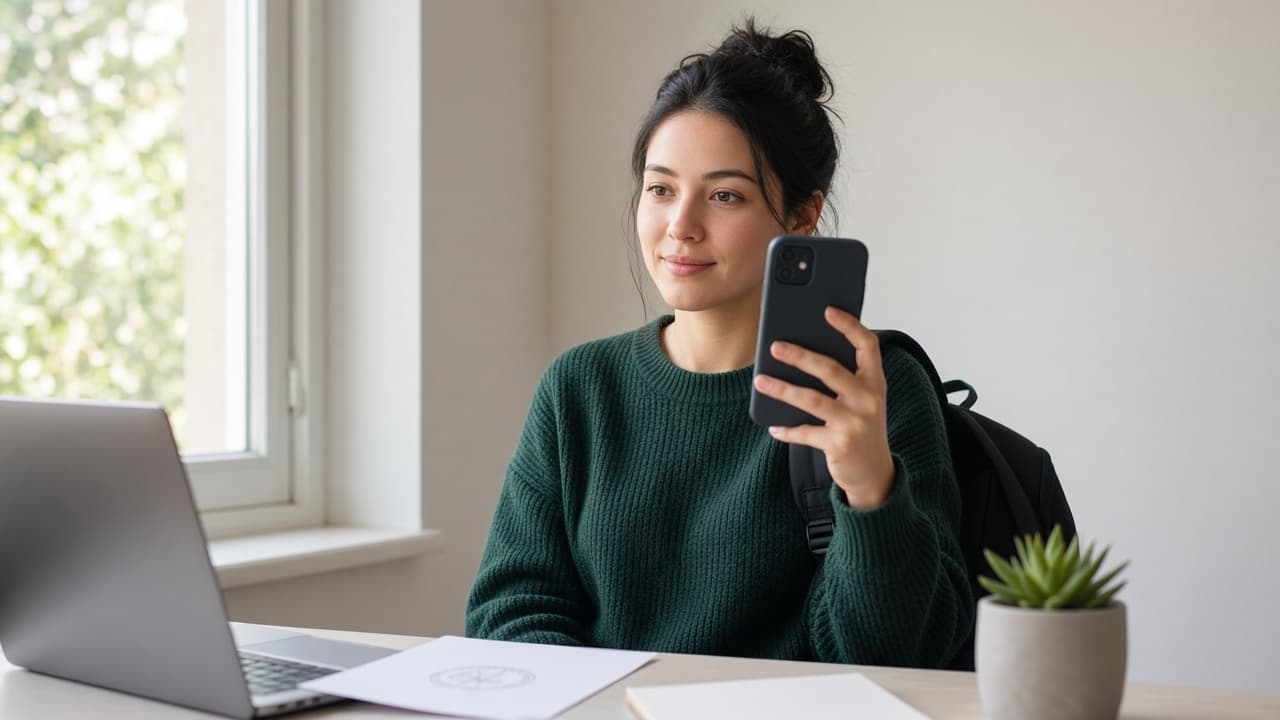
Student Visa Photo Requirements: Phone Biometric Without a Studio
F-1, Schengen student and UK Student: size, neutral expression and background — plus phone + PDF print-sheet steps for a tight budget.
Why student season spikes photo searches
Every intake window (August–October and January–February) hundreds of thousands of applications stall on the student visa photo. Studio fees, off-campus queues and “any ID portrait is fine” delay the file. Consulates score an ICAO biometric frame: head ratio, neutral expression, plain background.
Use our AI-powered United States Passport Photo Tool to auto-crop your image in 3 seconds.
On a tight budget you do not need a studio. A sharp phone frame plus document-correct crop and a PDF print sheet covers most F-1 / Schengen / UK Student files. Below: the sizes and the at-home steps.
Official photo requirements
- Document size applied
- Face alignment checked
- Background prepared
Size
2 × 2 in
Background
White
Digital photo
602 × 602 px


Sizes by destination (most searched)
US F-1 / J-1 (DS-160): 2×2 inch (51×51 mm) square, plain white or off-white. Digital uploads often need 600×600–1200×1200 JPEG under 240 KB. No glasses; neutral expression; last 6 months.
Schengen student / national (D) visa: most posts want 35×45 mm, head height about 32–36 mm, light grey or white. UK Student: GOV.UK digital code or JPEG; clear face oval, no smile. Confirm your consulate checklist — mixed ratios raise refusal risk.
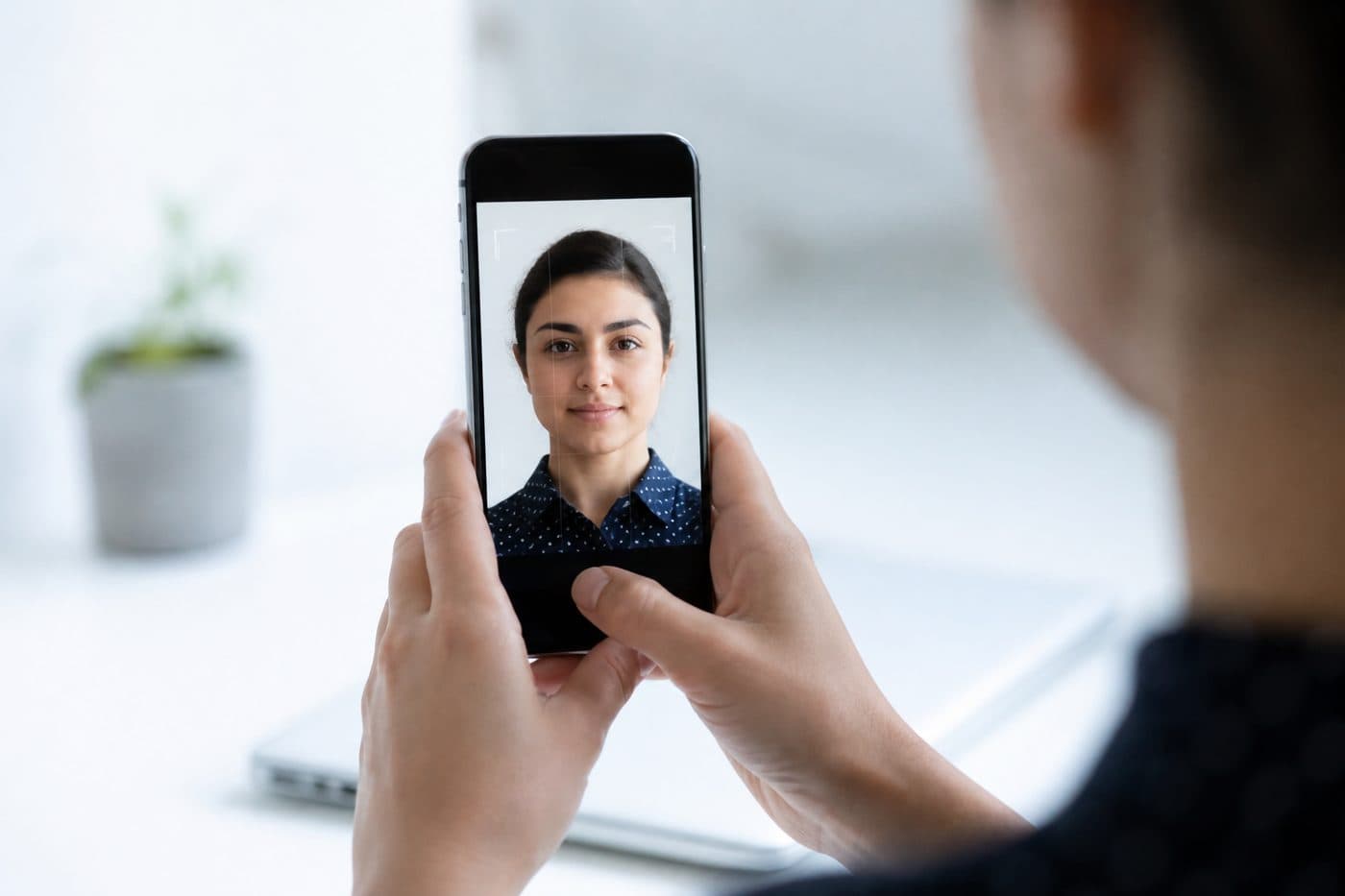
Phone shoot: a student-budget setup
Plain light wall (white / light grey). Window in front or at 45°; flash and beauty / Portrait mode off. Rear camera, eye level, shoulders visible, mouth closed. Hoodie logos, caps and heavy filters cause refusals — a plain tee or shirt is enough.
Take 4–6 frames and keep the sharpest. Exact distance and oval overlays are optional; sharpness and a front gaze matter. Remove glasses if you can (required for the US; safest for Schengen too).
Crop and PDF print sheet with FotoPass
- 1
Pick US passport/visa, Schengen or UK in the document selector.
- 2
Upload the selfie.
- 3
Let AI apply size, head ratio and official background.
- 4
Download the JPEG for DS-160 / online forms or grab the PDF / print sheet for matte paper.
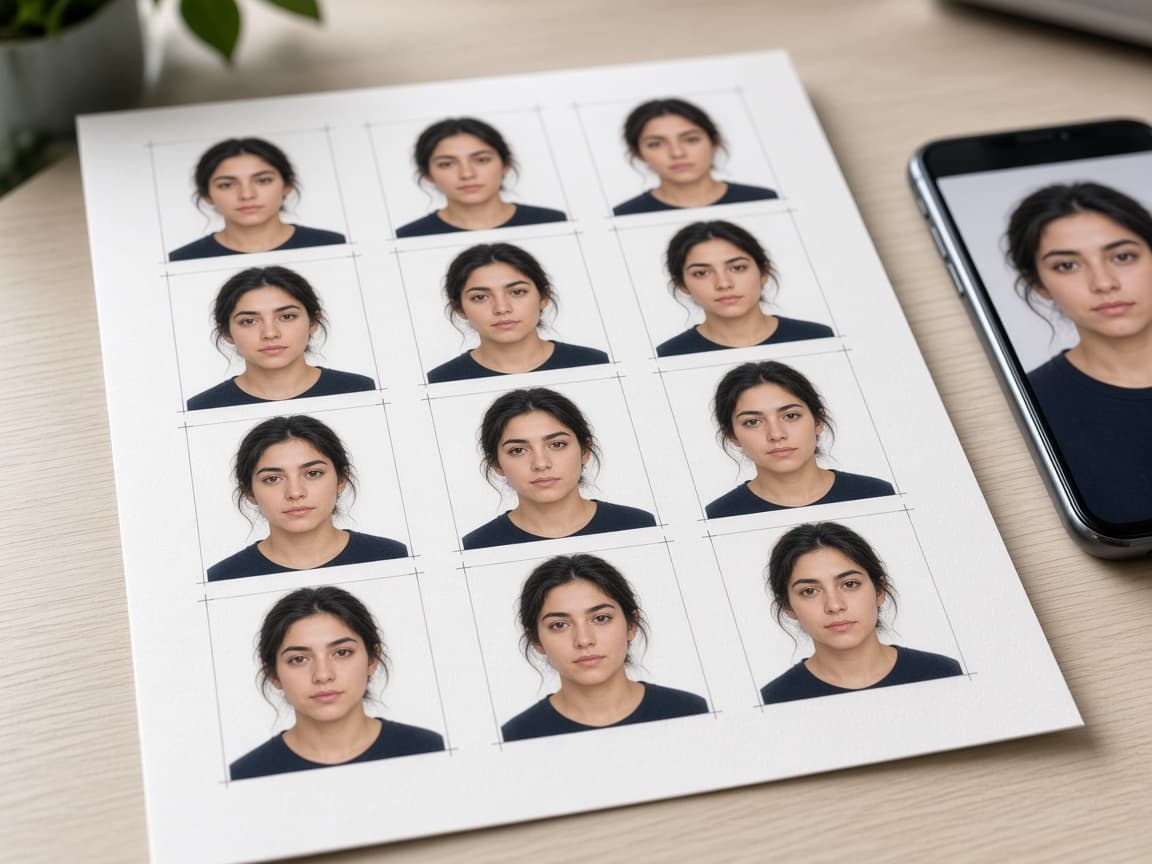
The sheet puts several identical frames on 4×6 or A4 — cheap to print at VFS/BLS or a campus copy shop. Do not upload WhatsApp compressions or screenshots; use the original export.
Common refusals on student files
Wrong ratio (squashing a US square into Schengen), smiling, side shadow, HEIC/PNG instead of required JPEG, oversize file (240 KB), bed / poster in the background. An offer letter does not change photo rules — the visa photo is its own product.
When unsure, retake a sharp frame rather than recompressing a soft file. Before the appointment, confirm your face shows on the confirmation page.
Quick checklist
Know the document → plain wall + daylight → unsmiling front frame → pick the right document in FotoPass → download JPEG or PDF sheet → upload online or print matte. You can hit intake deadlines without a studio queue or a high fee.