US Passport Online Renewal Photo 2026: What the AI Editing Ban Means
State Department rules reject AI-altered or filtered passport photos. Here’s what you can still do at home — and what will delay your renewal.
What changed
US guidance now states clearly: do not change your passport photo with computer software, phone apps, filters or artificial intelligence that alter how you look. Photos flagged in online renewal can add weeks of delay while screening runs.
Use our AI-powered United States Passport Photo Tool to auto-crop your image in 3 seconds.
The goal is security and face matching: the photo must look like you today.
Official photo requirements
- Document size applied
- Face alignment checked
- Background prepared
Size
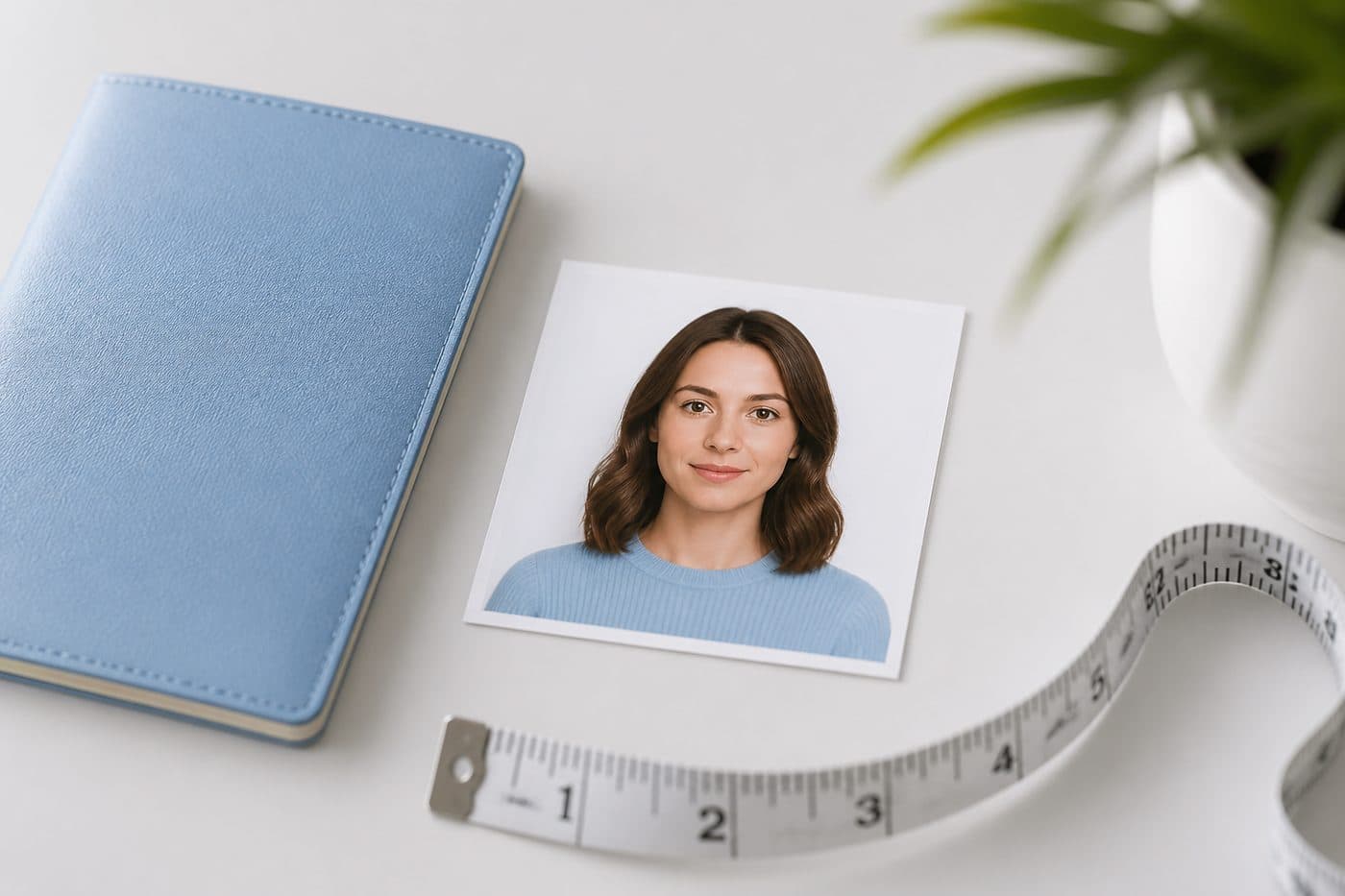
2 × 2 in
Background
White
Digital photo
602 × 602 px


Allowed vs risky
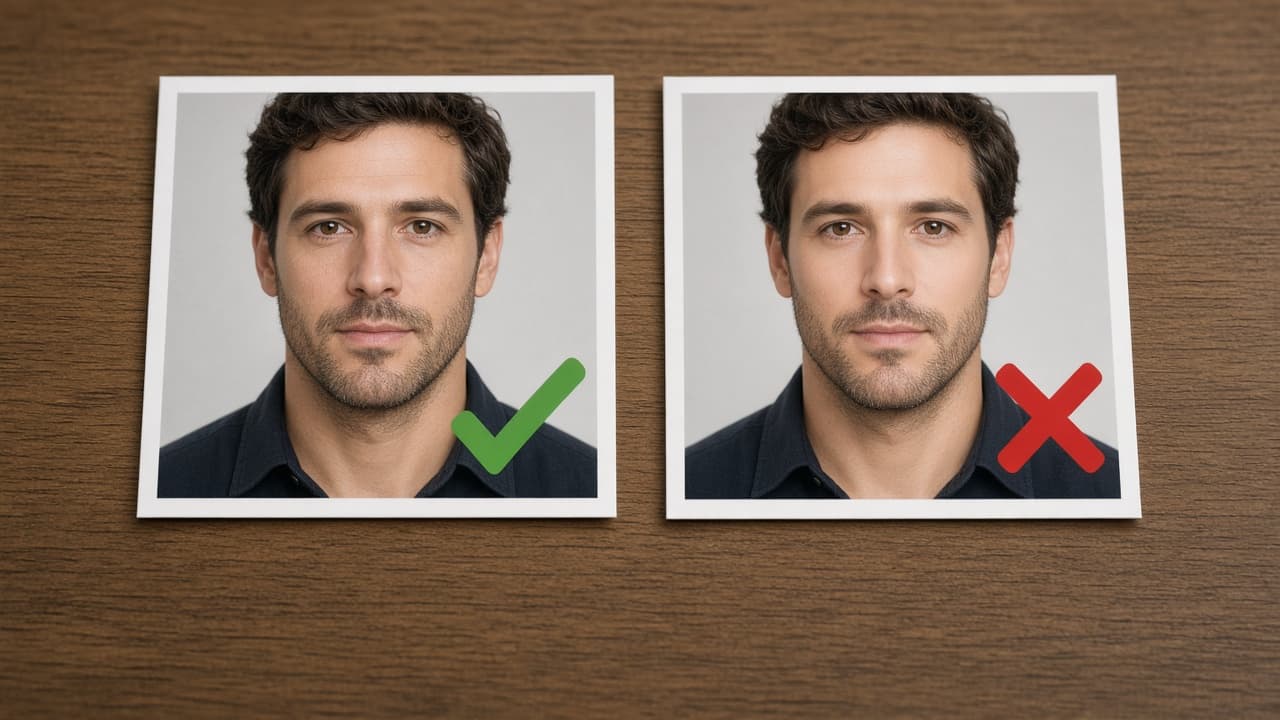
Usually fine: crop, rotate, resize to 2×2, export JPEG, shoot against a real white / off-white wall. Risky / refuse: beauty mode, skin smoothing, face reshape, virtual makeup, digitally invented backgrounds that change face edges.
Also rejected: smiling, glasses (except rare medical cases), shadows, patterned walls, photos older than six months.
Online renewal photo checklist
Taken in the last 6 months, looks like you today. 2×2 inch colour, white or off-white background. Head height about 1–1⅜ inches (chin to crown). Eyes open, mouth closed, no tilt. Sharp digital file — convert HEIC to JPEG if the portal requires it.
Re-read travel.state.gov on the day you apply — rules can update.
Safe home workflow with FotoPass
Shoot on a plain wall with beauty filters off. Use the FotoPass US passport tool for geometry (2×2 crop and framing), not for changing your face. Prefer a real white wall for US online renewal when in doubt.
If your photo was flagged, retake a plain photo, turn off every phone “enhance,” re-export a clean JPEG. Re-uploading the same filtered file rarely clears the flag.