


Biometric Photo vs. Standard Portrait Photo: Key Differences You Must Know
Head filling 70–80%, ear/chin alignment and a neutral expression — why studio portraits fail passport checks and how biometric rules differ.
Why people mix them up
Many studios still deliver a “portrait ID” with a smile, a small head in the frame or warm side light. Passport, visa and ID systems score an ICAO biometric template: face landmarks, head ratio and a neutral expression. The same “ID photo” label hides two products.
Use our AI-powered passport photo tool to auto-crop your image in 3 seconds. The comparison below shows which frame comes back from the application desk.
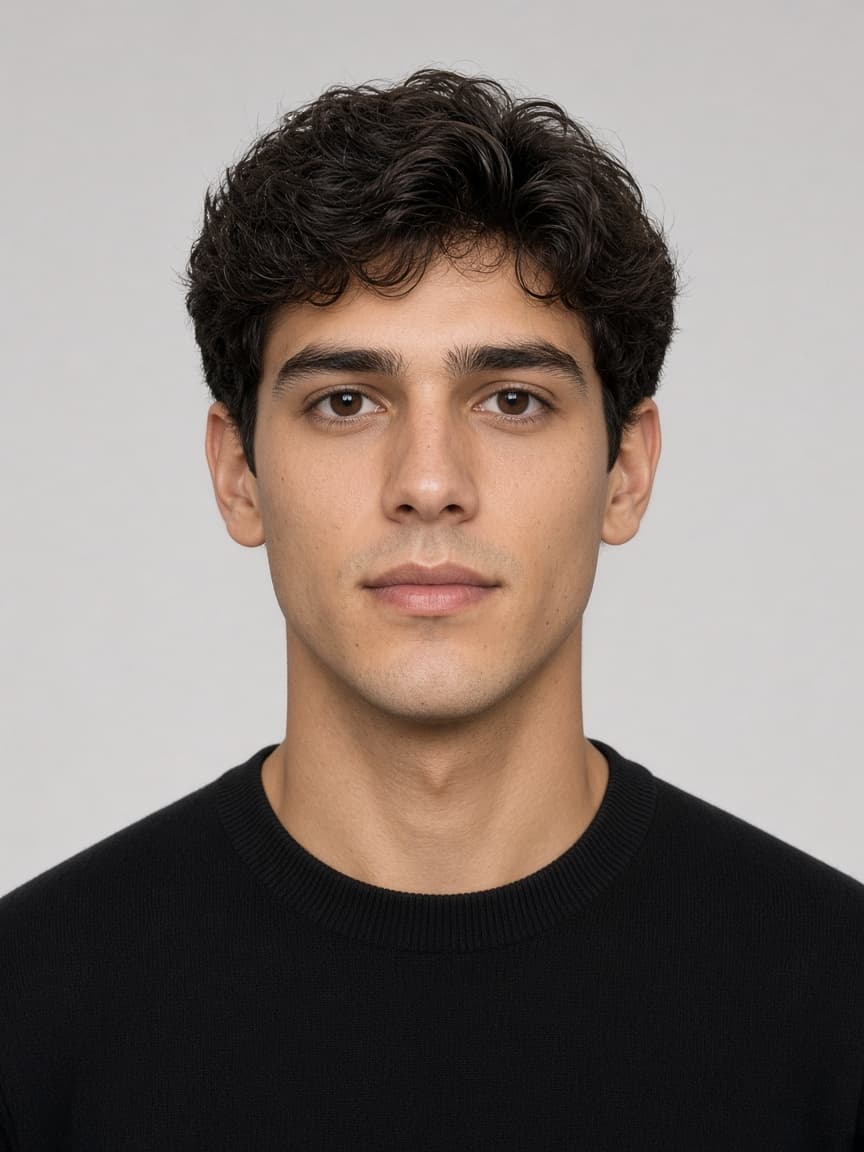
Biometric photo
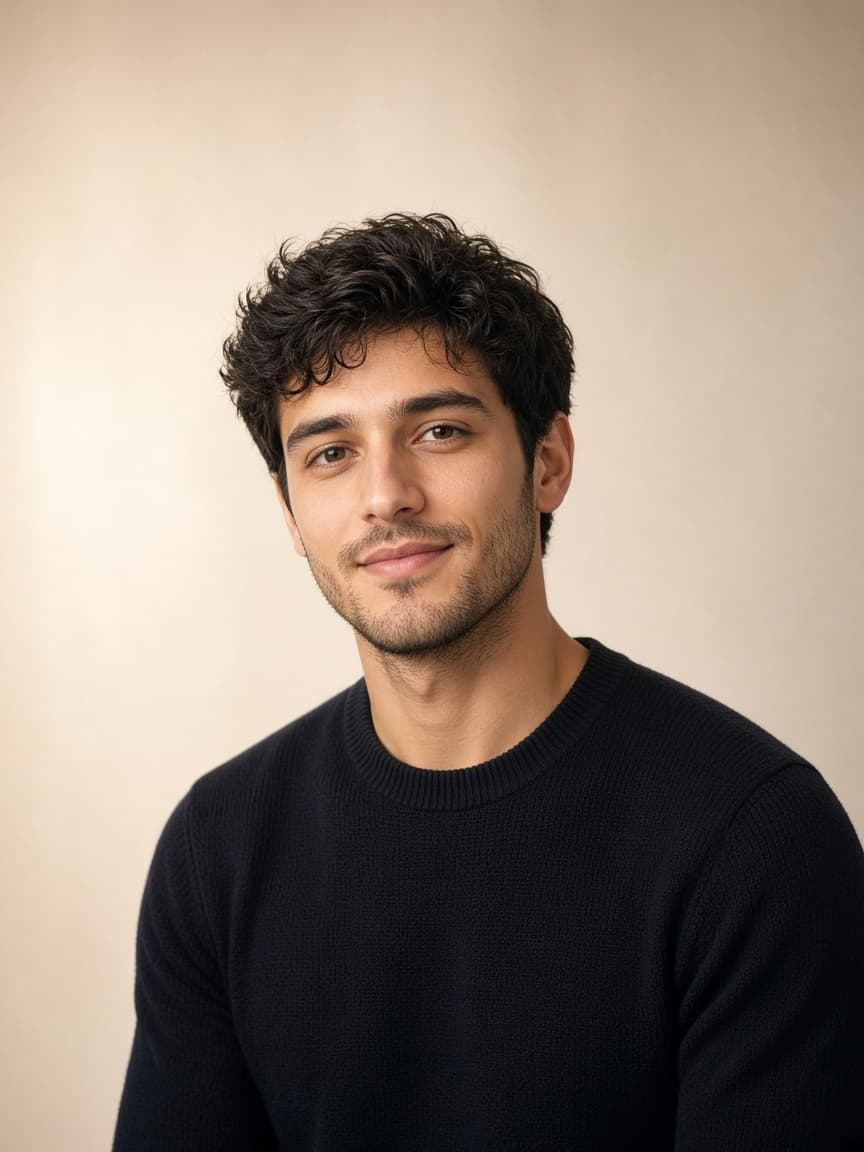
Standard portrait
≈ 40–55%
Biometric photo
≈ 70–80%
Head fill: about 70–80%
On a biometric frame, head height from chin to crown is typically 70–80% of the photo (mm ranges vary by country; Schengen often 32–36 mm). A standard portrait often leaves the face at about 40–55% — it reads as “shot from too far” and fails automated checks.
Do not squash the face to enlarge it; keep proportions. FotoPass applies the document’s head band and re-sizes a “pretty” distant studio crop.
Ears, chin and gaze alignment
Biometric rules want a straight head, shoulders facing the camera, ears visible when possible and a clear chin tip in frame. A slight “portrait” turn shifts the ICAO eye box. Eyes level, gaze on the lens.
Standard portraits often use a soft head tilt or shoulder turn that looks natural — and fails the scanner. A crop that clips the chin or a collar that hides the neck is also risky.
Neutral expression vs. a smile
Passport/visa: mouth closed, no teeth, relaxed brows — a neutral expression. Portrait studios routinely ask for a smile; that frame will not pass a biometric gate.
Both eyes fully open; a “flattering” half-lid look breaks iris measurement. The last-6-months rule applies to both styles, but only the biometric file belongs on an official application.
Light and background
Biometric: plain, shadow-free background in the country’s tone (US white; many EU states light grey). Side shadow on the face, flash hotspots or textured walls are refusal risks. Portrait softbox side light and cream backdrops look stylish — not for applications.
Colour filters, beauty mode and portrait blur are banned on biometric shots; they are common on studio portraits.
Which document wants which photo?
Passports, Schengen/US visas, many licences and e-gate IDs require a biometric photo. School cards, CVs and some corporate badges still accept a standard portrait — do not mix them up.
- 1
Pick the document type.
- 2
Upload a sharp, front-facing, unsmiling frame.
- 3
Let AI apply size and background.
- 4
Download the JPEG or print sheet. At a studio, ask for “ICAO biometric, no smile”.