Real ID Photo Requirements: Size, Background and Rules (2026)
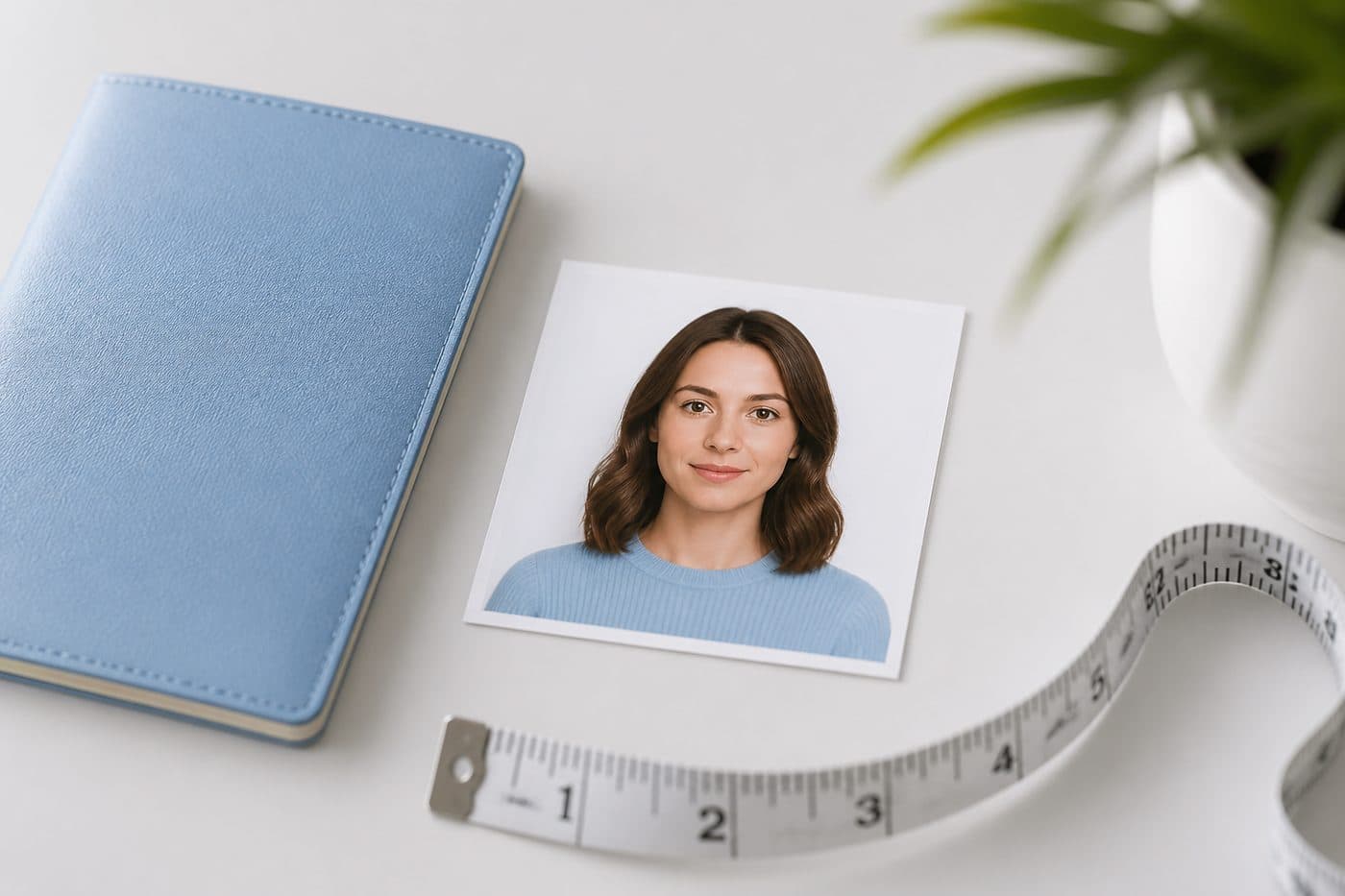
Real ID uses the same **2×2 inch** biometric style as a US passport photo in most states — white/off-white background, neutral face, no glasses. Checklist before your DMV appointment.
What Real ID needs from your photo
Real ID is a federal identity standard for state driver’s licences and ID cards. The photo on your Real ID must clearly match you for TSA and other checkpoints. In practice most DMVs expect a passport-style colour headshot: face forward, plain light background, no smile that changes your mouth shape.
Use our AI-powered United States Passport Photo Tool to auto-crop your image in 3 seconds.
This guide summarises common practice — read your state DMV page the day you go.
Official photo requirements
- Document size applied
- Face alignment checked
- Background prepared
Size
2 × 2 in
Background
White
Digital photo
602 × 602 px


Size and framing (typical)
Print / capture family: 2×2 inches (51×51 mm) — same square as a US passport photo in many states. Head from chin to crown roughly 1–1⅜ inches of the frame. Eyes open, looking at the camera, mouth closed or neutral. Taken recently so hair, beard and glasses habits match how you look at the counter.
Confirm your state DMV page — a few states shoot only in-office and will not accept a home print.
Background, glasses, clothing
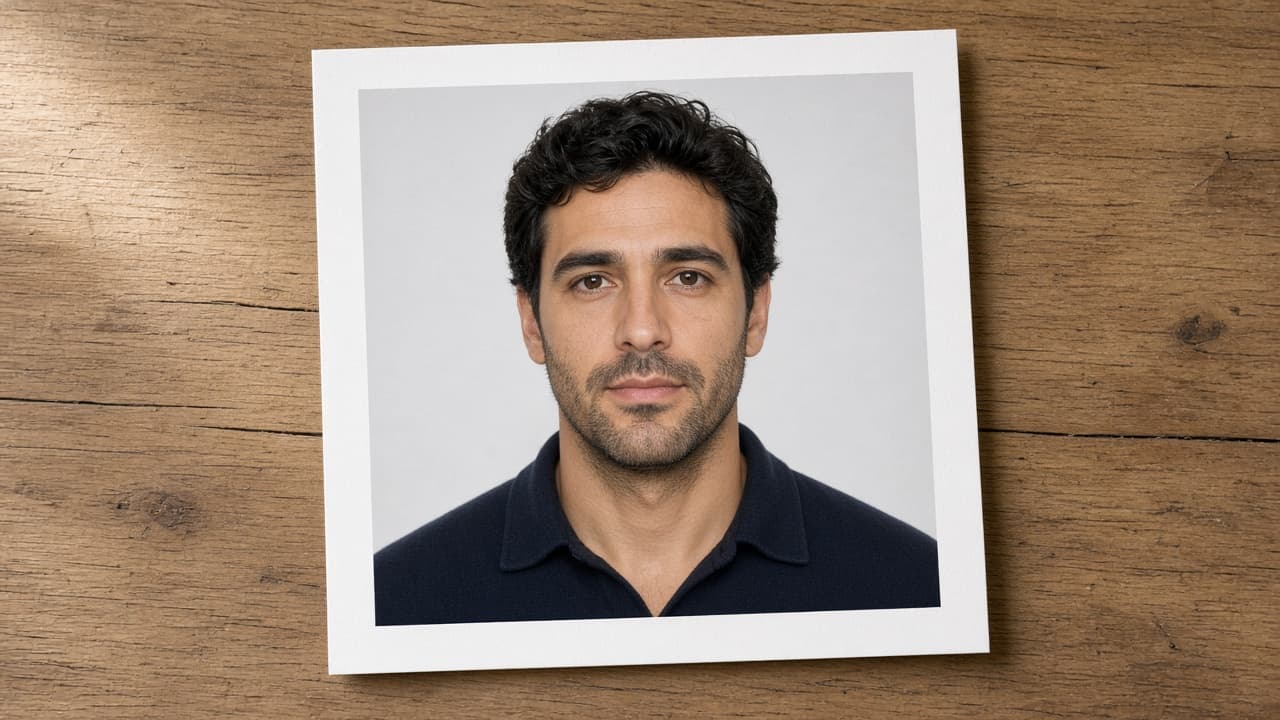
Background: plain white or off-white, no texture, no shadow “halo.” Glasses: usually not allowed (same direction as current US passport / visa rules). No hats unless worn daily for religious reasons; face from chin to forehead must stay visible. Normal daily clothes — avoid uniforms and costumes.
No beauty filters, face reshape or heavy digital retouching — same caution as US passport guidance.
Get a Real ID–ready 2×2 with FotoPass
- 1
Soft daylight, plain wall, beauty mode off.
- 2
Select United States passport / ID in FotoPass.
- 3
Download the 2×2 JPEG with the FotoPass US photo tool (and a 4×6 print sheet if your DMV wants paper).
- 4
Bring the file or prints only if your state checklist allows them — otherwise use this as practice framing before the in-office camera.
Do not use a Schengen 35×45 crop for Real ID.