Convert Any Photo to Passport Size Online (2026 Guide)
Crop a gallery selfie or studio shot to the right country size (2×2, 35×45, 50×60…) — pick the document first, then convert.
What “convert to passport size” means
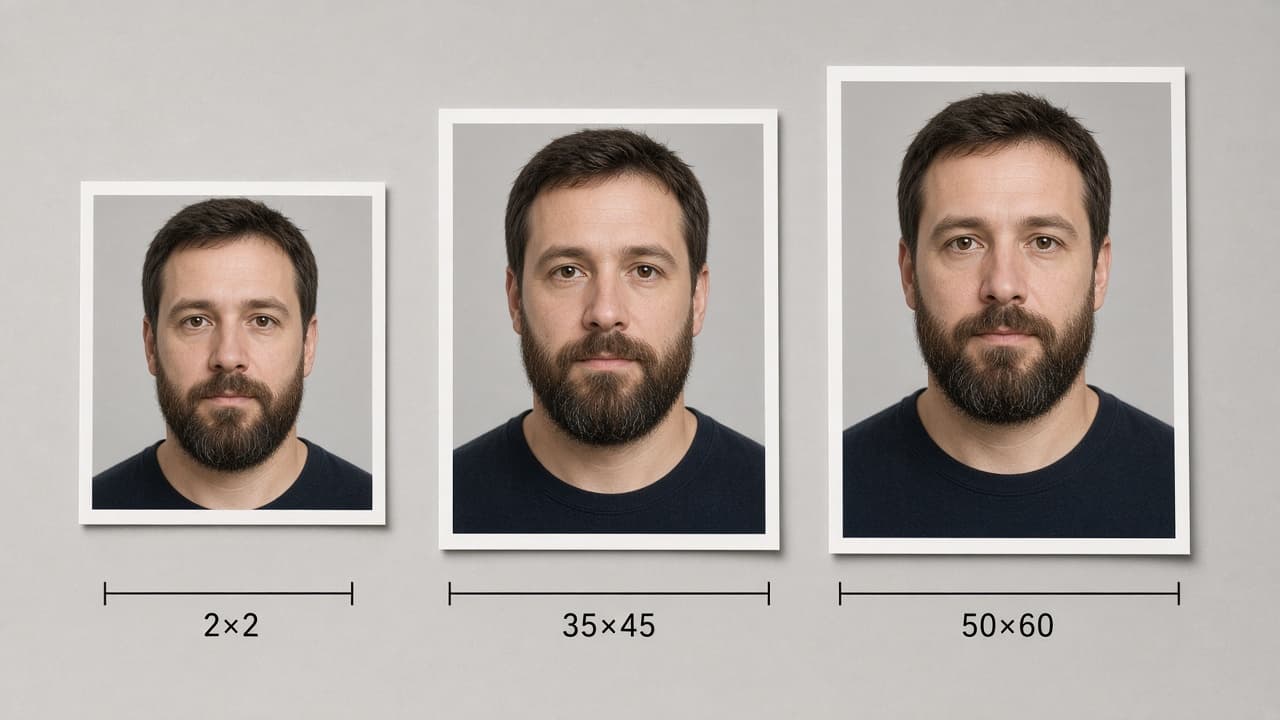
Search intent is usually: take any photo you already have and make it match an official document size. There is no single “passport size” — US 2×2 in, Schengen 35×45 mm, Türkiye 50×60 mm, Canada 50×70 mm.
Use our AI-powered United States Passport Photo Tool to auto-crop your image in 3 seconds.
Lock country + document first; then crop, background and (if needed) pixel / KB limits.
Official photo requirements
- Document size applied
- Face alignment checked
- Background prepared
Size
2 × 2 in
Background
White
Digital photo
602 × 602 px


Why Canva / phone crop often fails
Freehand cropping breaks head height, leaves shadow edges or keeps beauty filters. Portals and desks refuse even when the outer box looks right.
A real conversion is driven by document rules — ratio, background, face centring.
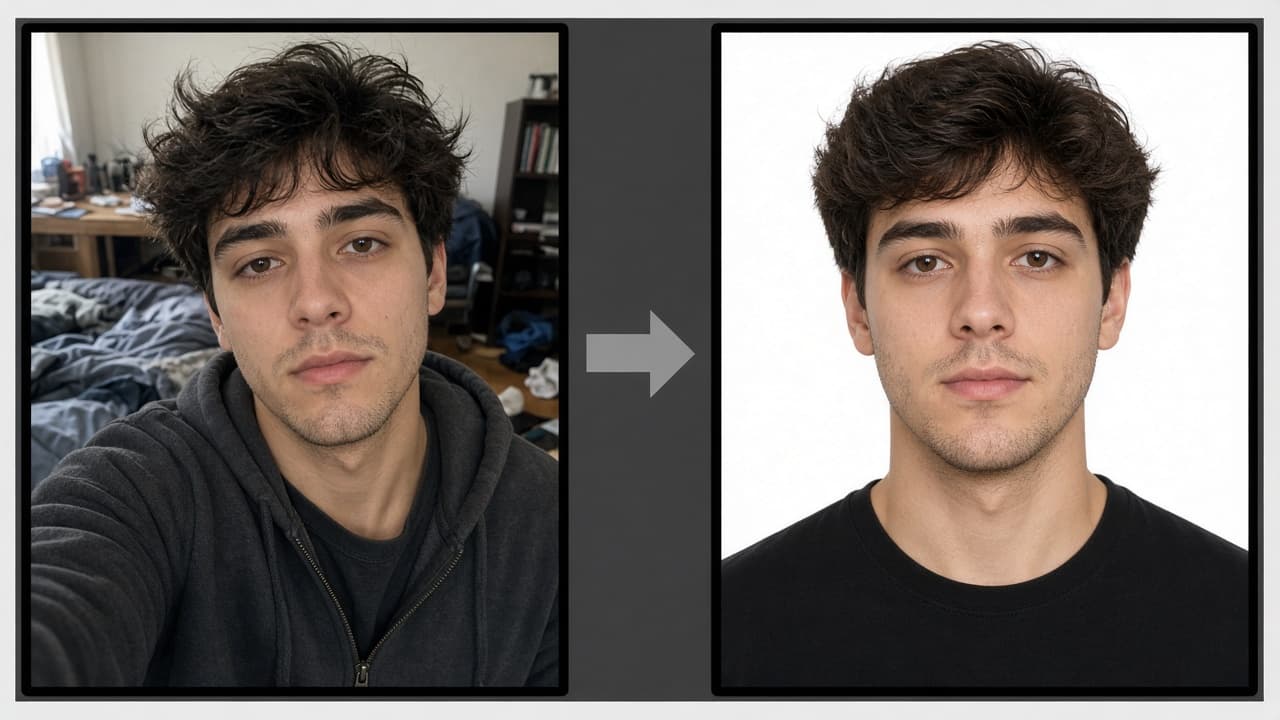
Step-by-step conversion
- 1
Pick your sharpest front-facing frame (Portrait / beauty off).
- 2
Select the target passport / visa in the picker.
- 3
AI centres the face, applies the official ratio and a compliant background.
- 4
Download the JPEG; check KB / px limits for digital upload.
Need two documents the same week? Run a separate conversion for each.
Convert with FotoPass
Upload your selfie or gallery photo. The FotoPass passport tool applies the correct passport-size crop — no studio queue.
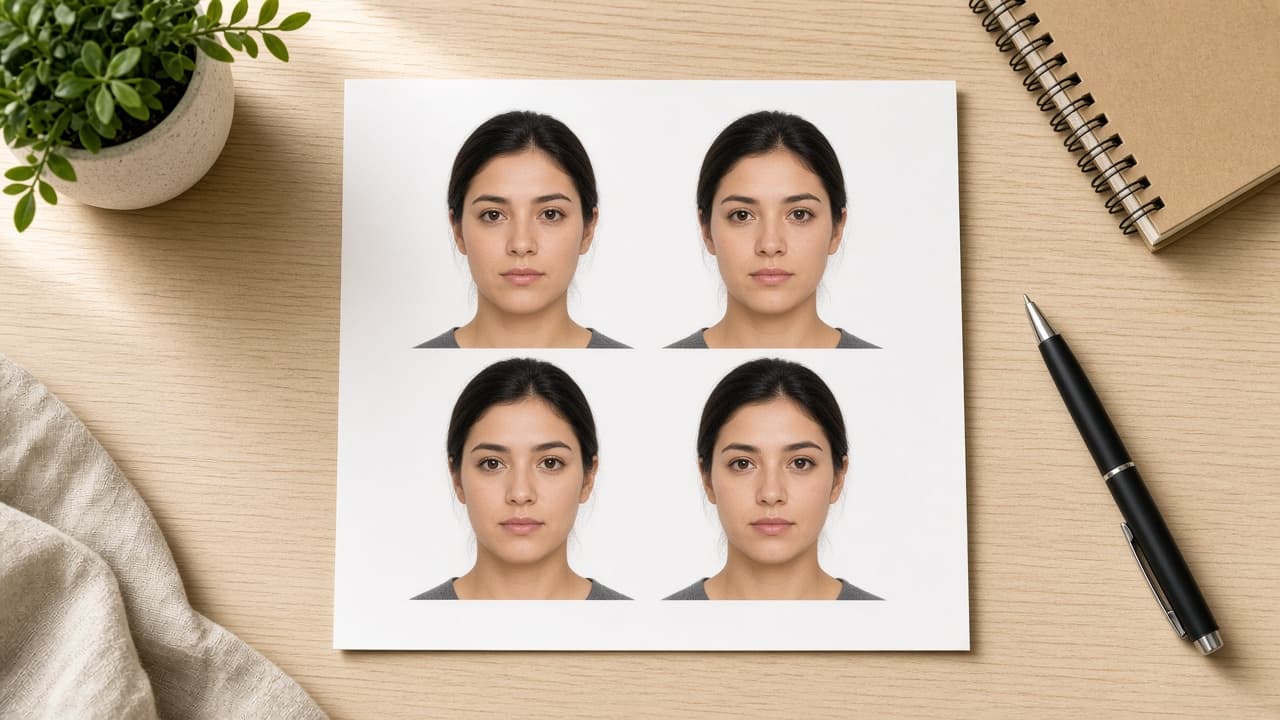
If you need prints, download a 4×6 / 10×15 sheet too and print at 100% scale.