Aadhaar Card Photo Size & Update Requirements (2026)
UIDAI Aadhaar photos usually follow a **35×45 mm** / passport-size family, light background, JPEG — do not mix with Passport Seva 630×810 or PAN 25×35.
What an Aadhaar photo needs
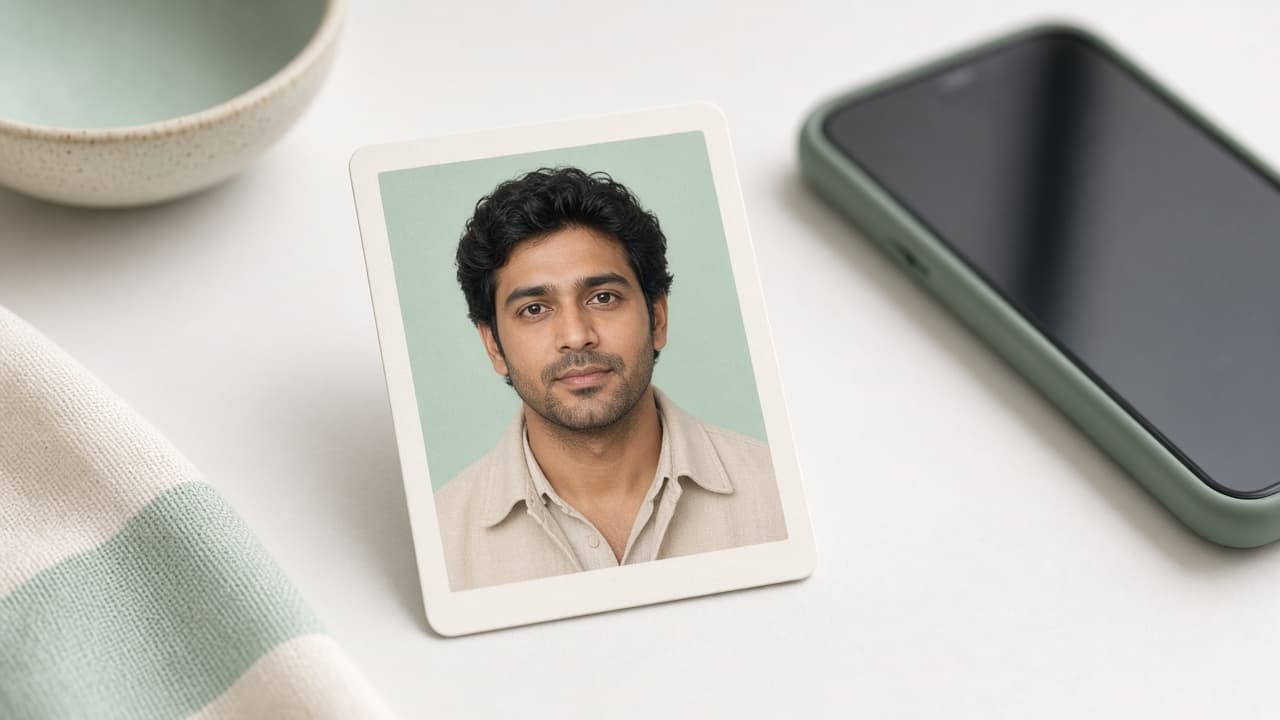
UIDAI enrolment / update flows usually want a colour face photo in the 35 × 45 mm (passport-size) family, light / white background, face forward, neutral expression. Digital channels may add pixel and KB limits (often JPEG, capped file size) — read the myAadhaar / enrolment centre line on the day you apply.
Use our AI-powered India ID / Licence Photo Tool to auto-crop your image in 3 seconds.
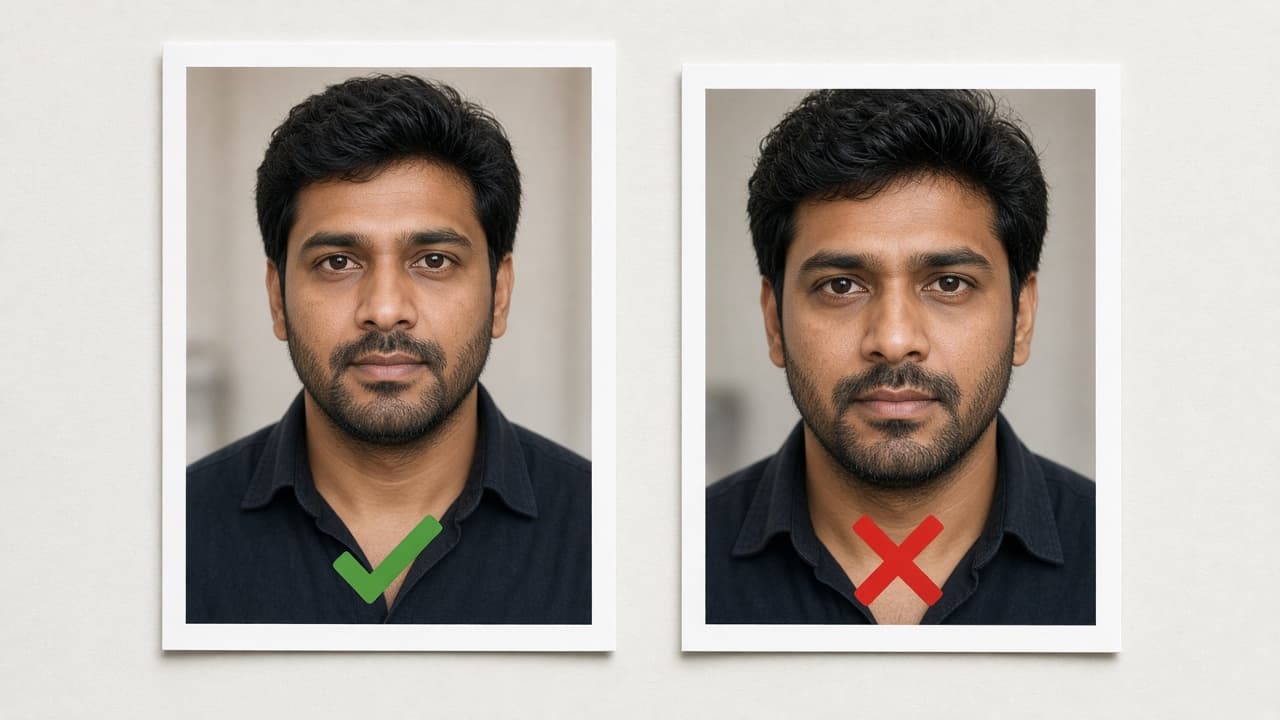
Face should fill most of the frame; beauty filters, shadowed walls and WhatsApp compression are common refusal paths.
Official photo requirements
- Document size applied
- Face alignment checked
- Background prepared
Size
35 × 35 mm
Background
White
Digital photo
413 × 413 px


Aadhaar ≠ Passport Seva ≠ PAN
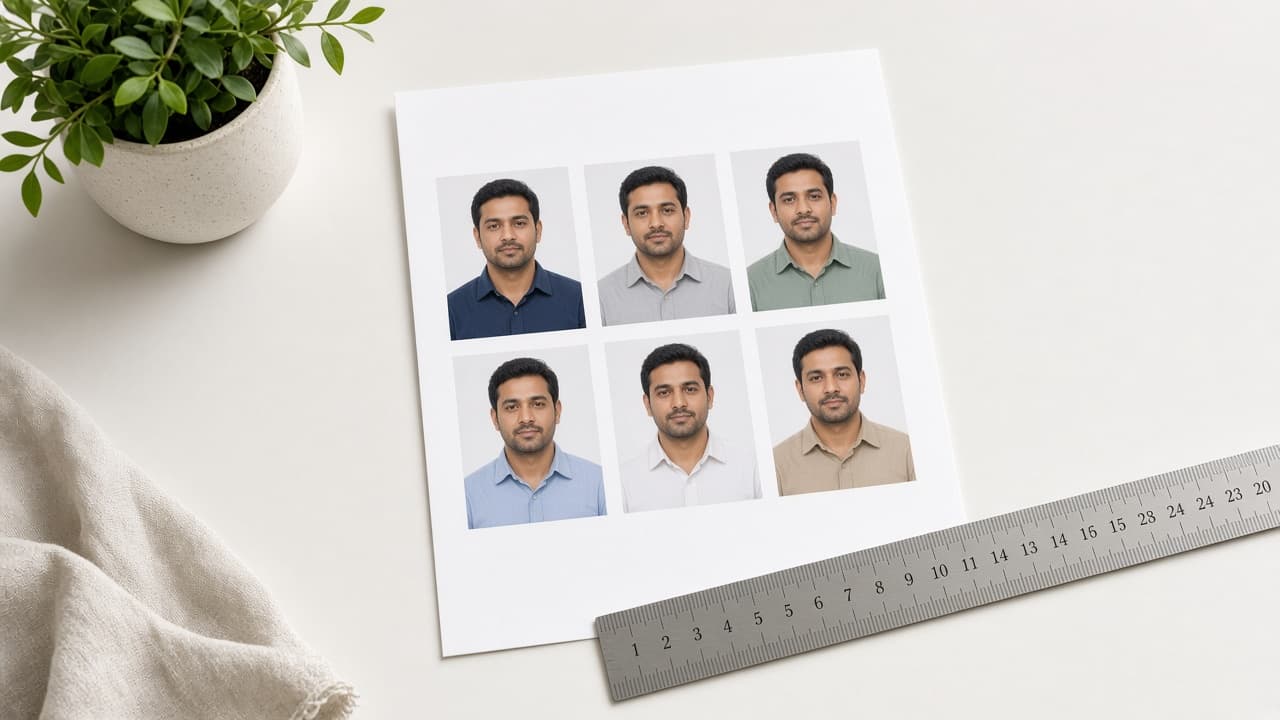
Passport Seva digital photos are usually exactly 630×810 px rectangles. PAN Form 49A often wants 25×35 mm. Aadhaar is typically the 35×45 family — do not paste one JPEG into all three.
Updating passport, PAN and Aadhaar the same week? Prepare a separate crop for each document.
Common refusal reasons
Dark / cream walls, smiling, tilted head, glasses glare, HEIC instead of JPEG, file over the KB cap, outdated selfie.
Even if the centre does a live capture, soft-copy updates still need size and background checks — read the portal line.
Ready file with FotoPass
- 1
Sharp front selfie (beauty / Portrait off).
- 2
Select the India ID / matching document.
- 3
The FotoPass tool applies size and a light background.
- 4
Bring the JPEG under the KB line on the form and upload to myAadhaar or take it to the centre.
If the portal does not want a soft copy, print matte and cut true to millimetres.