


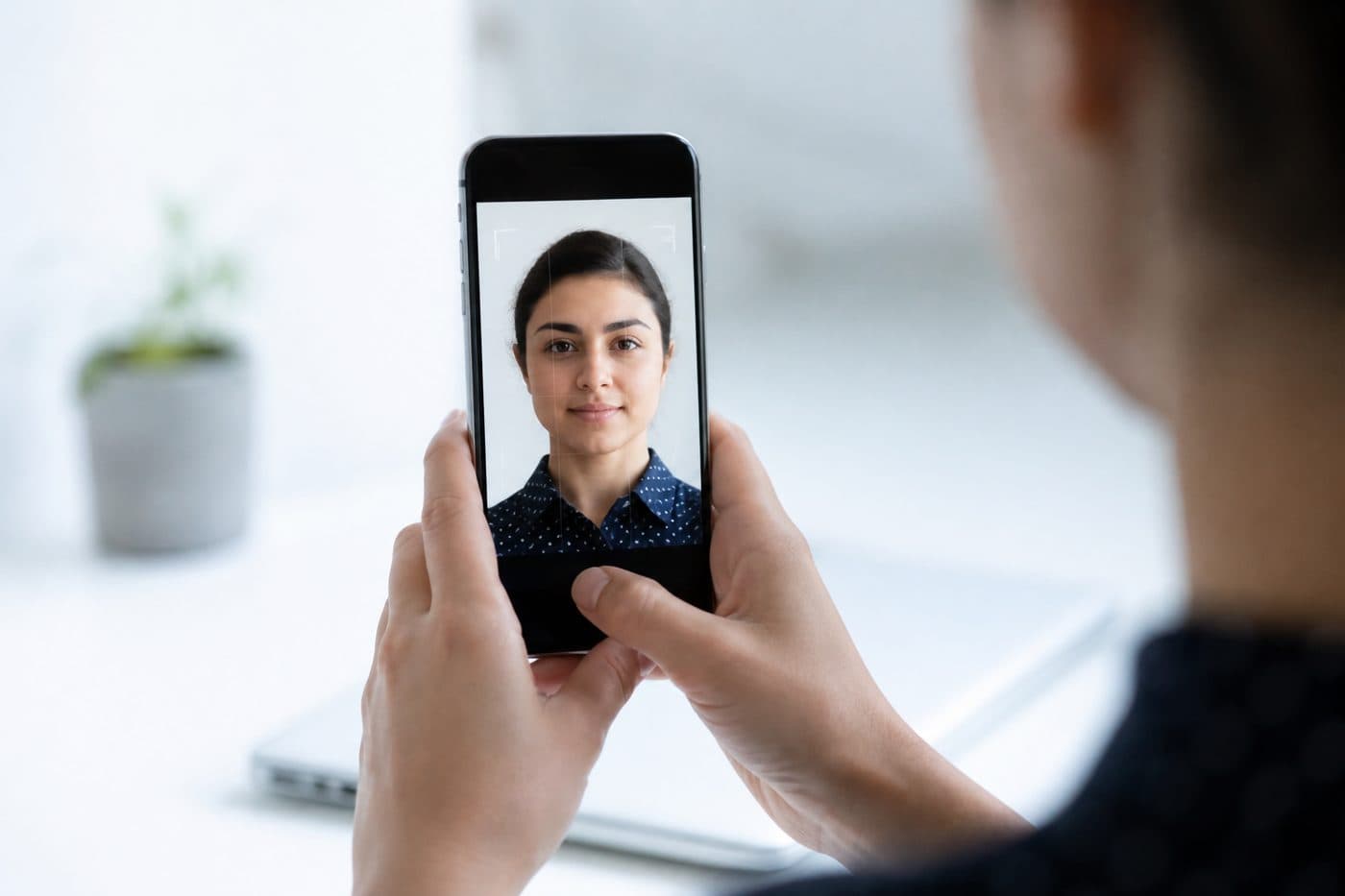
How to take a biometric photo at home with your phone
Skip the photographer: light, wall, iPhone/Android settings and a step-by-step shoot — then the FotoPass upload card.
You do not need a studio
Most passport, ID and visa photos now accept a digital file or a home print. Your phone’s main camera, in daylight, gives a softer face than a studio flash.
Use our AI-powered Australia Passport Photo Tool to auto-crop your image in 3 seconds.
You are not required to hit a photographer’s oval or a 16–20 in (40–50 cm) ritual. A sharp front-facing frame is enough; AI applies scale, head angle, background and the document size.
Official photo requirements
- Document size applied
- Face alignment checked
- Background prepared
Size
35 × 45 mm
Background
Light grey
Digital photo
413 × 531 px


Set up the room
Plain light wall: white, off-white or light grey. No shelves, art, patterned curtains or houseplants in frame. Türkiye often accepts light grey or white; the US wants plain white; Schengen consulates ask for white or light grey.
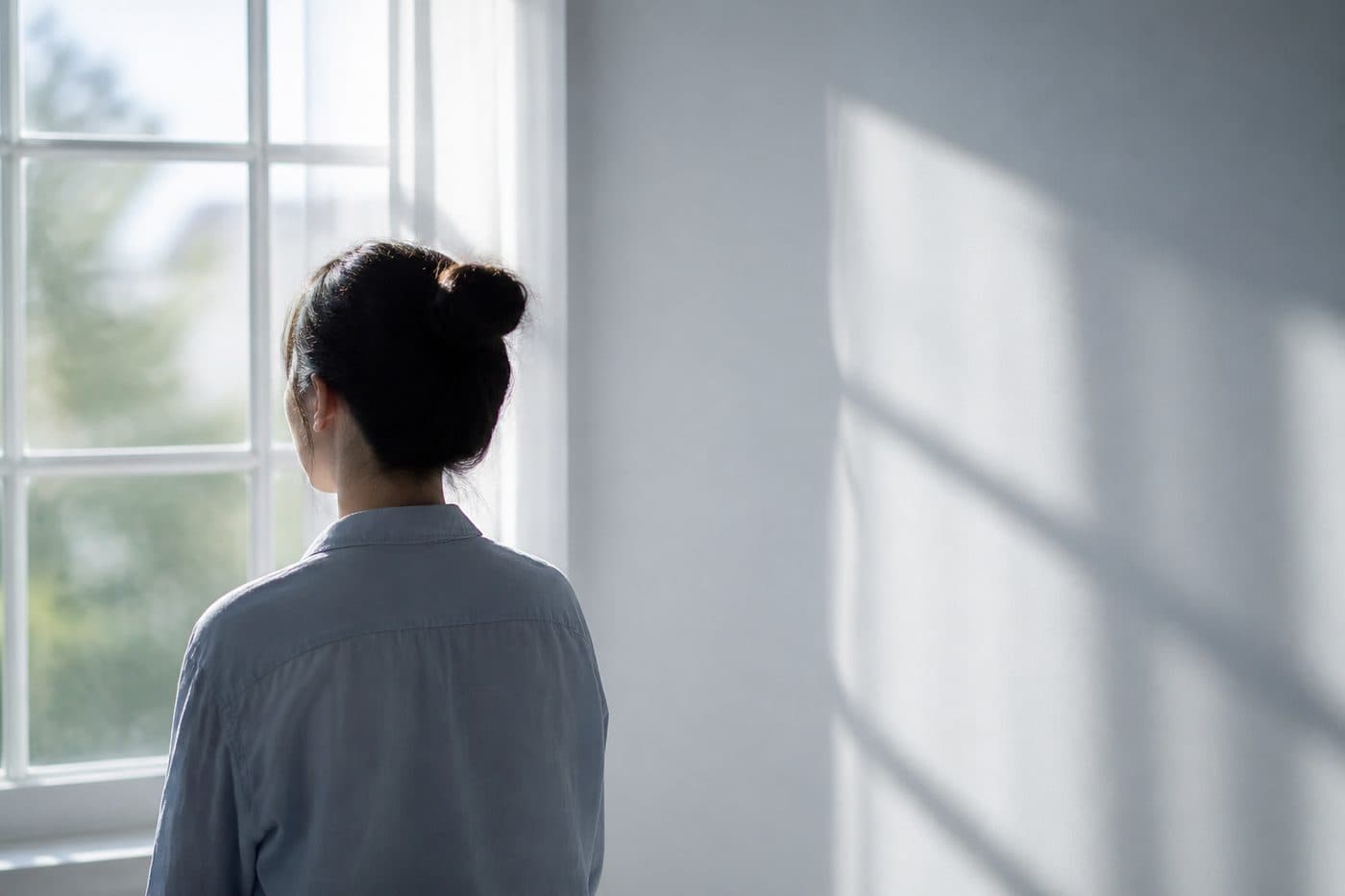
Put a window in front of you or about 45° to the side. Backlight makes a silhouette. Ceiling lights alone cast hard shadows; flash lights up glasses and the forehead. Overcast daylight is actually ideal.
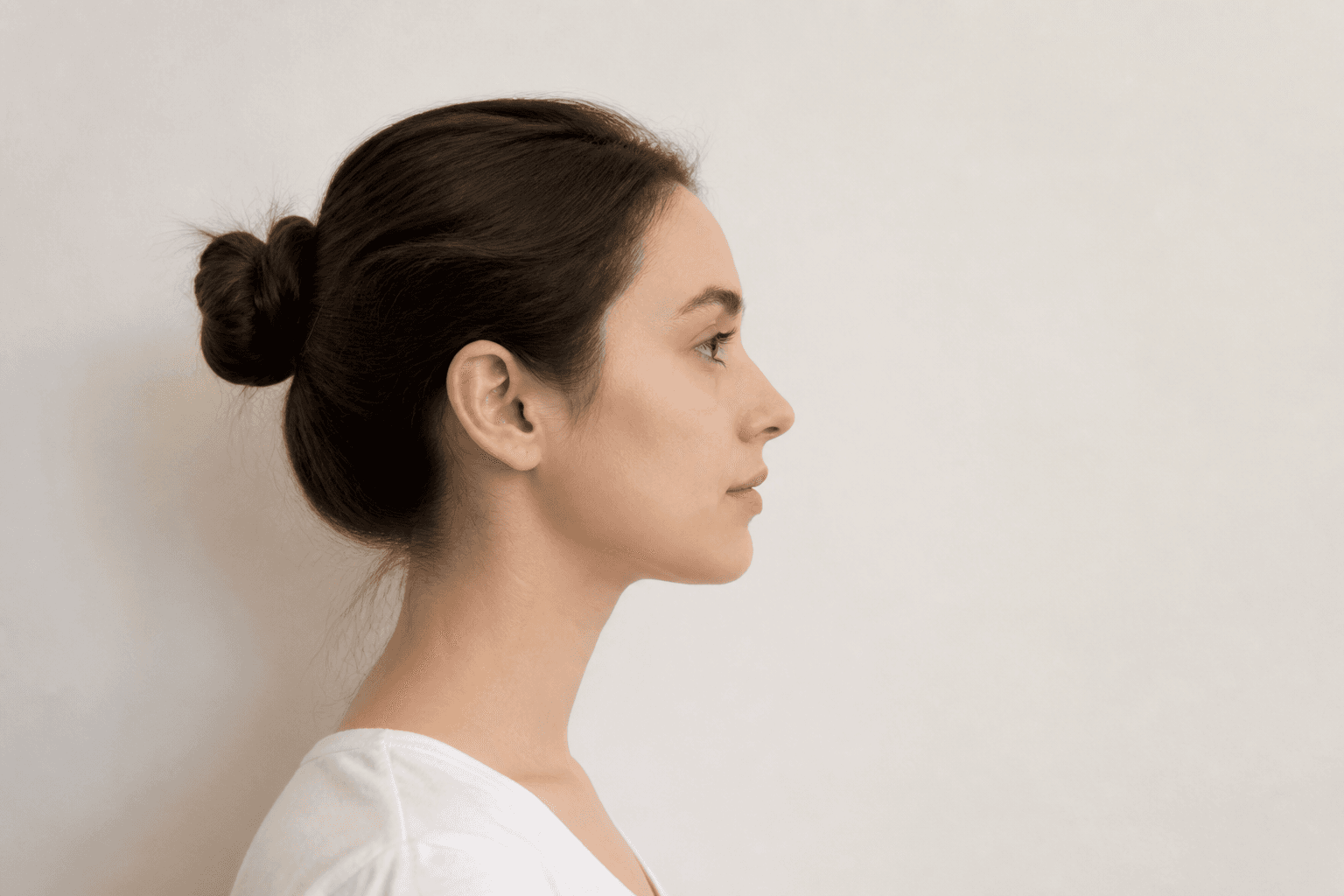
Phone settings
Use the rear camera (sharper). iPhone: turn off Portrait and Photographic Styles / beauty; in Settings → Camera → Formats pick Most Compatible (JPEG) so HEIC does not fail upload gates. Turn HDR off.
Android: beauty / portrait blur off, flash off, 3–10 s timer. Keep resolution high; FotoPass handles the crop and pixel caps such as 600×600. Wipe the lens — fingerprints make a soft frame.
Shoot step by step
- 1
Pick a plain wall close to your document’s background colour.
- 2
Put the phone at eye level — a book stack, tripod or a helper is enough; a selfie stick works.
- 3
Shoulders visible, eyes to the lens, mouth closed, neutral face.
4) Start the timer and hold still; do not smile at the last second. 5) Take 4–6 frames and keep the sharpest (eyes open, hair off the face). The head does not need to be millimetre-straight — FotoPass levels it. Remove glasses if you can.
Common mistakes
Too close and the nose balloons; hold the phone farther and let AI crop. Shadows, sockets or a door frame in the background cause refusals. Filters, heavy makeup and beauty mode wipe skin texture and hurt e-gate matching.
A screenshot or WhatsApp compress ruins pixels. Upload the original from the gallery. For babies, no pacifier, toy or adult hand in frame.
Go to the FotoPass upload card
Once you have a sharp frame, the next step is not a studio: the upload card on fotopass.net. Pick your document (e.g. US passport, Schengen visa, Turkish ID), then drag the selfie in or choose it from the gallery.
AI applies size, head ratio and the official background. Download a digital JPEG or a print sheet. The button below takes you straight to that card — no photographer queue.