UK Passport Photo Digital Code (HM Passport Office) Guide
You do not need a studio Digital Photo Code: how to upload a JPEG/PNG that meets HM Passport Office rules, and how a FotoPass file fits.
You do not need a photo code
A booth or shop Digital Photo Code is only one way to apply for a UK passport. HM Passport Office also lets you upload a photo you take yourself as a JPEG or PNG — you can finish the GOV.UK application without buying a code, using our UK Passport Photo Tool.
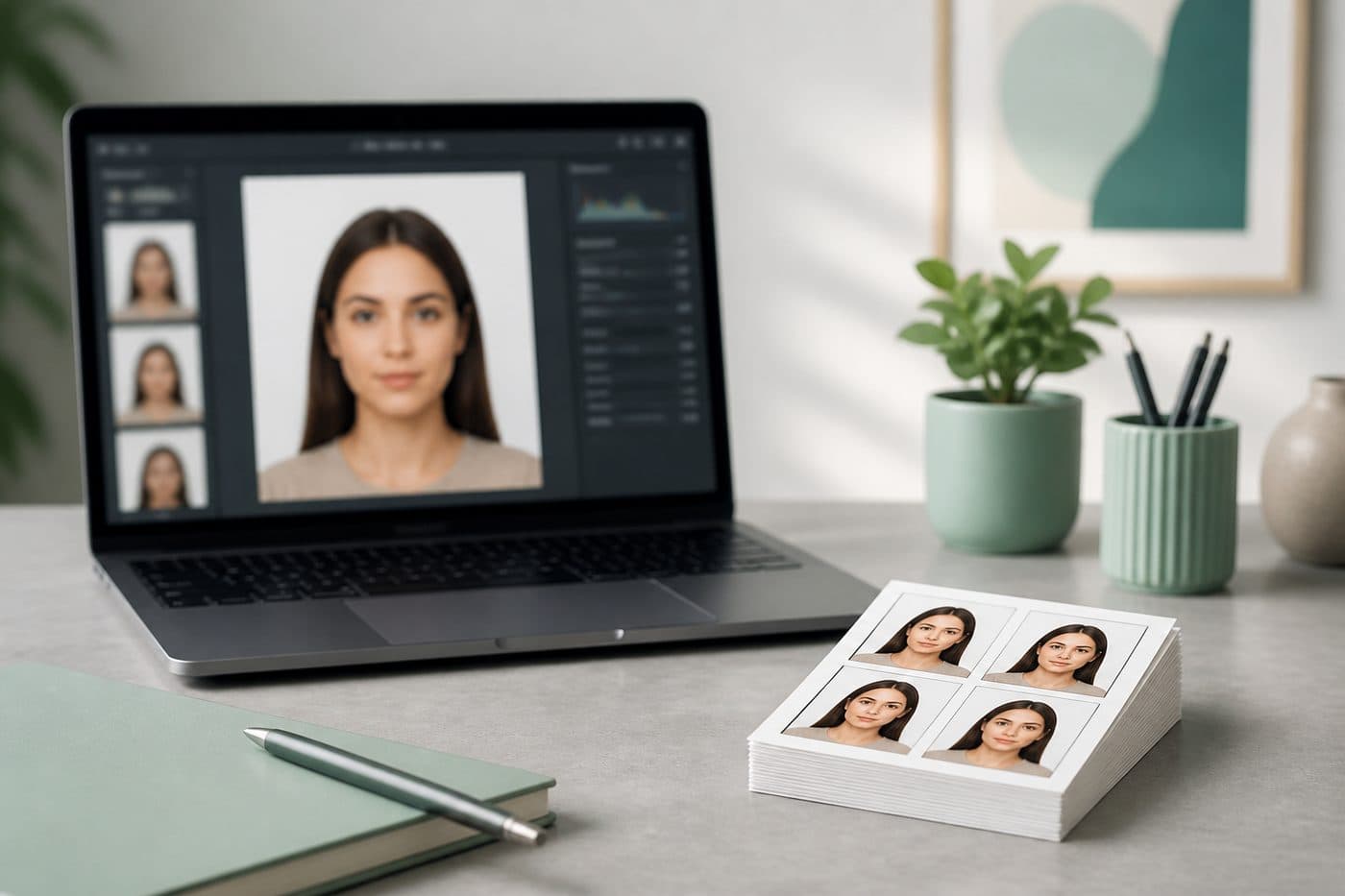
Use our AI-powered UK Passport Photo Tool to auto-crop your image in 3 seconds. FotoPass produces a file sized for the HM Passport Office digital upload (35 × 45 mm, light-grey background).
Official photo requirements
- Document size applied
- Face alignment checked
- Background prepared
Size
35 × 45 mm
Background
Light grey
Digital photo
413 × 531 px


What a Digital Photo Code actually is
A booth or approved shop sends the capture into the HMPO system and gives you a short code. You type that code on GOV.UK so the photo attaches to your application. The code is a studio reference — not the photo itself.
Codes expire and apply only to that sitting. A JPEG/PNG you make at home or with an online tool does not get a code; you upload the file instead. Both routes are official.
HM Passport Office digital photo rules
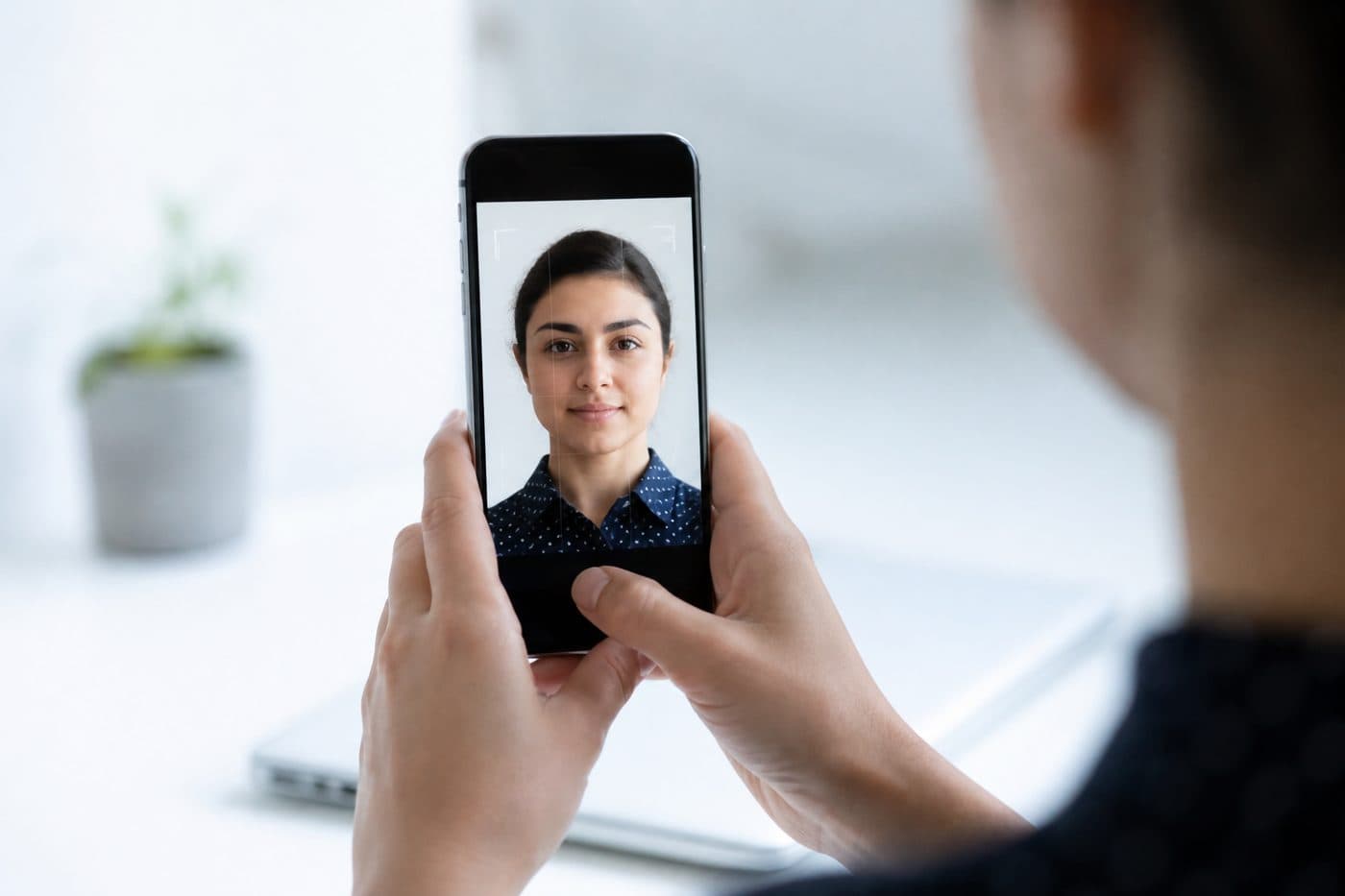
For an online application the file is typically JPEG or PNG, about 50 KB–10 MB. The print-equivalent size is 35 × 45 mm (1.38 × 1.77 in) portrait; the background is plain light grey (not the US off-white square). Taken in the last 6 months, neutral expression, mouth closed, eyes to camera.
Remove glasses if you can (common refusal on new applications since 2016). Head straight, shoulders visible, no shadows. Convert iPhone HEIC to JPEG before upload — GOV.UK can reject HEIC.
Print size is still 35 × 45 mm
Paper or counter applications still want a 35 × 45 mm matte print. Digital upload and print share the same crop and head ratio; only the delivery method changes.
A coded studio sitting follows the same 35 × 45 mm rule. If your home file already matches, a booth code does not add extra “official” status — HMPO scores the image against the rules.
How a FotoPass file fits
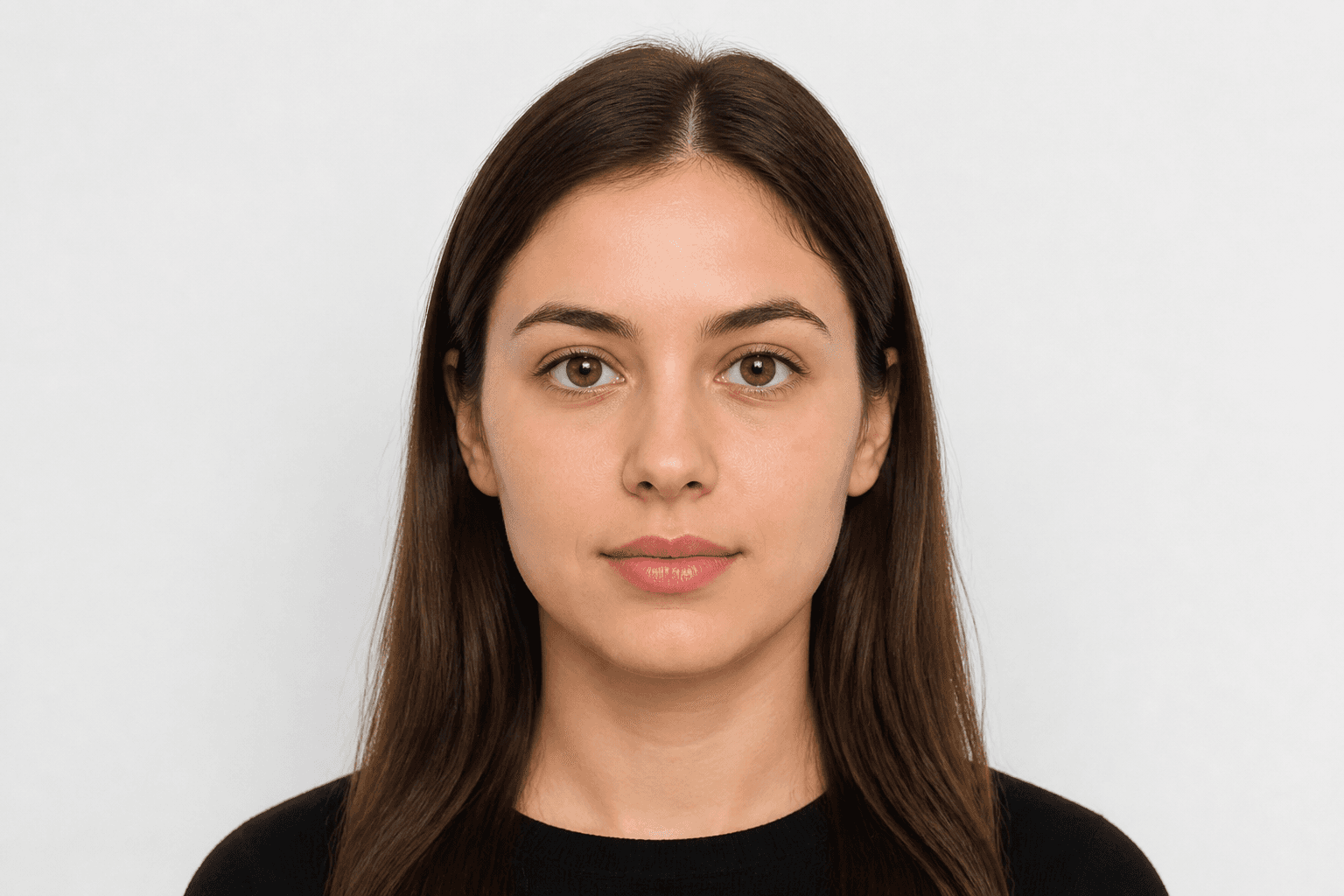
When you pick the United Kingdom passport, FotoPass crops to the 35 × 45 mm ratio, sets a light-grey background and lets you download a JPEG. Put that file in the GOV.UK “upload a digital photo” step — leave the Digital Photo Code field empty.
We do not generate HMPO photo codes; only a booth or shop system can. You do not need a code for a home upload. Shrink originals over 10 MB; files under 50 KB are often over-compressed and fail quality checks.
Common mistakes
White studio backdrop: US/Canada white is a UK digital risk — use light grey. Smile or open mouth: HMPO wants a neutral expression. Old photo: shots older than 6 months are refused.
Shadows, tilted head, cropped crown fail automated checks. Studios that sell a code can still be refused — the code does not cover a rule break.
Upload checklist
- 1
Shoot a sharp, front-facing frame on a plain light wall.
- 2
Choose United Kingdom passport and upload.
- 3
Download a JPEG (not HEIC).
- 4
On GOV.UK pick upload a digital photo and leave the code field blank.
- 5
In the preview, check eyes, chin and crown are not cropped.
If you apply by post or at a counter, print a matte 35 × 45 mm from the same file. Rules can change — confirm GOV.UK “Get a passport photo” on the day you apply.