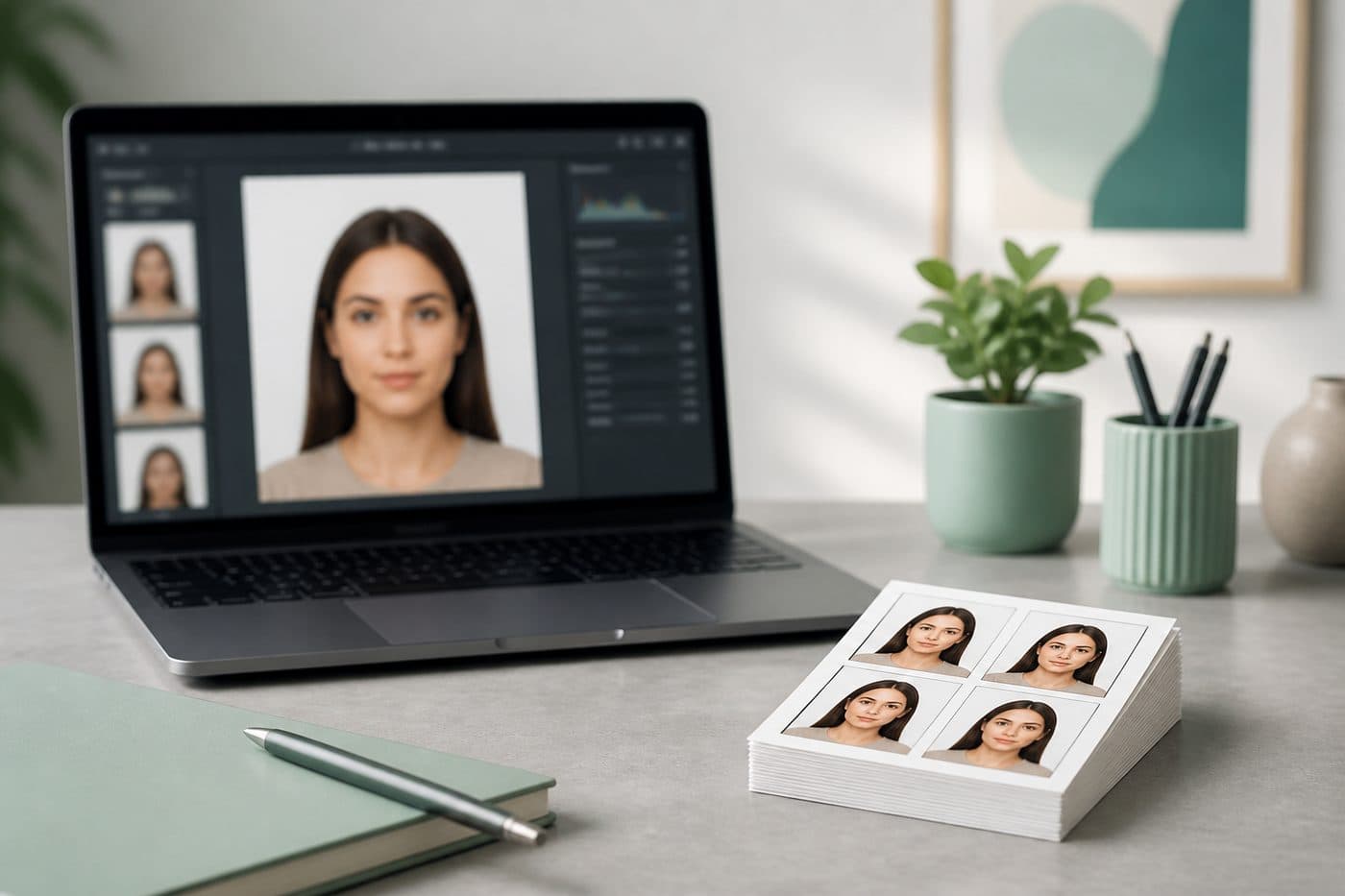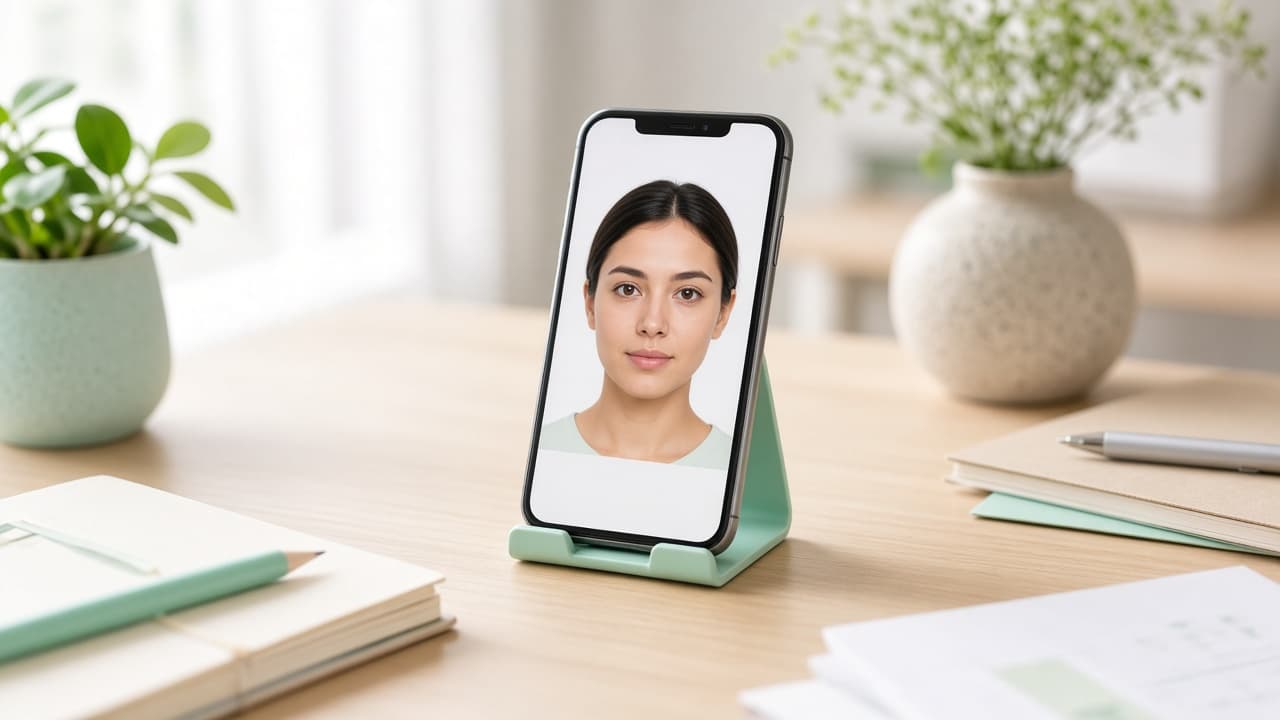
Passport Size Photo Maker Online: Create a Compliant Photo in Minutes (2026)
Turn a phone selfie into a passport-size photo online — correct crop, white background and country size without a studio visit.
What “passport size photo” actually means
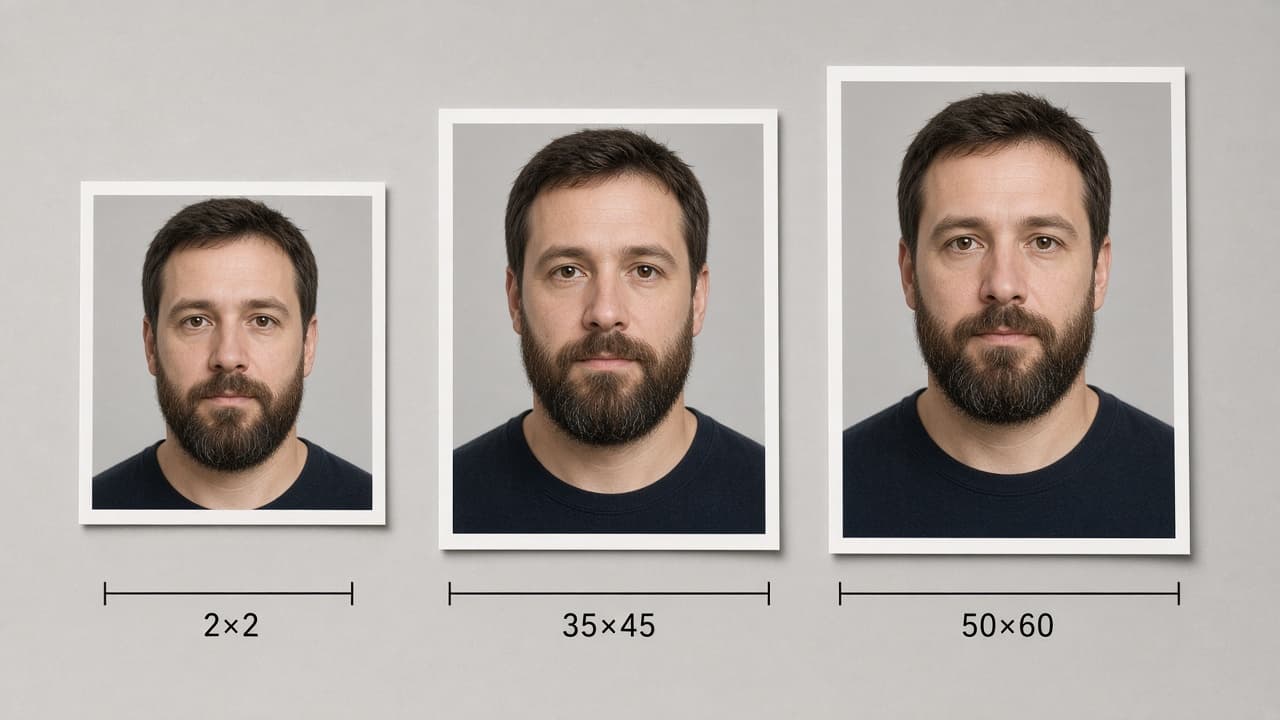
“Passport size” is not one global crop. The US uses a 2×2 inch square; most of Europe and Schengen use 35×45 mm; Türkiye uses 50×60 mm; Canada uses 50×70 mm. Searching “passport size photo maker” usually means: crop the face, set a plain light background, and export the right millimetres or pixels for *your* document.
Use our AI-powered United States Passport Photo Tool to auto-crop your image in 3 seconds.
Picking the wrong document (a US square instead of Schengen, for example) fails at the portal or desk — lock country + document type first.
Official photo requirements
- Document size applied
- Face alignment checked
- Background prepared
Size
2 × 2 in
Background
White
Digital photo
602 × 602 px


Why generic editors fail
Stretching a selfie into a square, or pasting yourself onto a white fill in a generic editor, often breaks head height, leaves shadow edges or keeps beauty filters. Portals and desks reject those even when the outer size looks right.
A proper maker is driven by document rules: ratio, background and (when needed) pixel / KB limits.
How an online maker should work
- 1
Pick the country + document first (not “custom size”).
- 2
Upload a sharp front photo — Portrait / beauty mode off.
- 3
AI centres the face, applies the official ratio and a compliant background.
- 4
Download a JPEG for upload, or a print sheet for the counter.
Quick cheatsheet: US passport / DS-160 family 2×2 in, often 600×600–1200×1200 px and ≤240 KB for visa uploads; Schengen / UK / AU print 35×45 mm; India Passport Seva digital 630×810 px; Türkiye 50×60 mm.
Make yours with FotoPass
Open the document picker, choose your passport or visa, upload one clear selfie. The FotoPass passport photo tool applies the correct passport-size crop and background so you can download in about three minutes.
If you need two documents the same week, export a separate file for each — do not paste one JPEG everywhere.